This time, a free lecture was opened at a robotics technology meetup.
It was a training session at Jaehyun High School on controlling a spider robot using a micro:bit.
A teacher I know had registered, but their work schedule overlapped on the day, so they gave me their spot and I decided to attend.
재현고등학교
대한민국 서울특별시 노원구 덕릉로82길 64
It’s a 10-minute walk from Sanggye Station.
The school has a large parking lot, so driving is also a good option.
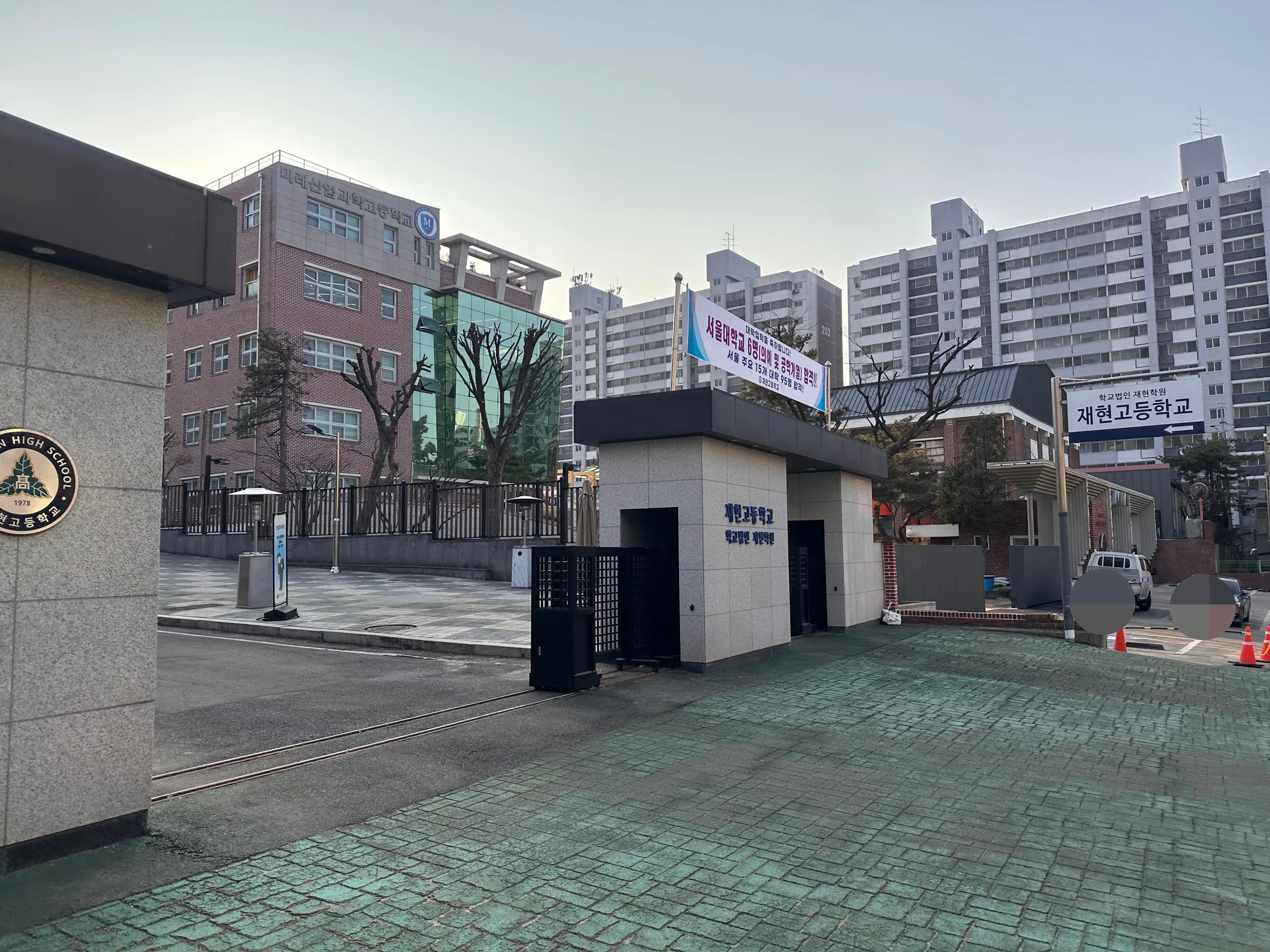
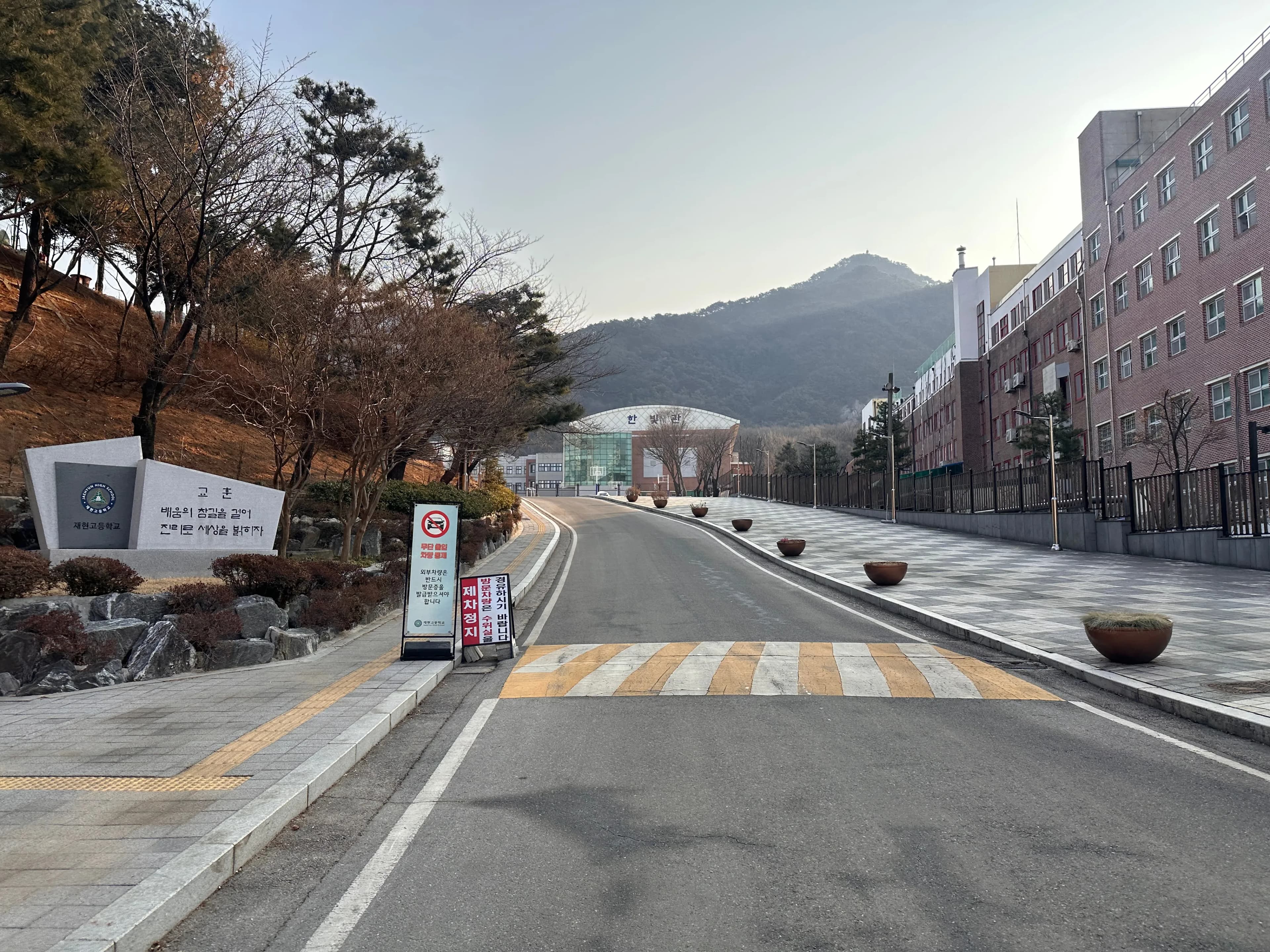
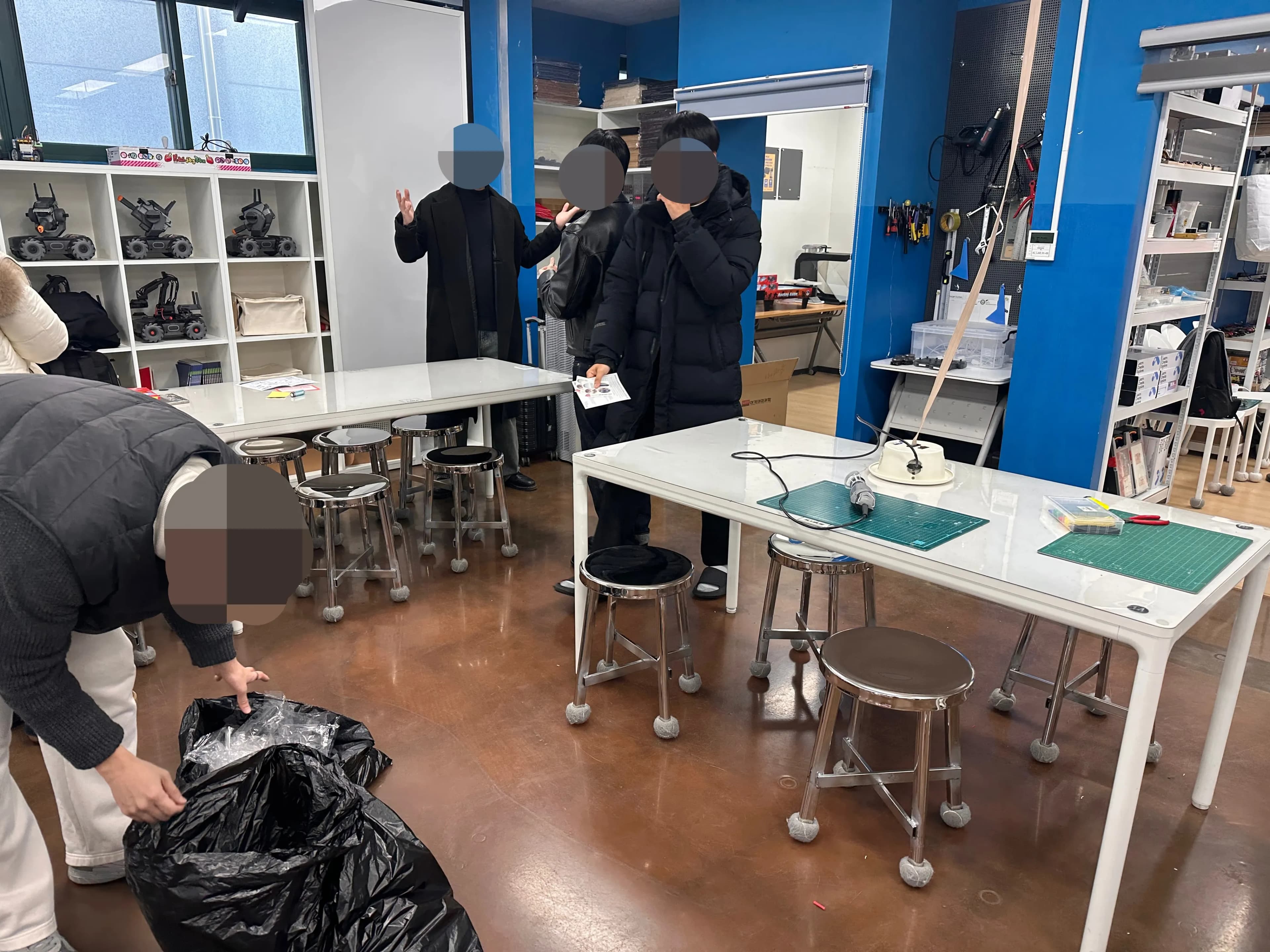
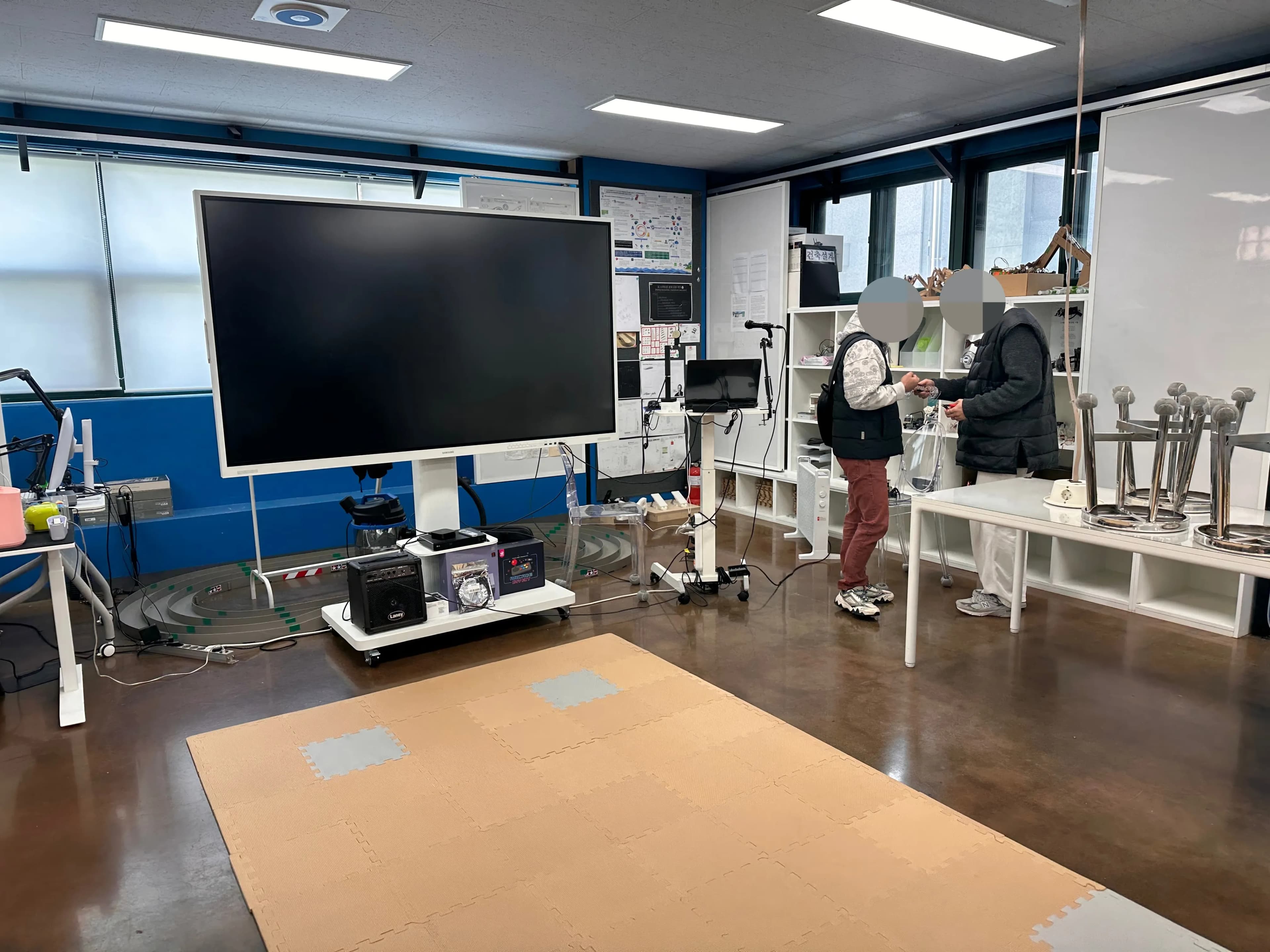
The training was held in the AI Engineering Lab located in a separate room at the back of the school.
The spider robot itself was a ready-made product, and the idea was to assemble it and then attach the micro:bit to control the motors.
We separated out the motor wires and did some soldering.
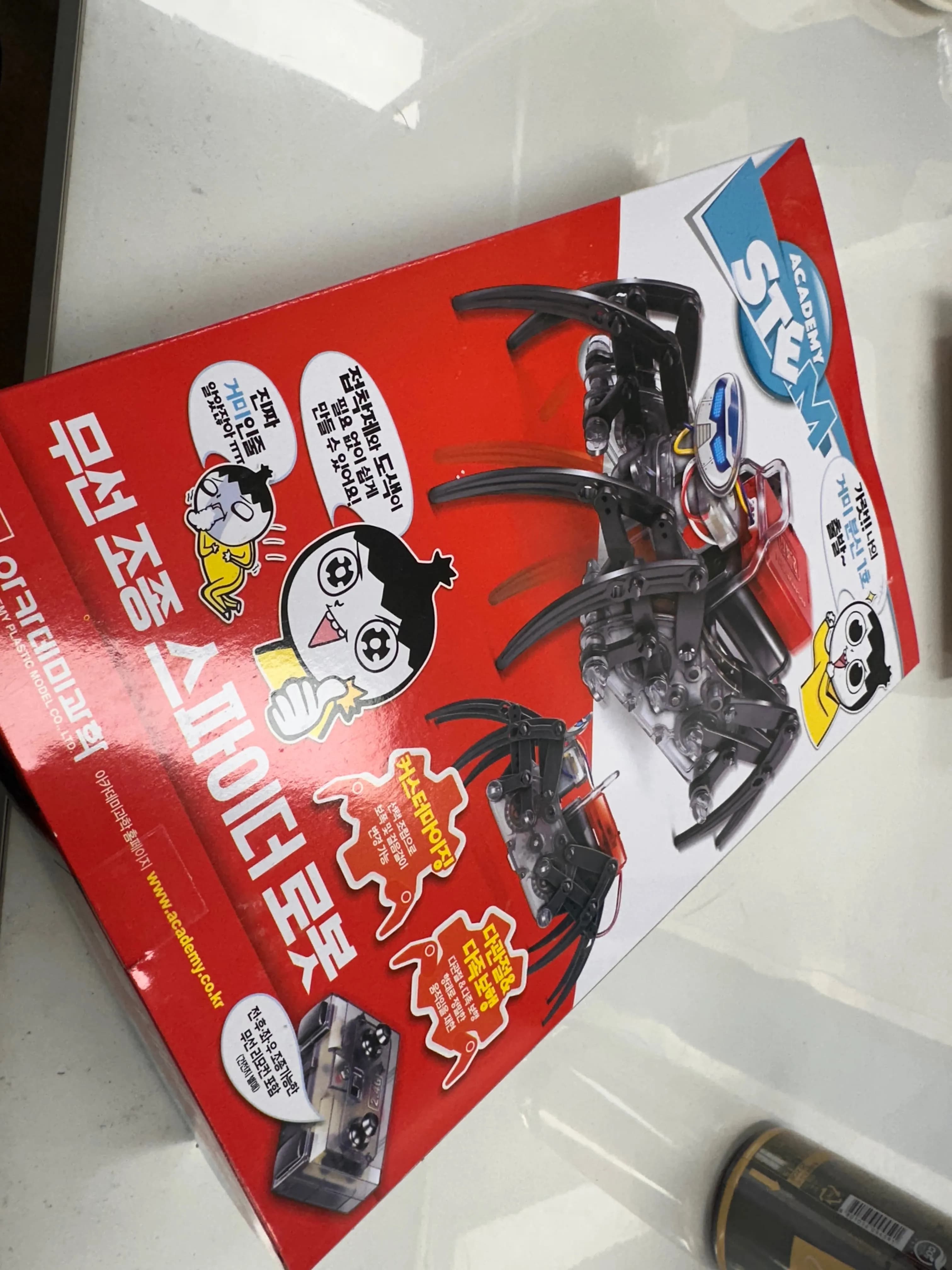
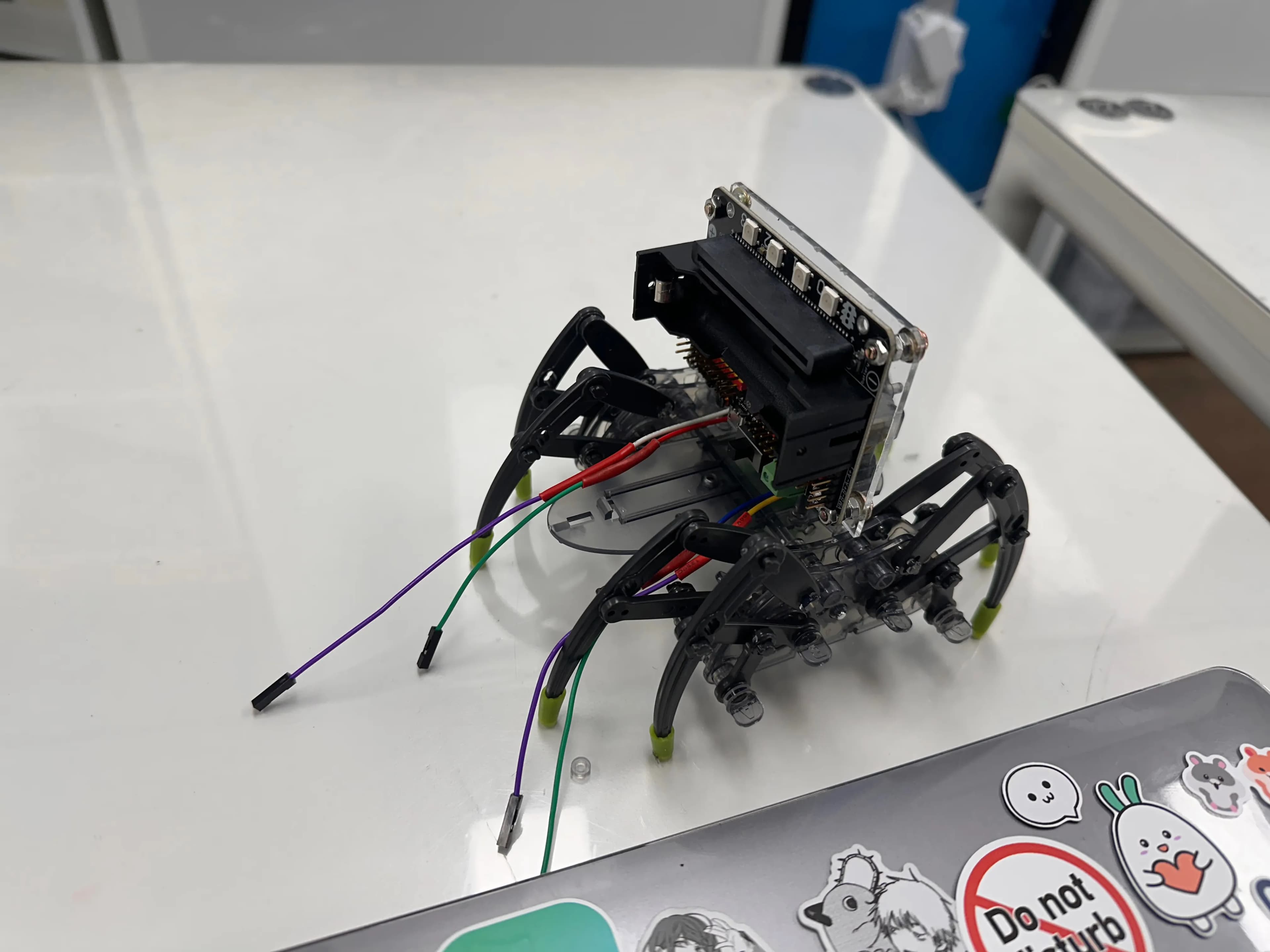
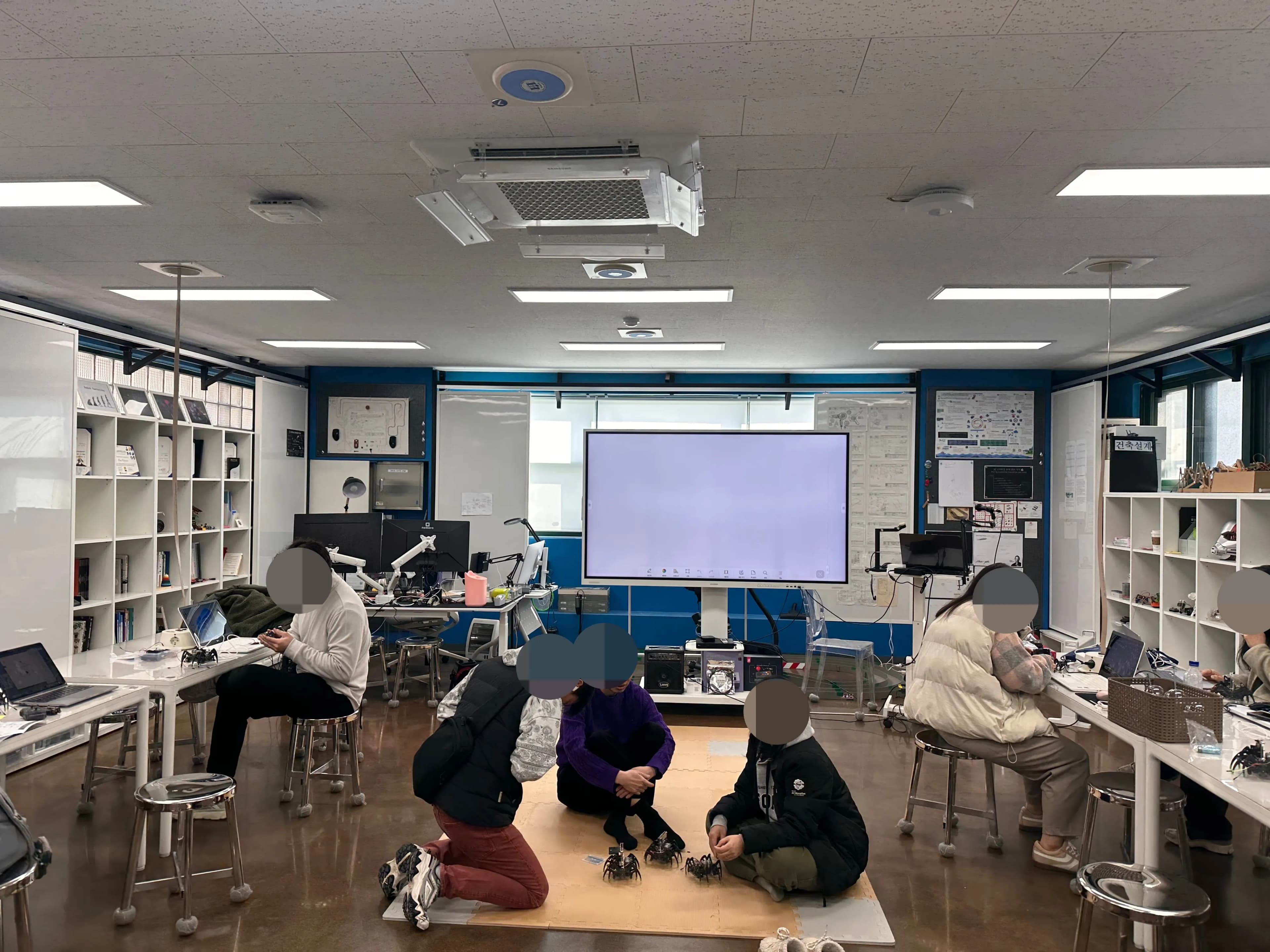
Now that the assembly was finished, it was time to code.
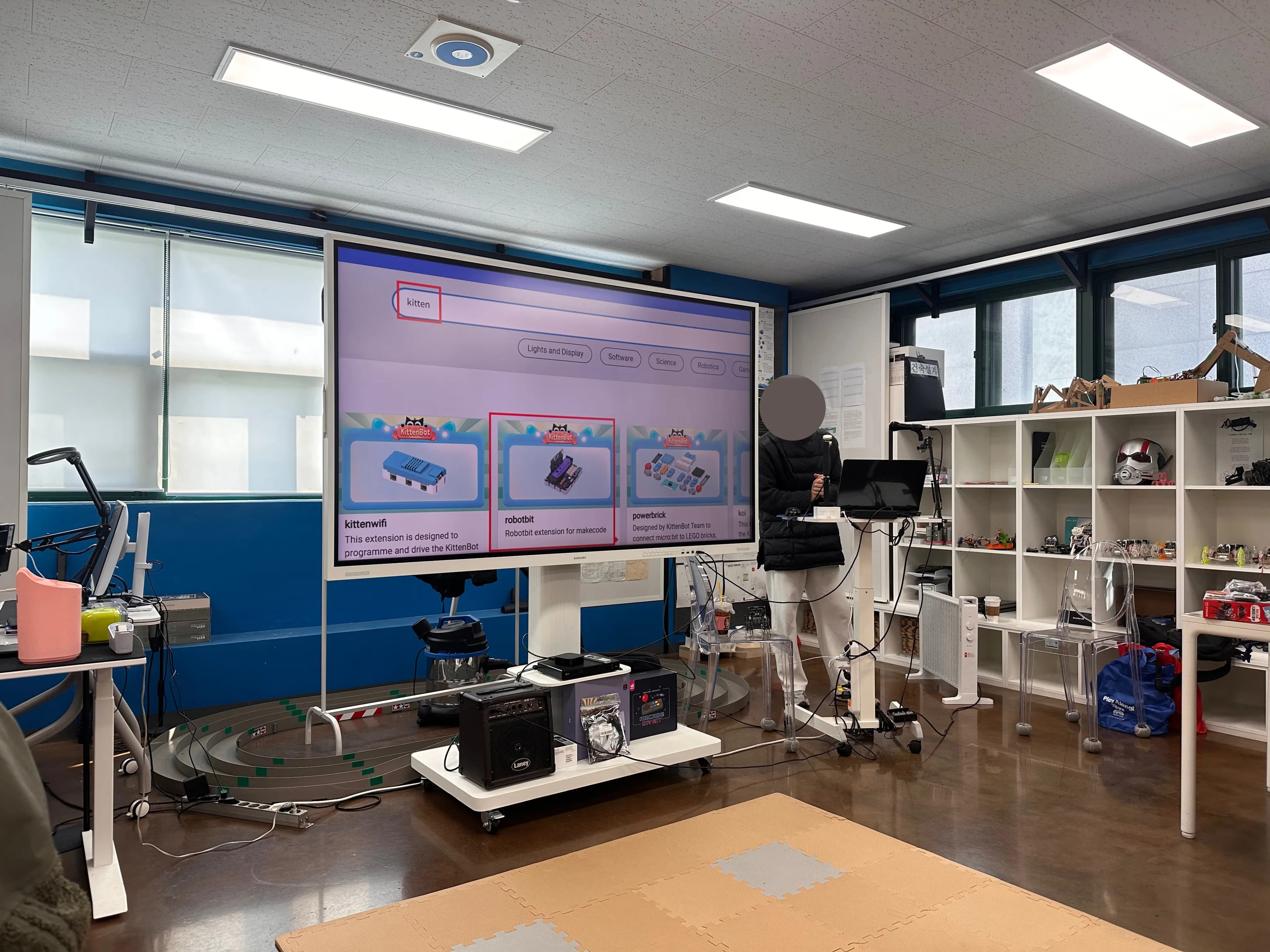
Go to the micro:bit website and click on MakeCode Editor.
For reference, if you log in, it auto-saves, so you can work more comfortably.
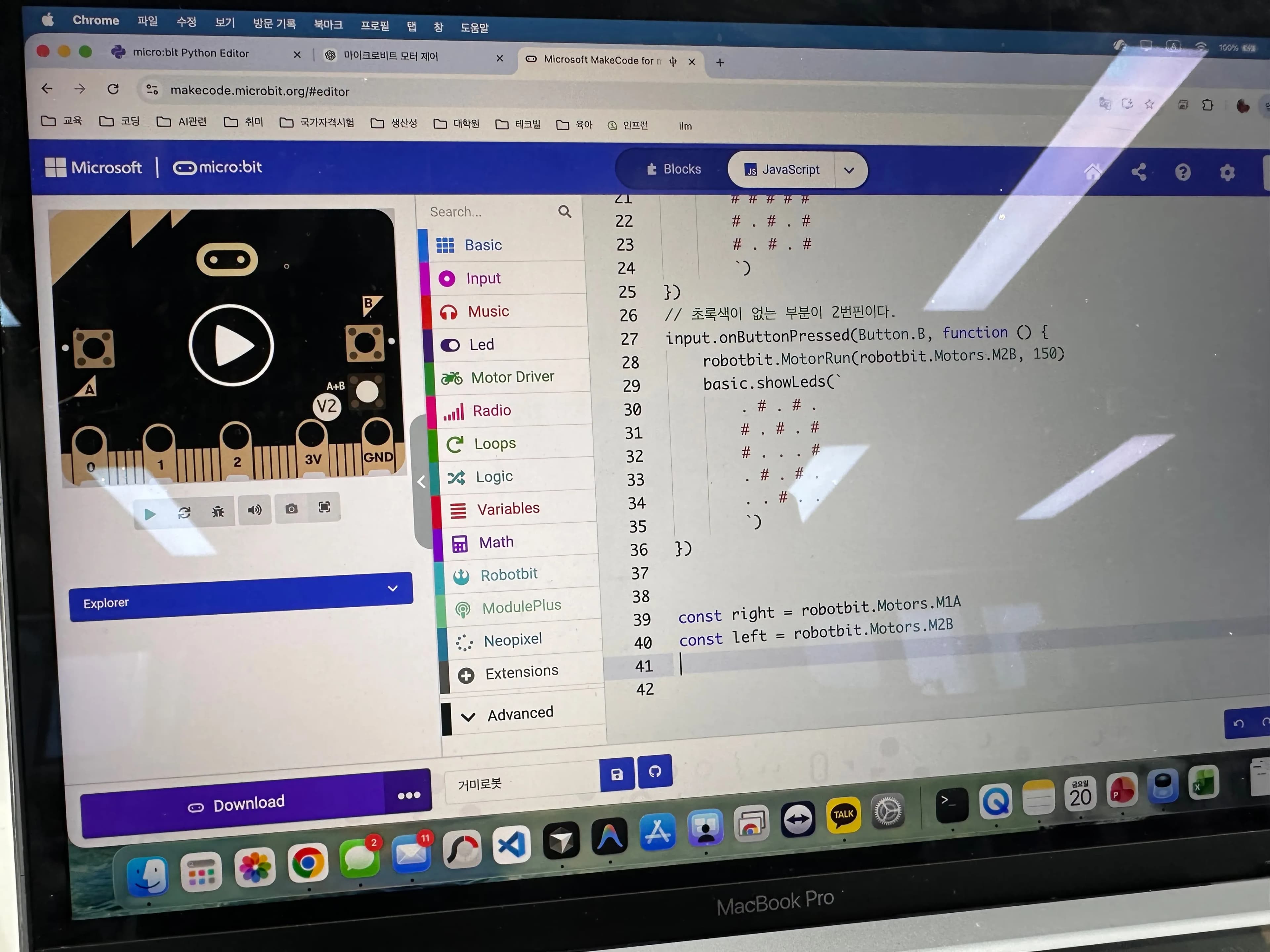
One interesting thing about using the micro:bit was that it supports JavaScript.
Considering that most other platforms mainly support Python, this was quite unique.
I thought it might be nice to learn JavaScript with this and then move on to web development.
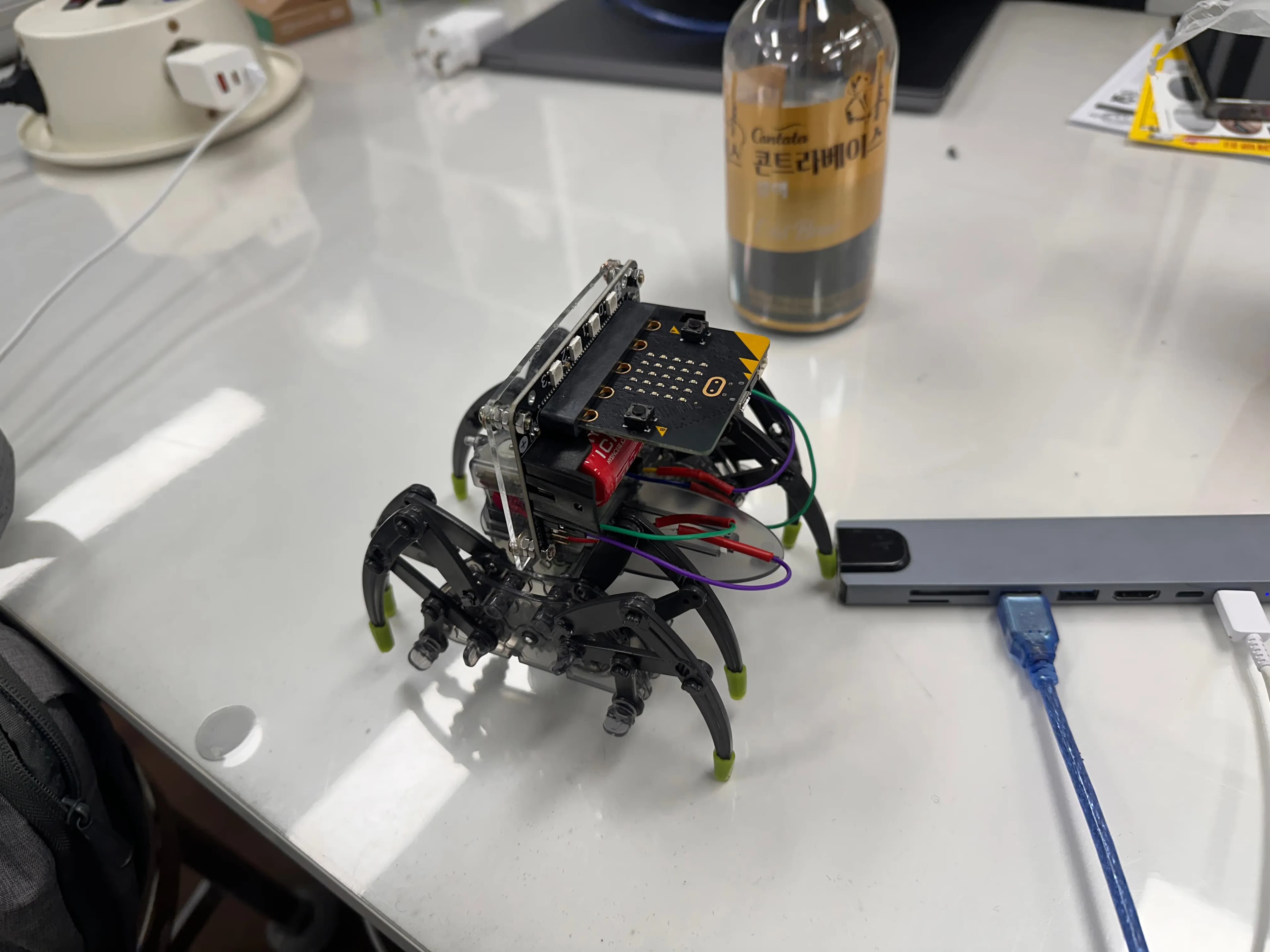
Now we had to control this little guy via Bluetooth.
The micro:bit already has a built-in Bluetooth module, so it was ready to use once we downloaded the library.
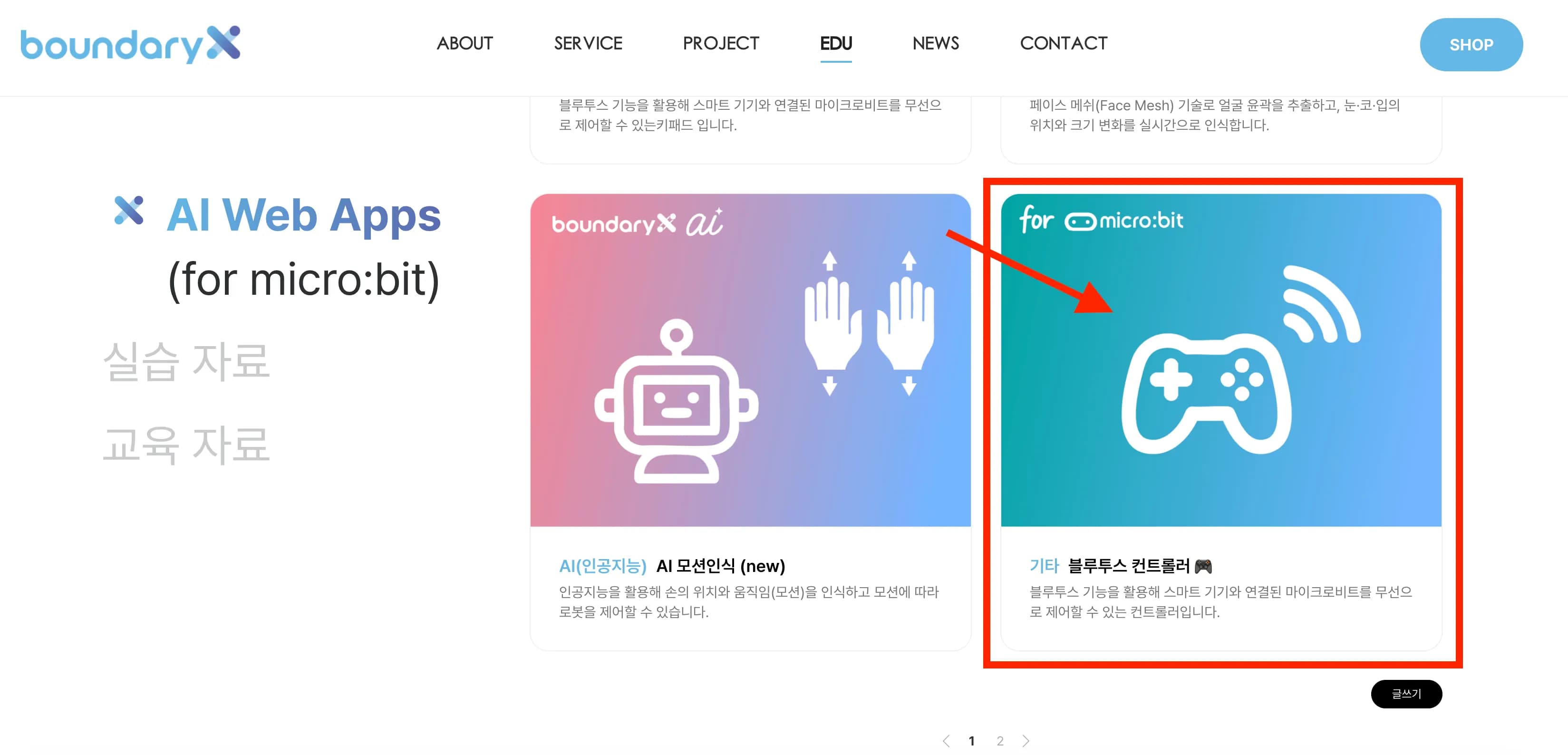
If you go to the site below, there’s a pre-built Web App.
You can look at the controller and examples there and build yours accordingly.
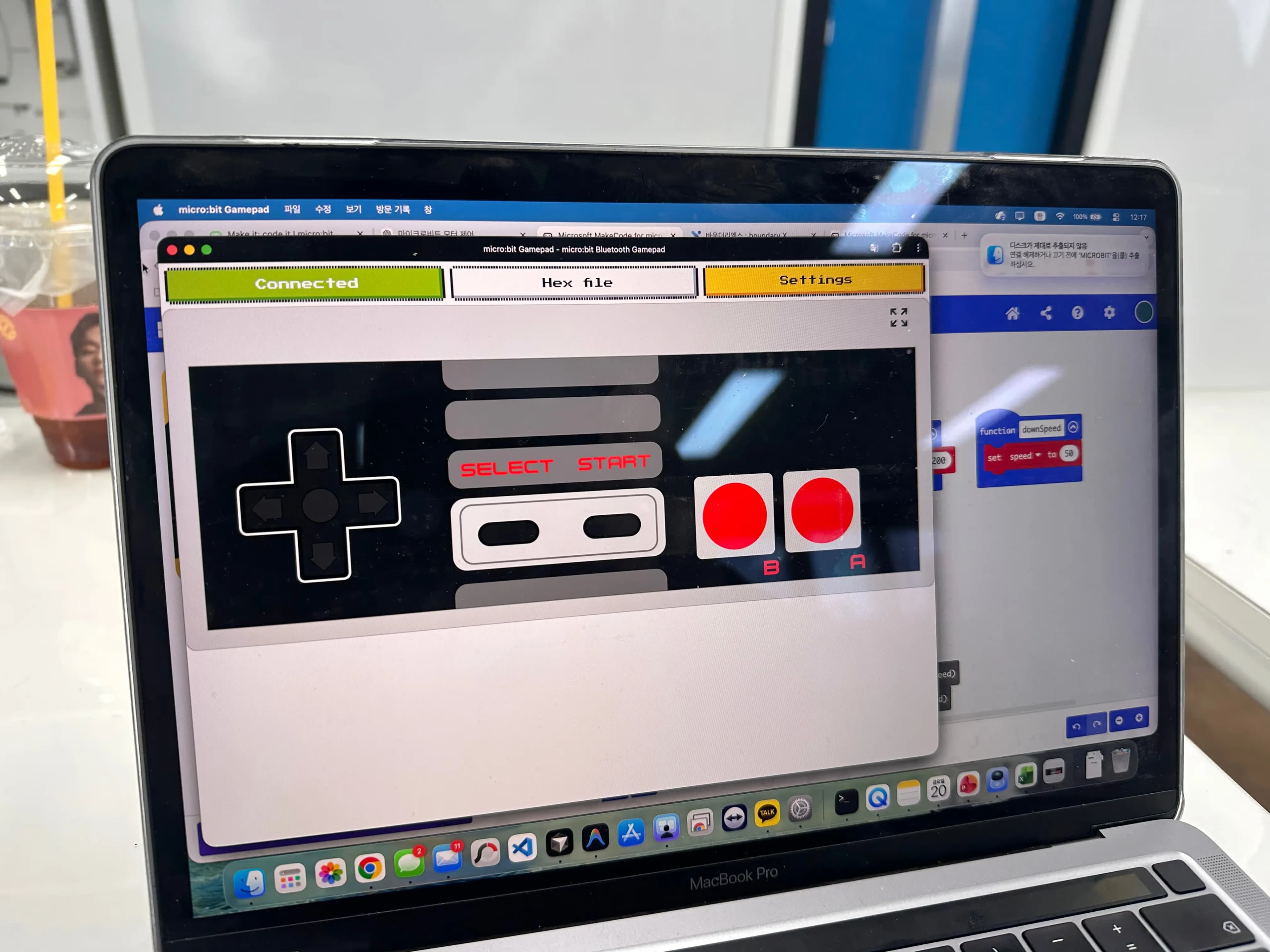
You need a separate application for the Bluetooth connection.
It’s a Chrome application similar to Chrome Remote Desktop, so you just install it and run it.
Like this, the training that started at 9 a.m. ran tightly without a break until 12:30 p.m. and then finished.
I was a bit disappointed that there wasn’t enough time.
I hope I can take another training session with the teachers who are very interested in coding.


댓글을 불러오는 중...