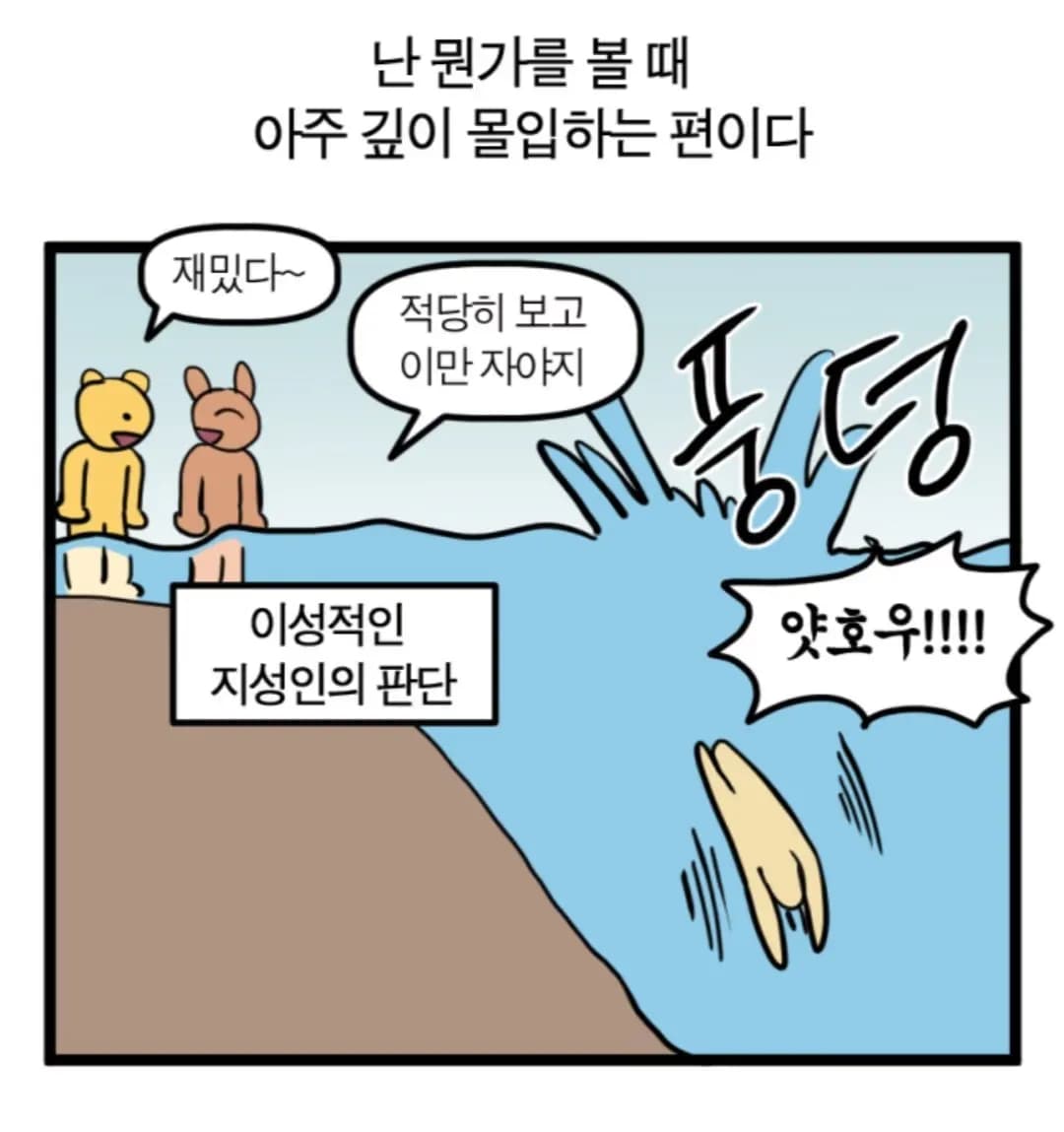
About a year after I first got into web development, I started thinking that I wanted to have my own blog.
So I decided to spend about six months working solely on this and building it.
For the frontend features, referring to Kim Do-hyung’s blog below should be more than enough.
It took me less than a week to build a blog using mdx as well.
To be honest, there weren’t many issues running a blog with just the frontend.
For a while, I thought just creating mdx files and developing only the frontend was enough, but I couldn’t give up on the dream of a full-stack blog where I could access the web from anywhere and write posts.
1. Features
The features are nothing special.
You can post articles and view them.
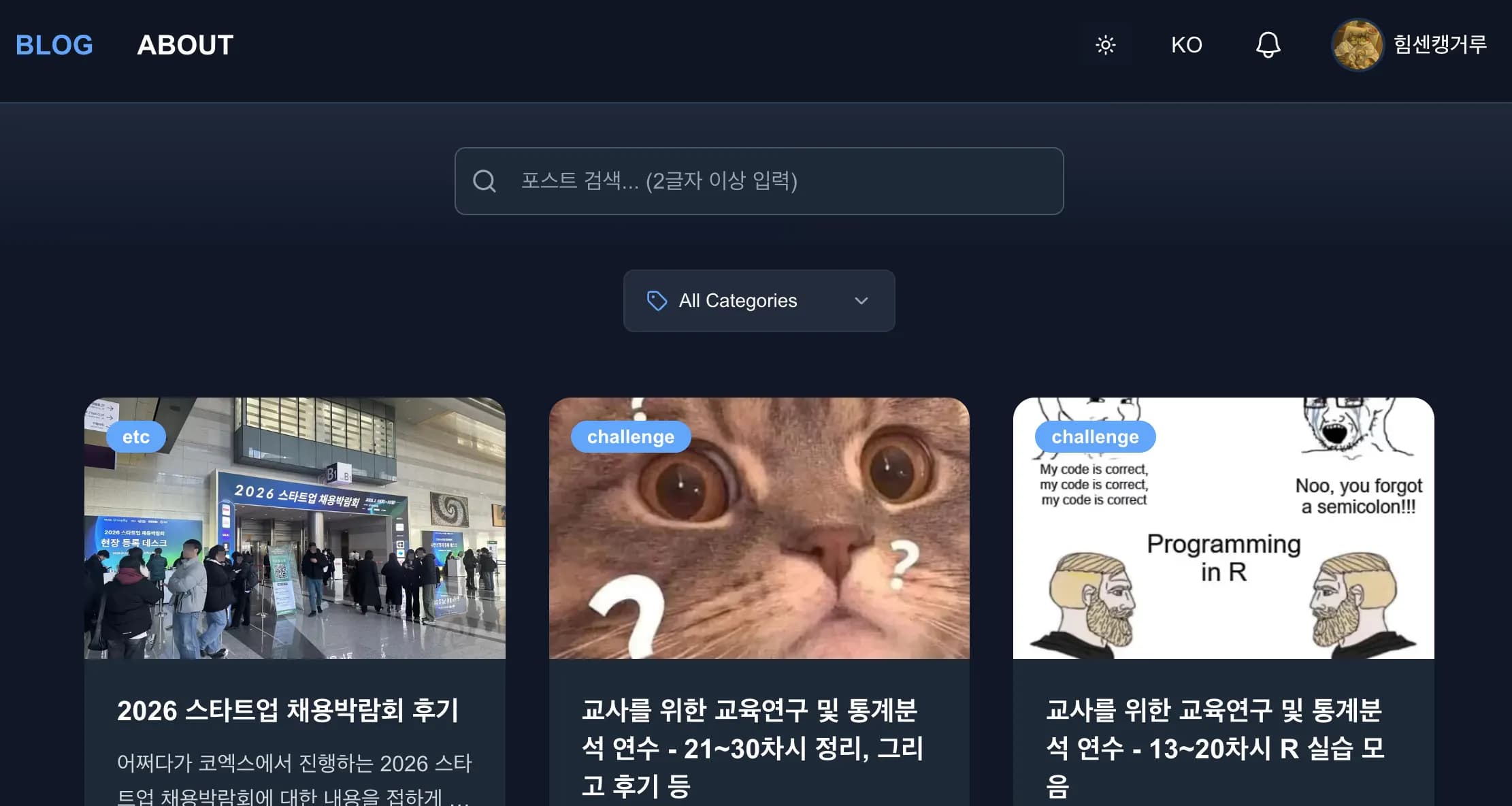
When you log in, the button shape in the top right changes.
And when you click it, you can upload a post.
If you watch the video below, you can see the process of writing and uploading a post.
There’s an image conversion step, and all uploaded images are stored in the most efficient avif format.
For YouTube, you can just paste the URL and embed it as shown above.
The idea for the table management feature came from Tistory.
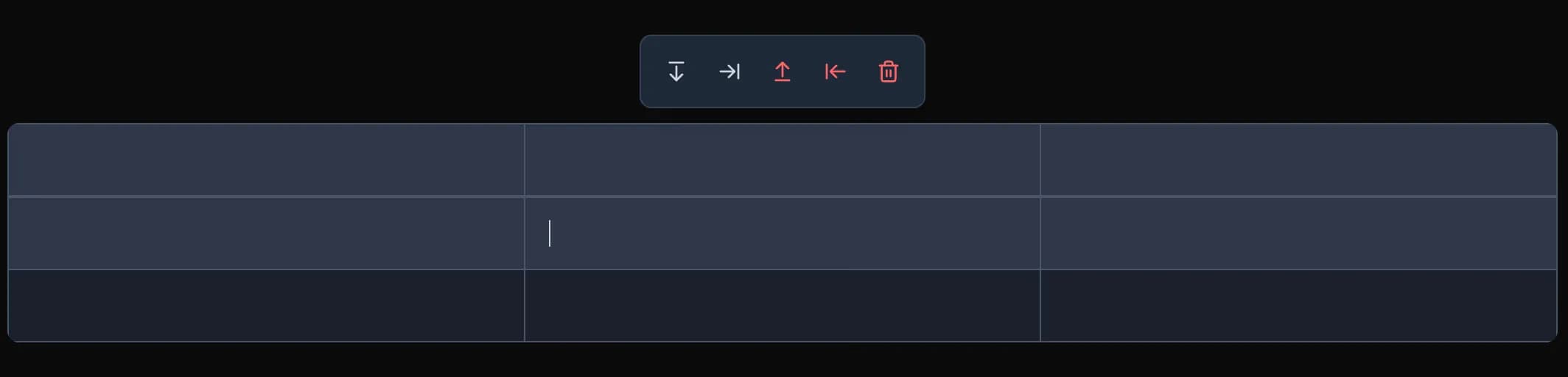
When the table is focused, a toolbar appears at the top allowing you to add or delete tables.
Of course, temporary saving is also possible.
Inside the editor, pressing cmd+s or ctrl+s saves your content.
2. Architecture
“Architecture” sounds fancy, but in Korean it basically just means “structure.”
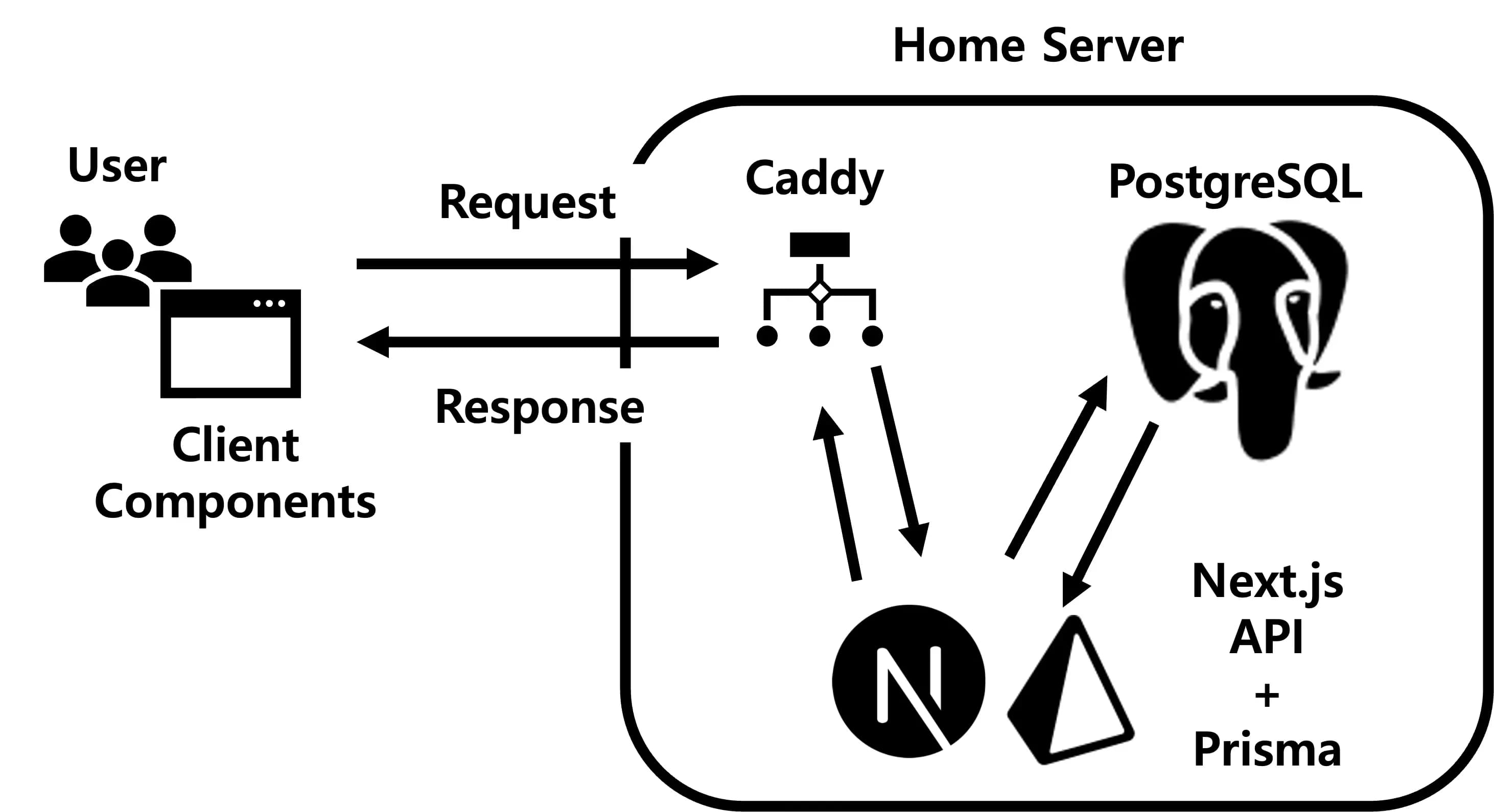
The initial request coming into the server is distributed by Caddy acting as a reverse proxy.
If there were only a frontend, I would just convert the mdx and send it as-is, but since I built a backend, I connected it using Next.js and Prisma.
As everyone knows, if you shove user input straight into the backend, you’ll get hacked immediately.
You must validate everything via APIs first, and only then store it.

At one point, because I wanted lots of comments on my blog, I opened the API so anyone could leave comments.
Then some guy started blasting that API with SQL injection attacks, and I ended up with about 100 comments.
There was even someone who tried to hack me by inserting fetch and commands inside an SVG image.
For all I know, there might be another version of me walking around just fine somewhere in China without me knowing.
3. Editor
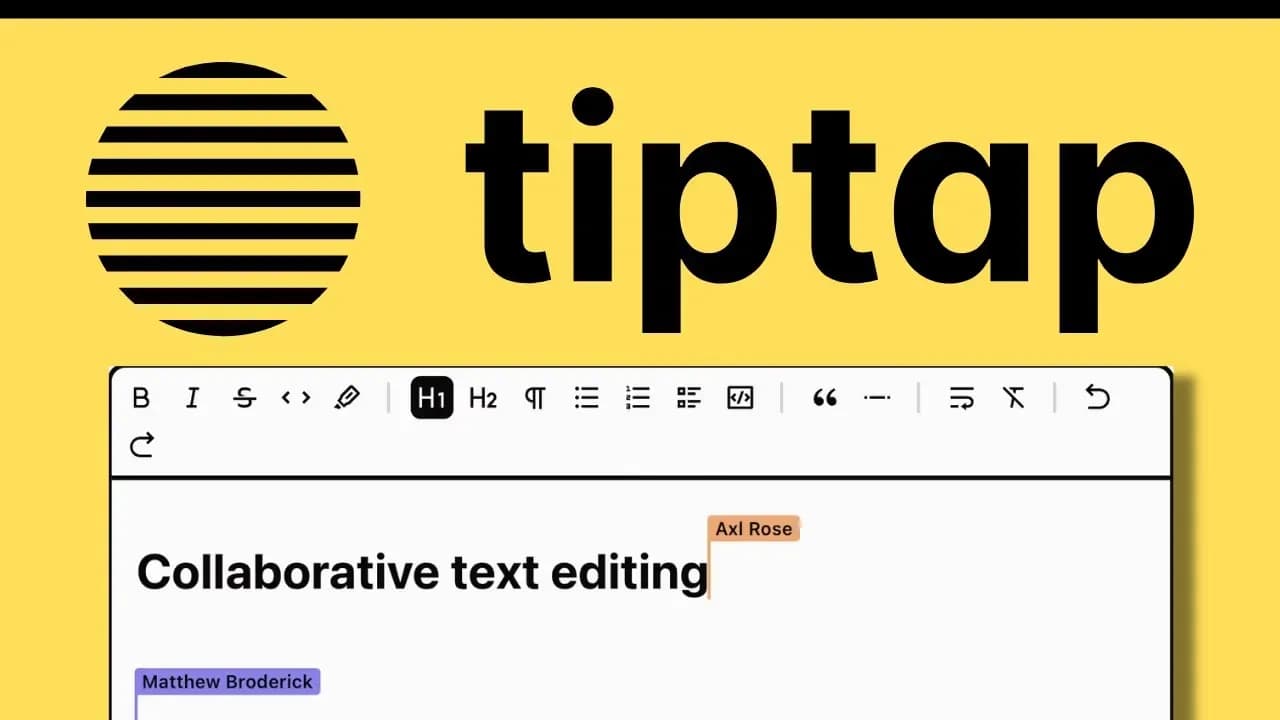
The editor is what I poured the most effort into.
The editor was built by extending Tiptap with various features.
As a result, there are more than 10 Tiptap-related components alone.
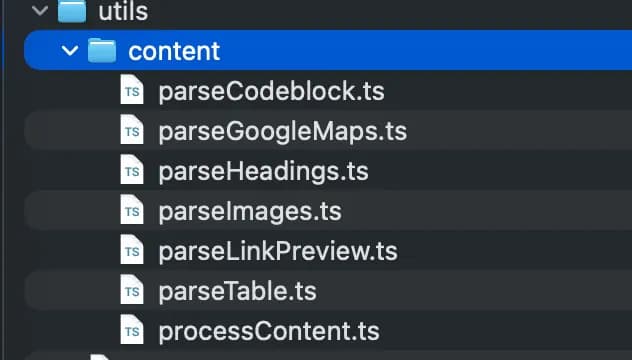
Image insertion, for example, was implemented as follows:
  const editor = useEditor({
    extensions: editorExtensions,
    content,
    onUpdate: ({ editor }) => {
      onChange(editor.getHTML());
    },
    editorProps,
    immediatelyRender: false,
  });

  const { uploadProgress, uploadImage, clearProgress } = useImageUpload({
    onUploadComplete: (imageUrl, isAnimated) => {
      if (editor) {
        try {
          editor
            .chain()
            .focus()
            .insertContent([
              {
                type: "image",
                attrs: {
                  src: imageUrl,
                  alt: "Uploaded image",
                  "data-animated": isAnimated || false,
                },
              },
              {
                type: "paragraph",
                content: [],
              },
            ])
            .run();
        } catch (error) {
          console.error("Image insertion error:", error);
        }
      }
    },
  });
For performance benefits, I saved and loaded the raw HTML as-is.
When saving from Tiptap to the backend, I added several processing steps.
Things like code blocks, Google Maps, headings, images, link previews, etc. are processed in advance, and then content and processedContent are stored separately.
4. Backend schema
After recently adding multilingual support, I realized that changing a backend schema once it’s been created is basically a disaster.
It reminded me of my professor, who always stressed how important schemas are.
If you’re considering building a blog backend as well, I hope you’ll spend a long time thinking about what kind of services you want to provide.
As I kept adding this and that, the schema became huge, and it’s a bit embarrassing, but I’ll share it anyway.
model Post {
  id               String          @id @default(cuid())
  title            String
  slug             Int             @unique @default(autoincrement())
  excerpt          String
  content          String
  processedContent String?
  thumbnail        String?
  published        Boolean         @default(false)
  createdAt        DateTime        @default(now())
  updatedAt        DateTime?
  likes            Int             @default(0)
  views            Int             @default(0)
  comments         Comment[]
  likesRows        PostLike[]
  viewDedups       PostViewDedup[]
  notifications    Notification[]
  locales          PostLocale[]
  author           User            @relation(fields: [authorId], references: [id], onDelete: Cascade)
  authorId         String
  category         String
  @@map("posts")
}
5. Thoughts
Now it’s time to answer the following question:
Do you really need a backend to build a blog?
After finishing everything, I find myself thinking, Was it really necessary?
In the end, I realized that WordPress was by far the easiest route.
From the moment you start implementing a backend and APIs, there’s a ton more you have to think about.
During the recent react2shell issue, I was being attacked every few minutes, and strange commands I’d never seen before kept appearing in the terminal, which was really tough for several days.

Even now, every few days I run npm audit to check and patch security issues.
Sometimes when I change the DB schema and the migration gets messed up, I break out in a cold sweat.
Still, looking back, I’ve learned a lot from implementing the backend, and I’m glad I now have a blog where I can implement features with my own hands.
From here on, rather than adding more blog features, I’d like to work on other projects and make my portfolio richer.





댓글을 불러오는 중...