I found out about this while submitting my site to Bing: Bing provides a feature called IndexNow.
The key point is that you can send an indexing request immediately after publishing a post by using an API key.
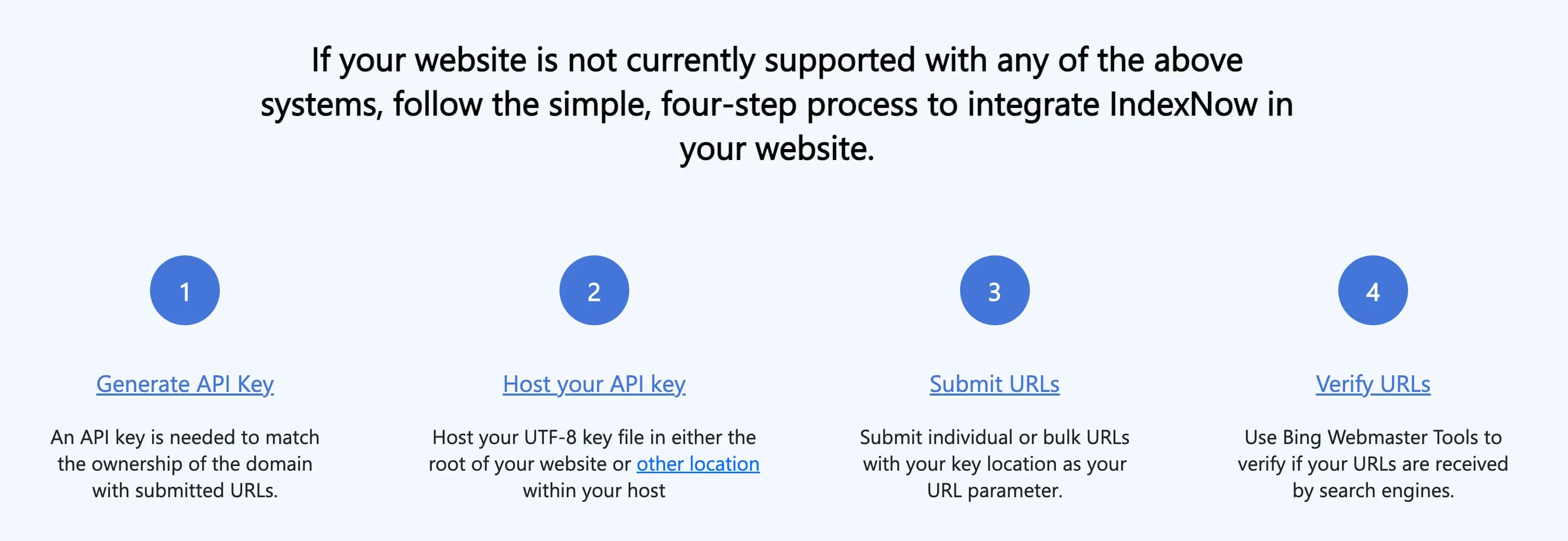
If you create a request like the one below using fetch and hook it into your posting flow, you can save the post to the DB and request indexing at the same time.
POST /IndexNow HTTP/1.1
Content-Type: application/json; charset=utf-8
Host: api.indexnow.org
{
  "host": "www.example.org",
  "key": "f9ee84af58564dacb6bfe55d808a252c",
  "keyLocation": "https://www.example.org/f9ee84af58564dacb6bfe55d808a252c.txt",
  "urlList": [
      "https://www.example.org/url1",
      "https://www.example.org/folder/url2",
      "https://www.example.org/url3"
      ]
}
So I checked other sites’ APIs as well, and found that Naver and Google also have APIs.
On Naver, the webmaster tools support IndexNow.
Other than the host, all the other elements were the same.
So I decided to try using IndexNow.
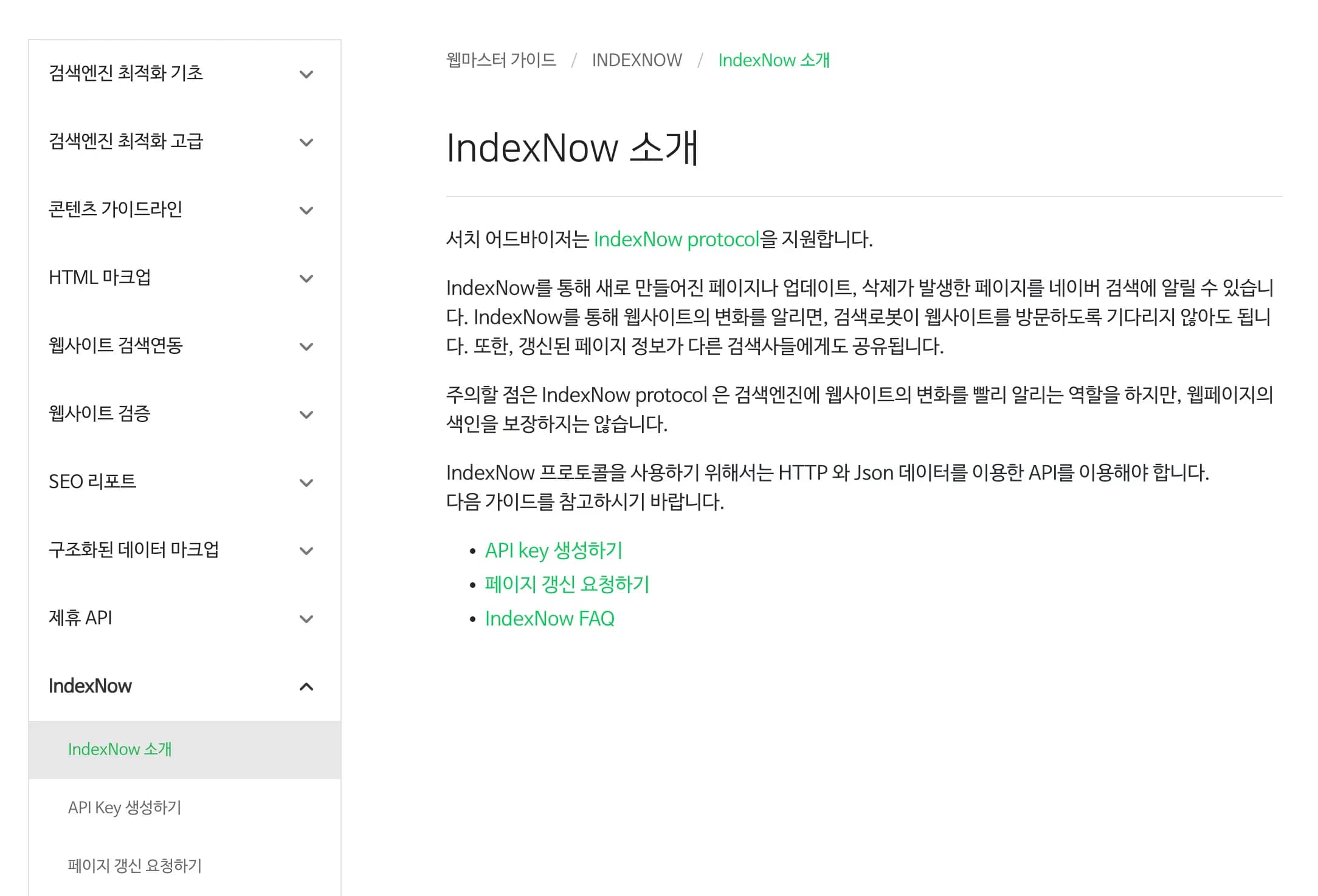
1. What is IndexNow?
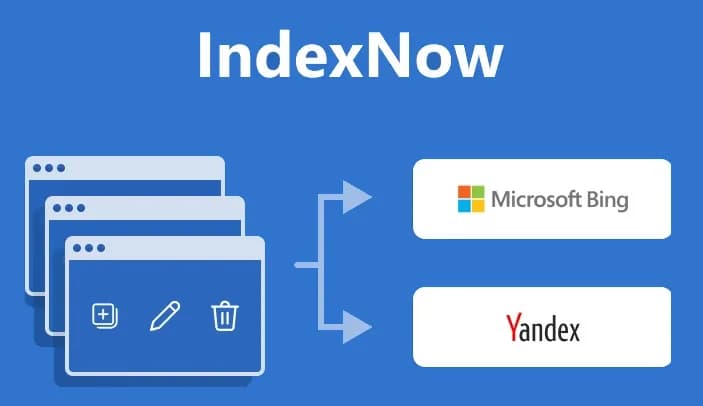
With the traditional search method, the search engine crawls your site on its own, checks for updates, and then proceeds to index.
If crawling doesn’t happen, all you can do is wait indefinitely.
The technology that emerged to solve this problem is IndexNow.

Every time you create, delete, or edit content on your site, you push a notification to the server.
When the website sends the request directly, the search engine schedules those URLs for indexing.
2. Search engine support
Currently, the following search engines support IndexNow.
For reference, each site has a slightly different API host.
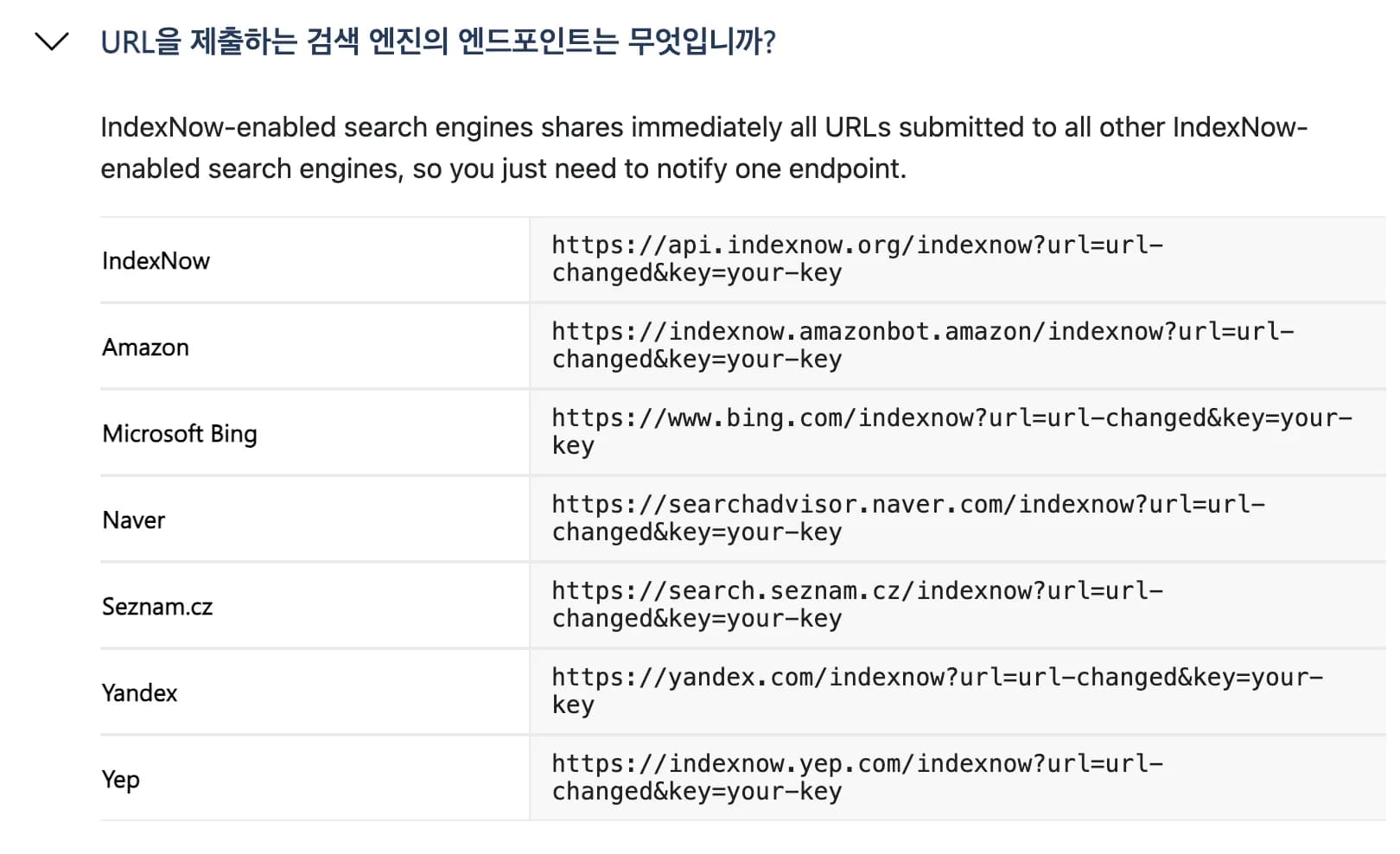
For details provided by Naver, see the link below.
3. Implementation method
1) Create key file
Place a <key>.txt file at the site root to verify site ownership.
The notepad file must contain only the key string.
https://example.com/1234567890ABCDEF.txt2) Send URL changes to the search engine
Send the following JSON via POST.
When the search engine receives the request, it schedules those URLs for rapid re-crawling.
{
  "host": "example.com",
  "key": "1234567890ABCDEF",
  "keyLocation": "https://example.com/1234567890ABCDEF.txt",
  "urlList": [
    "https://example.com/post/123",
    "https://example.com/about"
  ]
}
4. Using it in Next.js
There are npm libraries for IndexNow, but the code is simple enough that we can just write a function ourselves.
You can write it yourself, of course, but GPT or Claude can whip up something amazing.
It’s not that important, so just have them generate it and then read through it carefully.
type IndexNowPayload = {
  host: string;
  key: string;
  keyLocation: string;
  urlList: string[];
};

const INDEXNOW_ENDPOINT = "https://api.indexnow.org/indexnow"; // Bing / public

export async function submitToIndexNow(
  urls: string[],
  options?: {
    host?: string;
    key?: string;
    keyLocation?: string;
    endpoint?: string; // If needed, change to Naver endpoint, etc.
  }
): Promise<void> {
  if (!urls.length) return;

  const host =
    options?.host ??
    process.env.INDEXNOW_HOST ?? // e.g. "earthscience.kr"
    new URL(urls[0]).host;

  const key = options?.key ?? process.env.INDEXNOW_KEY;
  const keyLocation =
    options?.keyLocation ??
    process.env.INDEXNOW_KEY_LOCATION ?? // e.g. "https://earthscience.kr/1234567890ABCDEF.txt"
    `https://${host}/${key}.txt`;

  const endpoint = options?.endpoint ?? INDEXNOW_ENDPOINT;

  if (!key) {
    throw new Error("IndexNow key is not set. Check the INDEXNOW_KEY environment variable.");
  }

  const payload: IndexNowPayload = {
    host,
    key,
    keyLocation,
    urlList: urls,
  };

  const res = await fetch(endpoint, {
    method: "POST",
    headers: {
      "Content-Type": "application/json; charset=utf-8",
    },
    body: JSON.stringify(payload),
  });

  if (!res.ok) {
    const text = await res.text().catch(() => "");
    throw new Error(
      `IndexNow request failed: ${res.status} ${res.statusText} ${text ? `- ${text}` : ""}`
    );
  }
}
For reference, Naver uses a different endpoint, so if you want to handle Naver as well, you need to perform two fetch calls.
Now you just need to lightly attach this to your post create, edit, and delete APIs.
export async function Post(request: NextRequest){

	...

    const post = await createPost({
      title,
      excerpt: excerpt || "",
      content,
      category: category || "Others",
      categoryId: categoryId || null,
      thumbnail: thumbnail || null,
      published: published || false,
    });

    // Notify IndexNow of new post (only if published)
    if (post.published && post.slug) {
      try {
        const postUrl = `${process.env.NEXT_PUBLIC_URL}/post/${post.slug}`;
        await submitToIndexNow([postUrl]);
        console.log('IndexNow submission succeeded:', postUrl);
      } catch (indexError) {
        console.error('IndexNow submission failed:', indexError);
        // Even if IndexNow fails, treat the post as successfully published
      }
    }

	...

}
5. Trouble shooting
Registration worked fine on Bing, but on Naver it often failed.
After looking it up, it turns out that for Naver, you must omit https:// when setting the host.
You need to extract just the actual host through a process like the one below.
options?.origin ??
process.env.NEXT_PUBLIC_URL ?? // Usually https://domain
new URL(urls[0]).origin;

const originUrl = new URL(origin);
const host = options?.host ?? originUrl.host; // ✅ Domain only
For example, you need to change it as follows.
{
  "host": "https://earthscience.kr"  // 422 error!
  "host": "earthscience.kr"		 // This passes
}
6. Thoughts
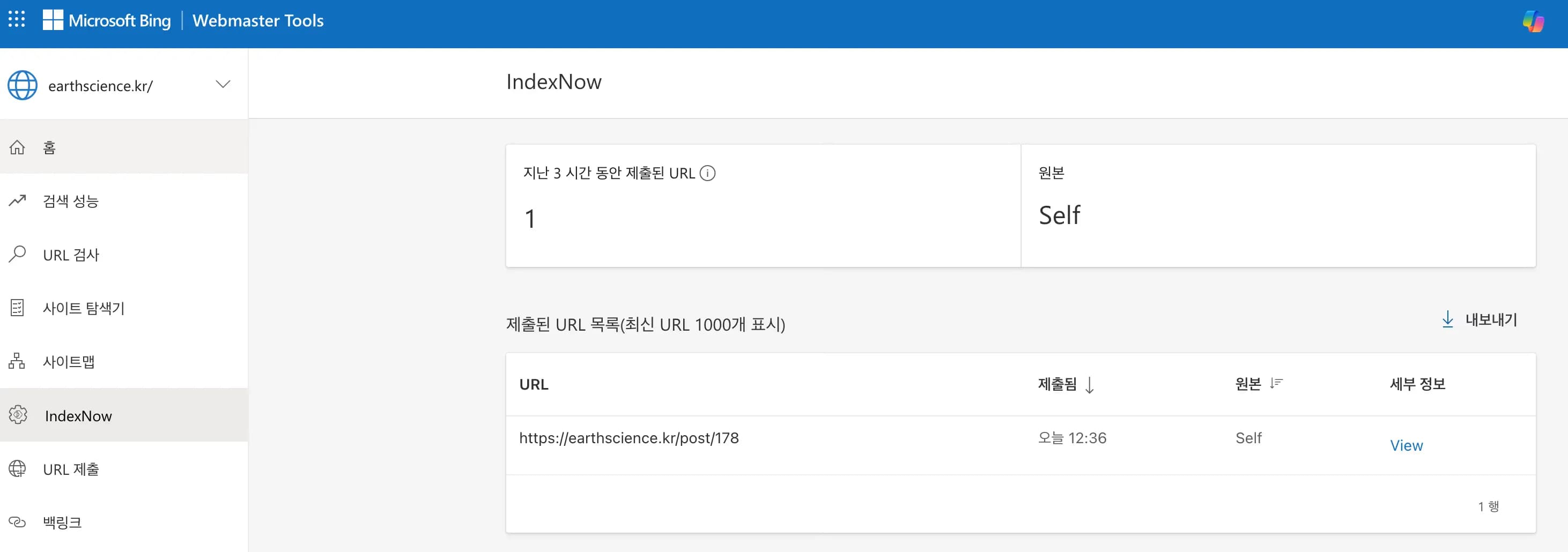
I tried publishing and editing this very post as a test, and it seems to work well.
Knowing that Bing and Naver will now be crawled automatically without me having to visit them separately is much more convenient.
I’ll keep an eye on it for a while to see how it behaves.





댓글을 불러오는 중...