1. The Beginning of the Incident
Generally, when registering with Daum search, you go to search registration to register.
In my case, I registered it as a site first.
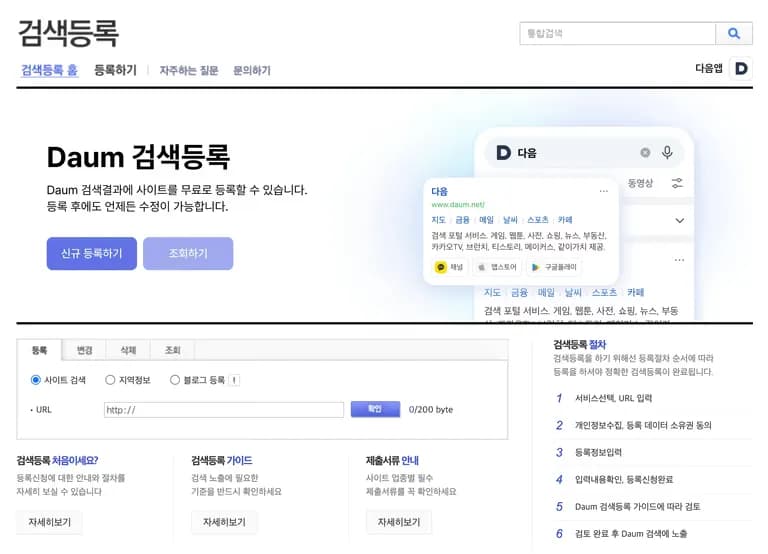
For some reason, the posted contents were not indexed.
Despite registering my blog for search about 5 times and waiting over 2 months, it wasn't searchable on Daum...
Finally, I decided to contact customer support.
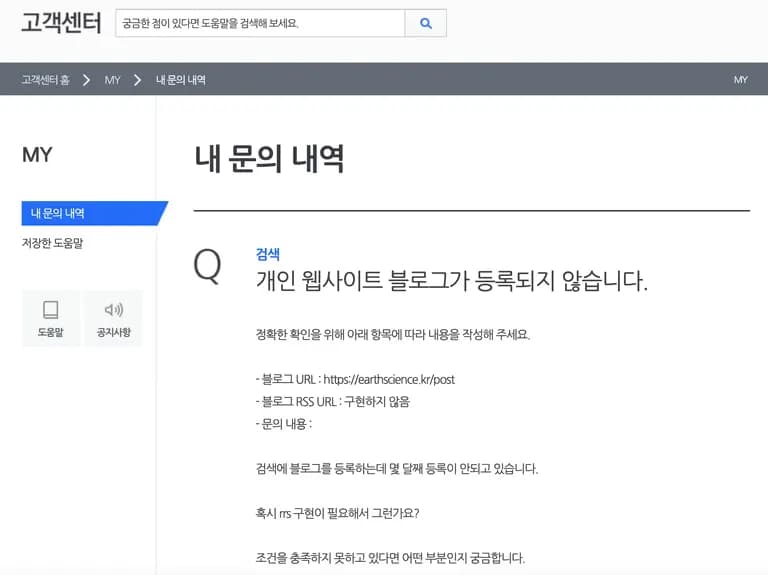
The unexpected response was to try using Daum Webmaster Tools.
I first learned about Daum Webmaster Tools through this customer support inquiry.
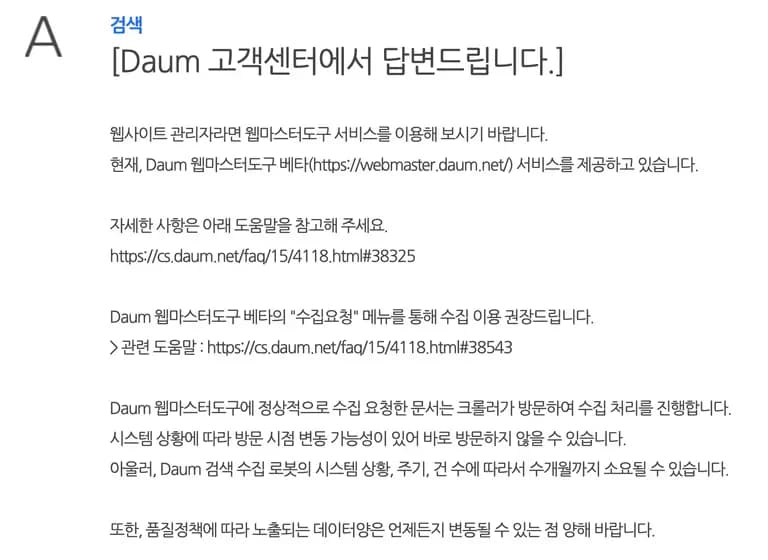
So, I went to the site.
2. Daum Webmaster Tools
When you enter Daum Webmaster Tools, you can see a page like the one below.
It is much cleaner than the previous search registration site.

The first thing you need to do is register the site pin code.
Enter the site address and pin code as shown below.
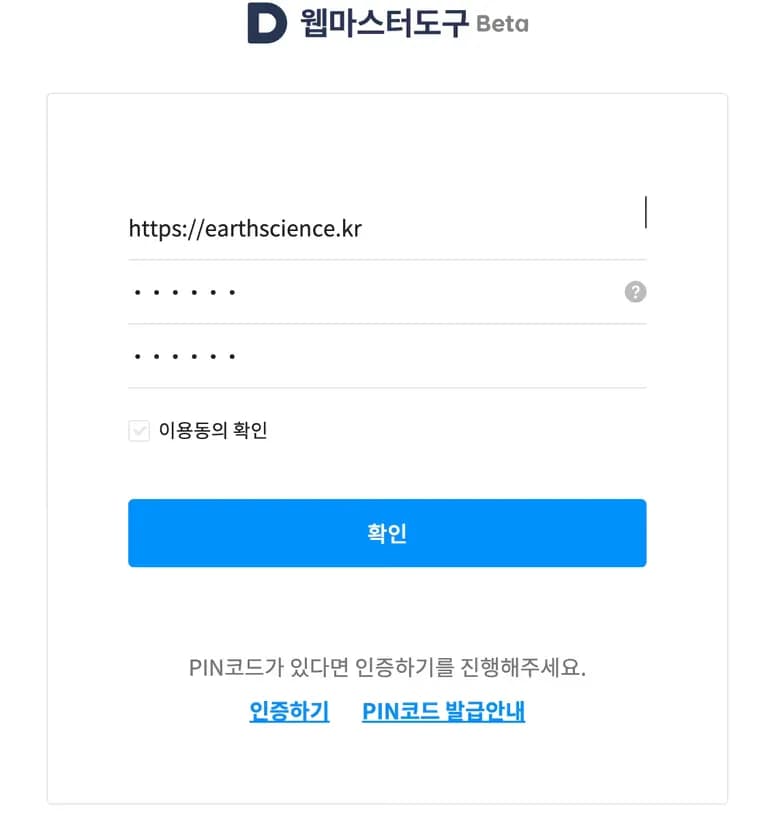
And you're instructed to enter a certain string at the bottom of the robots.txt for site verification.
Being based on nextjs, I created a public/robots.txt and entered the string to complete the verification.
You can now access with the pin code.
3. Registering Site Index
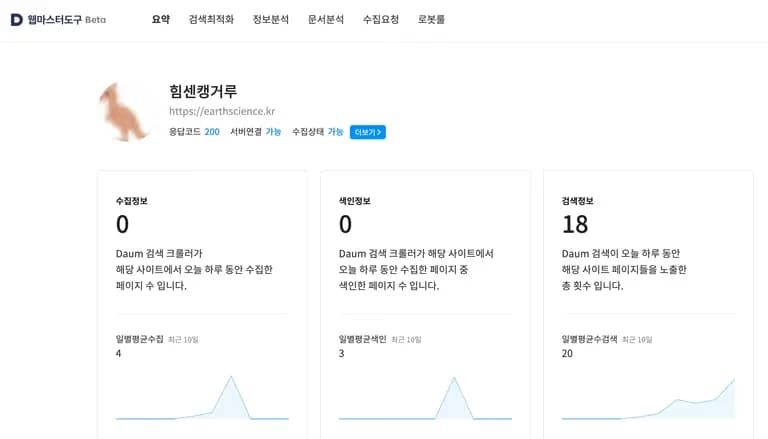
When you log in, you'll see something like the above.
After exploring a bit, let's go to the most important Crawling Request.
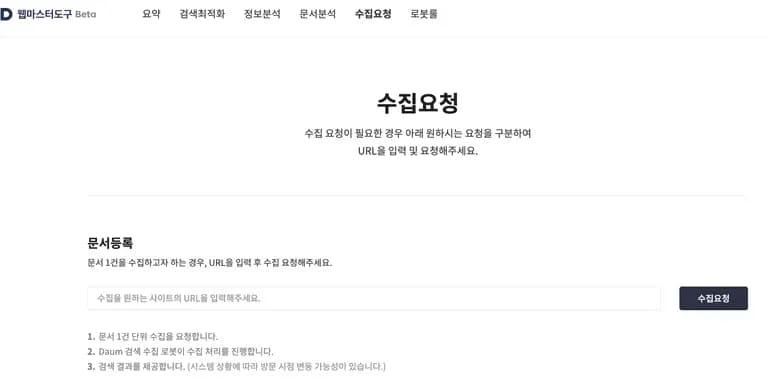
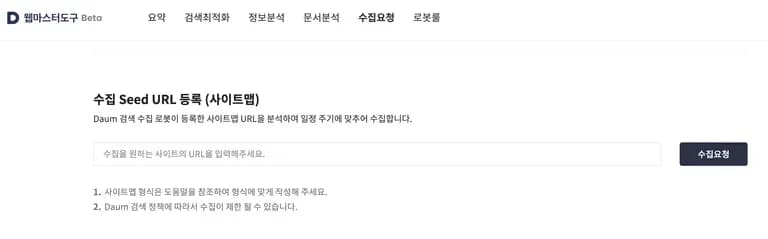
Here, you can request site crawling and register a sitemap.
If it's your first time, it's good to manually request crawling.
You only need to register the sitemap once.
4. Review
Now, my articles that never showed up in searches are finally searchable.
It's still in beta, so there are some lacking areas, but it serves its purpose, so it doesn't matter.
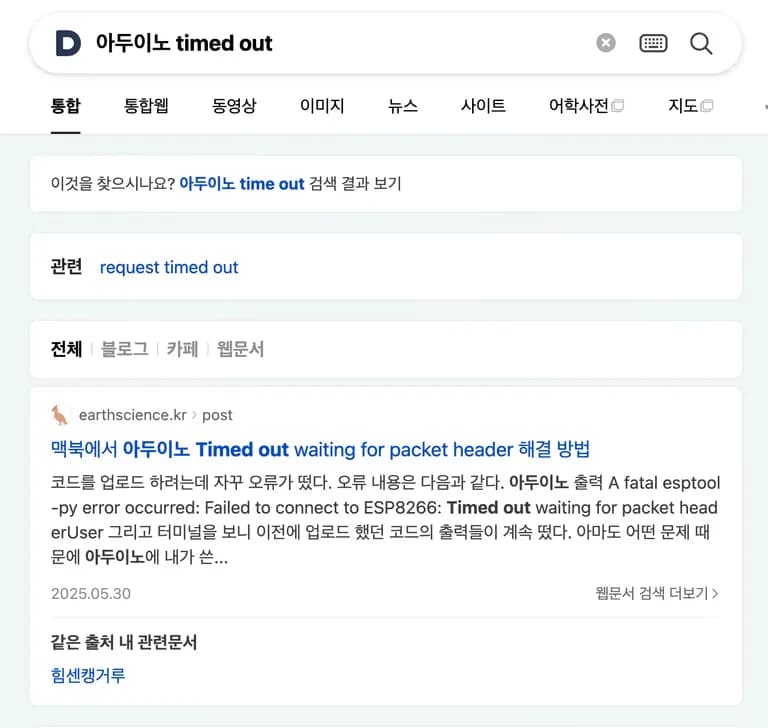
I'm happy to be able to increase Daum traffic with this.
Next time, I plan to work on translating posts into English for upload.






댓글을 불러오는 중...