In the previous post, we created a chatGPT service using Vercel's AI SDK.
However, the conversation feels somewhat plain.
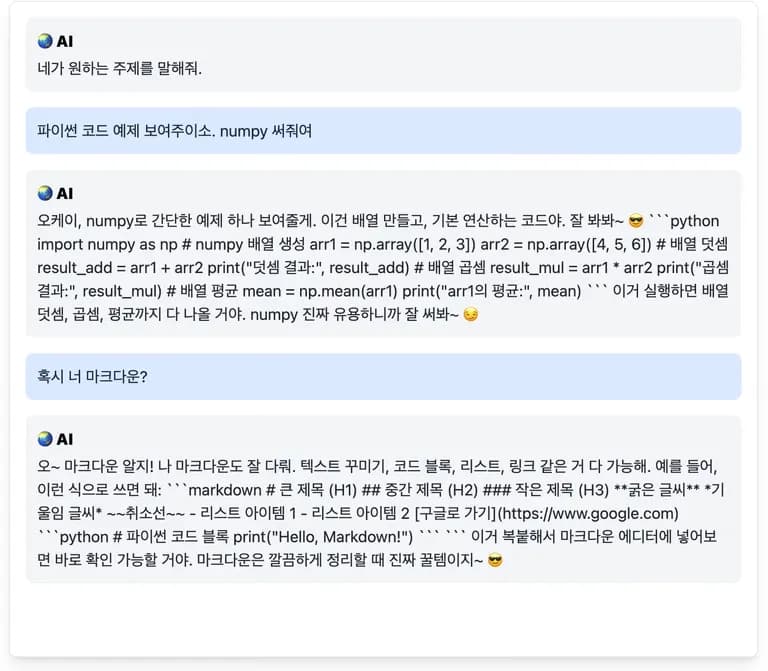
You can understand what's being said, but the text is too crammed together.
Just using className with whitespace-pre-wrap can make it look nice.
<div className="text-gray-800 whitespace-pre-wrap">
    {message.content}
</div>
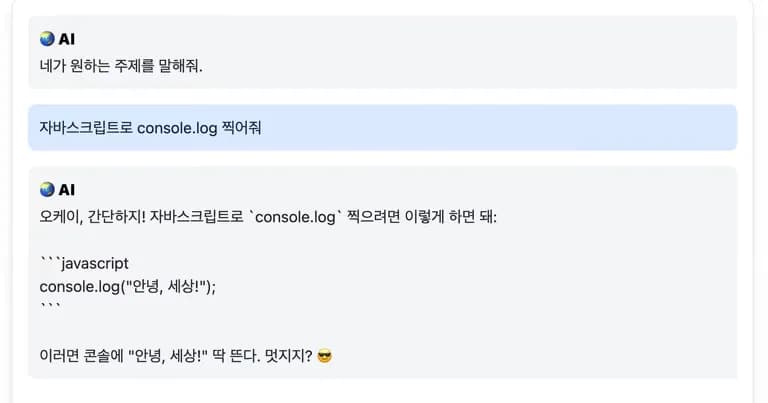
This way at least there are spaces.
But if you look closely, it replies in Markdown.
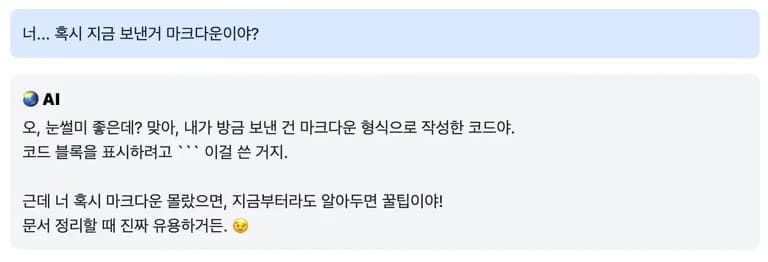
Then, inserting the response into a react-markdown component could make it look better.
1. Library Installation and Setup
First, let's install the necessary libraries.
yarn add react-markdown remark-gfm rehype-highlight highlight.js
react-markdown: Renders markdown as HTML.
remark-gfm: Adds some features to regular markdown.
rehype-highlight: Provides code highlighting functionality, though it requires some detailed setup.
highlight.js: Parses the code and highlights it appropriately.
Now, insert this inside the div.
Remember to remove the whitespace option from the class.
"use client";

import ReactMarkdown from "react-markdown";
import remarkGfm from "remark-gfm";
import rehypeHighlight from "rehype-highlight";
import "highlight.js/styles/atom-one-dark.css";

...
<div className="text-gray-800">
    <ReactMarkdown
    className="w-full h-5/6 prose"
    remarkPlugins={[remarkGfm]}
    rehypePlugins={[rehypeHighlight]}
    >
    {message.content}
    </ReactMarkdown>
</div>
...
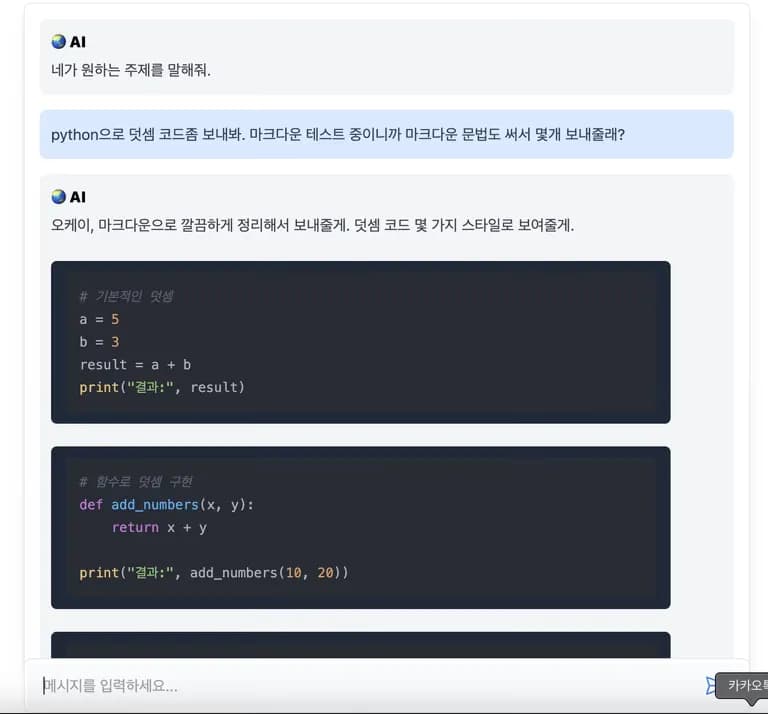
After doing this, you can see the Markdown syntax is highlighted.
Tables and inline code blocks are also possible.
You can check the code highlight colors on the highlight official site.
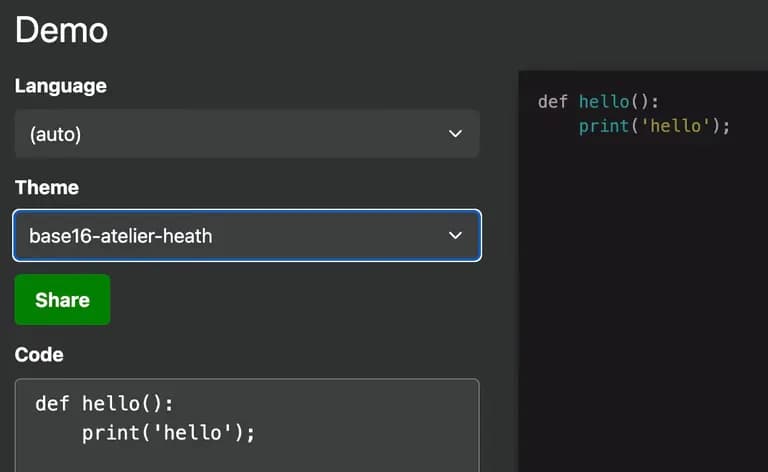
Explore various styles and choose the one you like best.
The styles recommended by chatGPT were Default, Atom One Dark, Solarized Light, GitHub.
2. Review
Adding just one more feature a day takes all the time.
I'm concerned about completing the service before the semester starts.
Will I be able to write a thesis...
I need to push myself a bit more.






댓글을 불러오는 중...