After taking a mock exam, you can print your score report from the Korea Institute for Curriculum and Evaluation either as a hard copy or in PDF format.
When you look at the files you received as PDFs, there are times when there is no data inside at all and it’s just an image, which makes processing the scores very difficult.
In this case, no matter how hard you try to upload the scores to an admissions program, it won’t work.
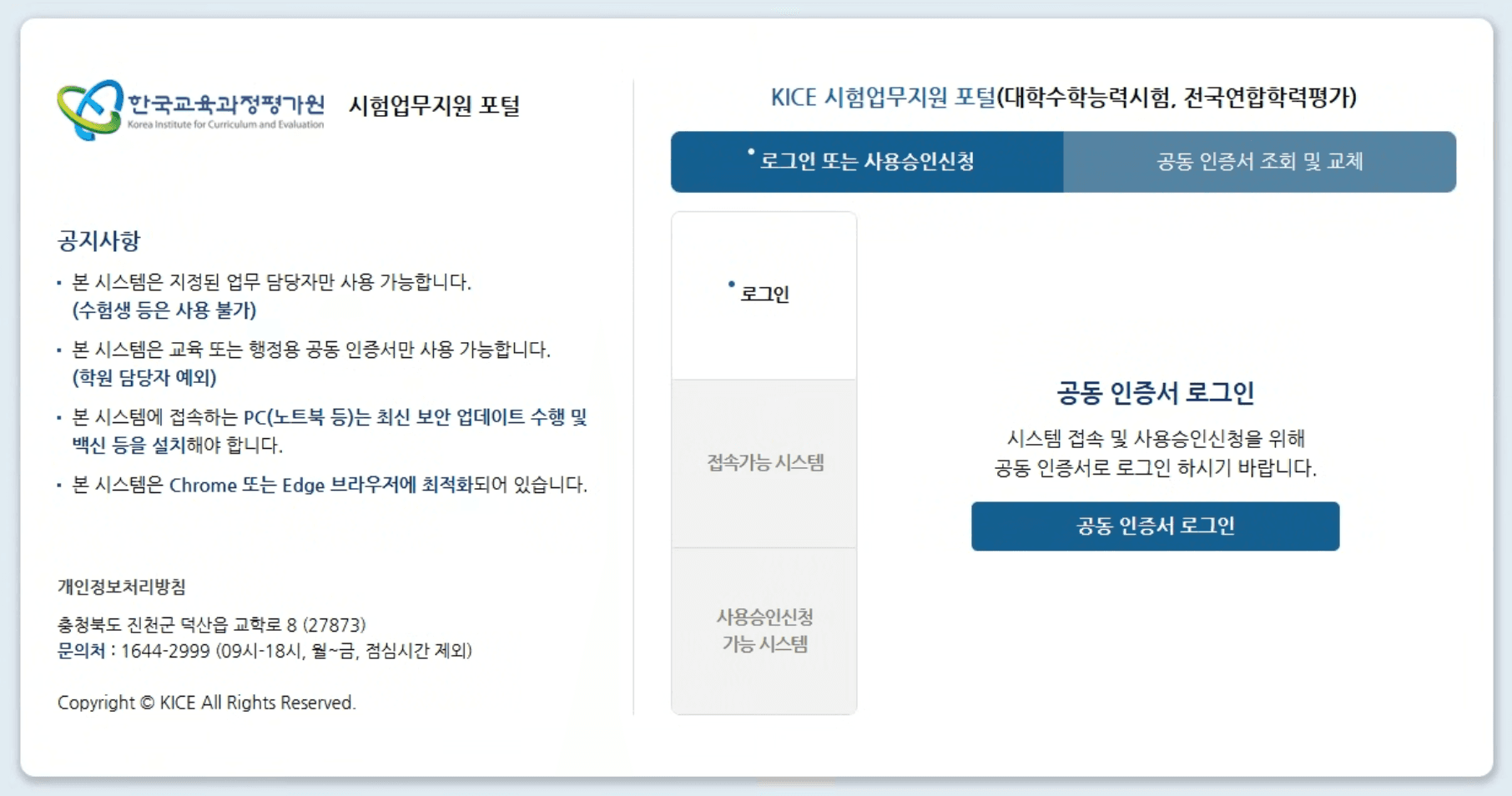
1. How to print a PDF for score upload
If you want to handle scores a bit more easily, when you go to [전체메뉴] - [성적출력] - [성적일람표] - [출력] to print, you must click PDF로 저장.
The reason for this is that the method of creating the PDF is different.
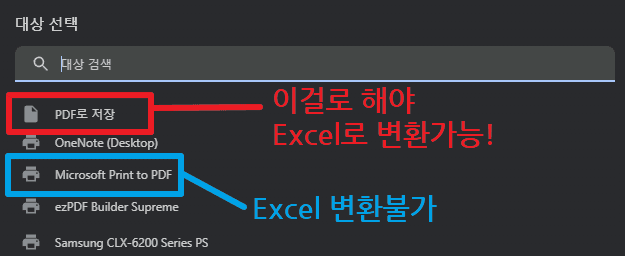
From the print menu, PDF로 저장 is a method where the program directly exports the original structure of the document as a PDF.
So all the actual text, table structures, paragraphs, and links remain intact inside.
However, Microsoft Print to PDF simply fixes what you see on the screen as if it were printed, and saves it like that.
Because of this, you can’t convert it to Excel or directly import it into admissions programs such as Kcue, Univ, or Kim Young-il.
2. Conclusion
When saving as PDF, it’s always best to click PDF로 저장!





댓글을 불러오는 중...