I was planning to use Python instead of R, but when it came to writing a paper, it seemed like I would still need R and R Studio.
But my computer is a MacBook, right?
So this post is about how to install R and R Studio on a MacBook.
1. Install Homebrew
You can just go to the official R website, download the file for Mac OS, and install it.
But that’s not very cool.
Let’s just go ahead and install Homebrew.

Just go to the site below and paste what it tells you into the terminal.
2. Install R and R Studio
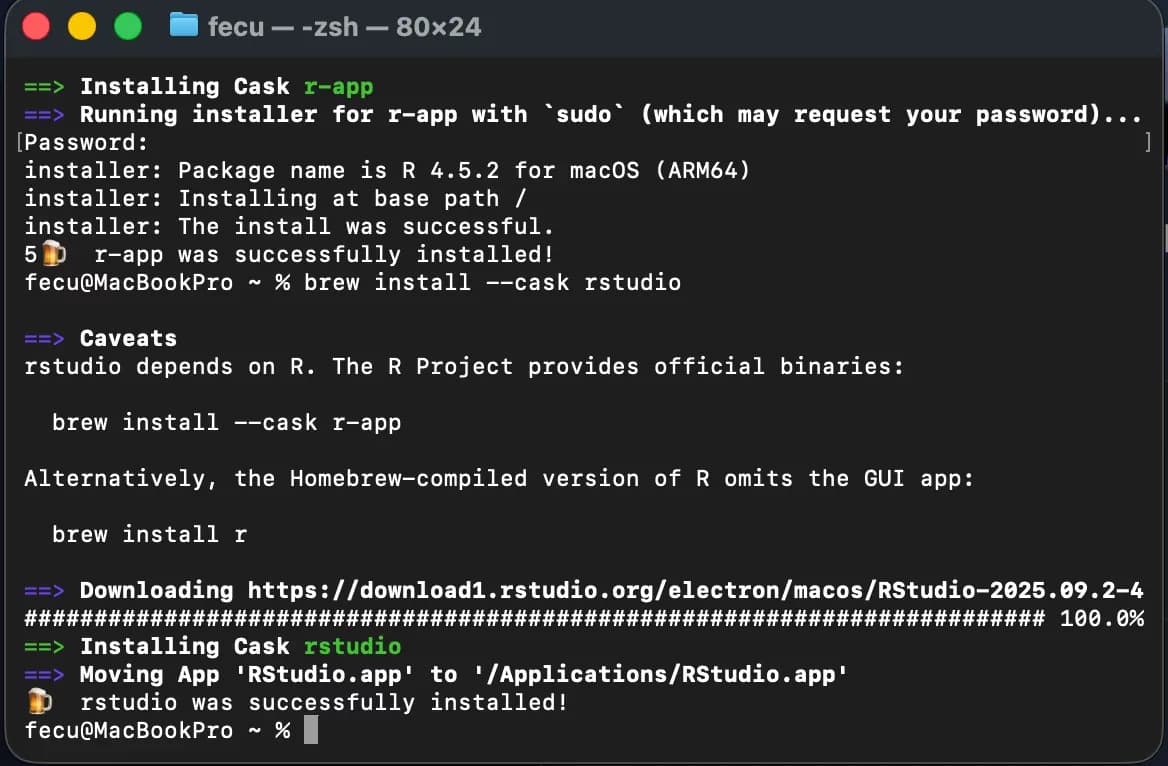
Now you can take care of all the annoying installation steps with these three commands.
--cask is used when installing GUI apps.
brew update
brew install --cask r
brew install --cask rstudio
By the time I wrote a short paragraph, the installation was done.
When installing R, it may ask for sudo privileges.
Just enter your password once and you’re good.
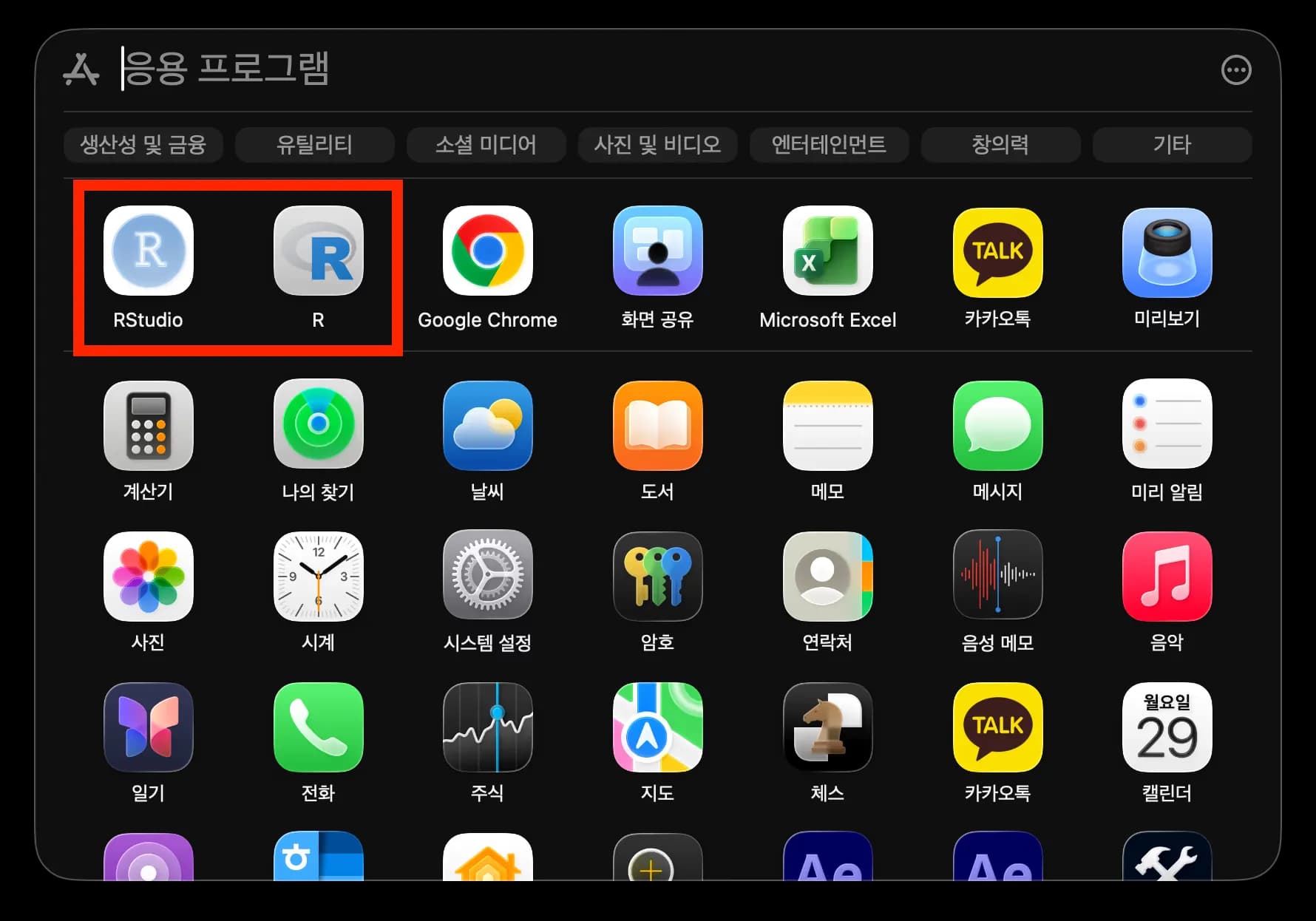
Then go to Applications to check that everything is installed.
This is exactly why I can’t quit using a MacBook.
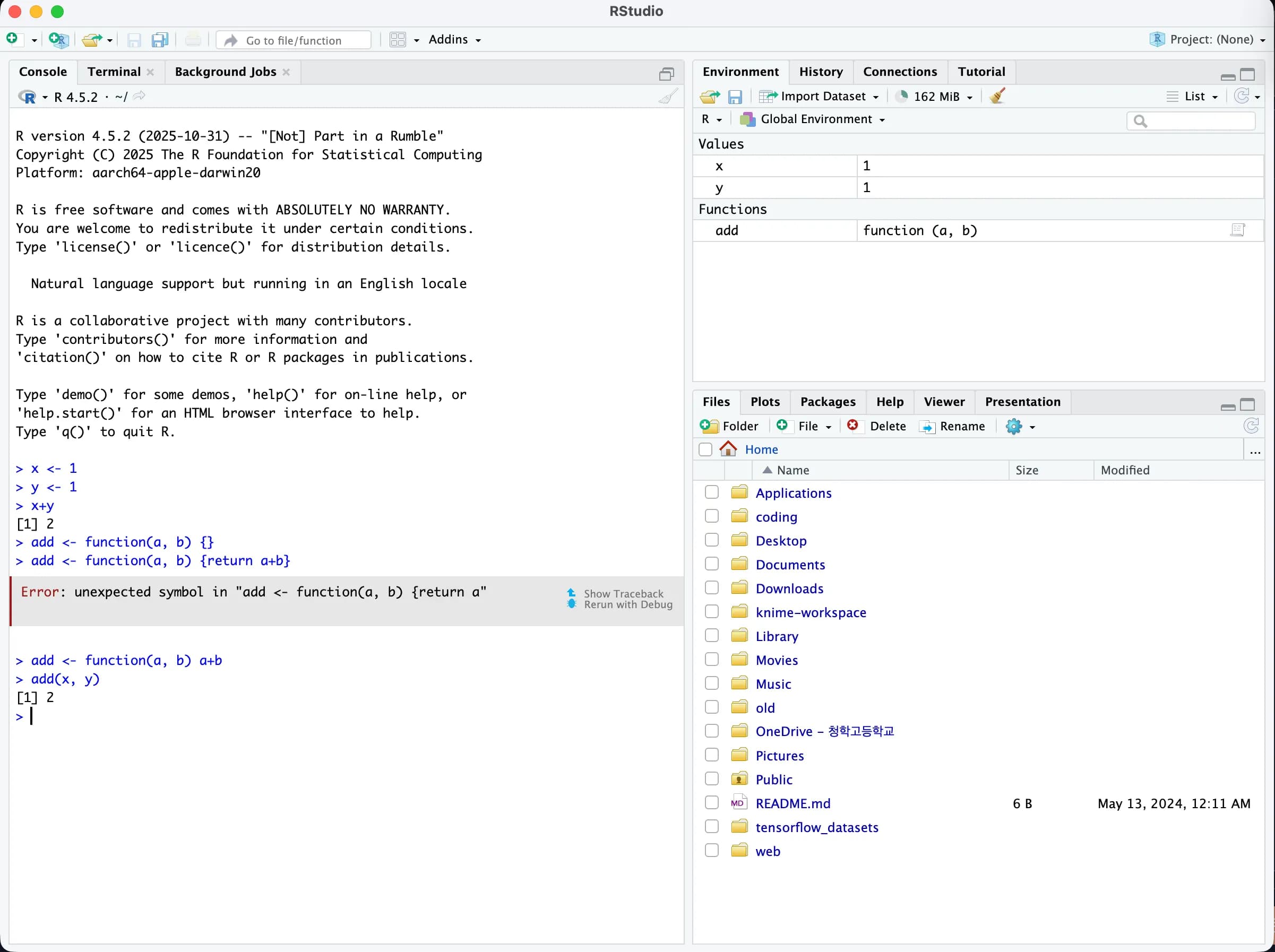
I launched R Studio and tested it, and it runs just fine with no issues.
3. Thoughts
There’s nothing bad about learning something new.
With Python’s pandas, numpy, and matplotlib, you can basically reproduce all of R’s functionality, but when you’re building something from scratch, it does take more work.
I want to learn R properly and really put it to use when I write my paper.





댓글을 불러오는 중...