If you want to know the micro 5-pin pinout, please refer to the post below.
Based on what I learned in the previous post, I converted this micro 5-pin to a USB-C type as well.
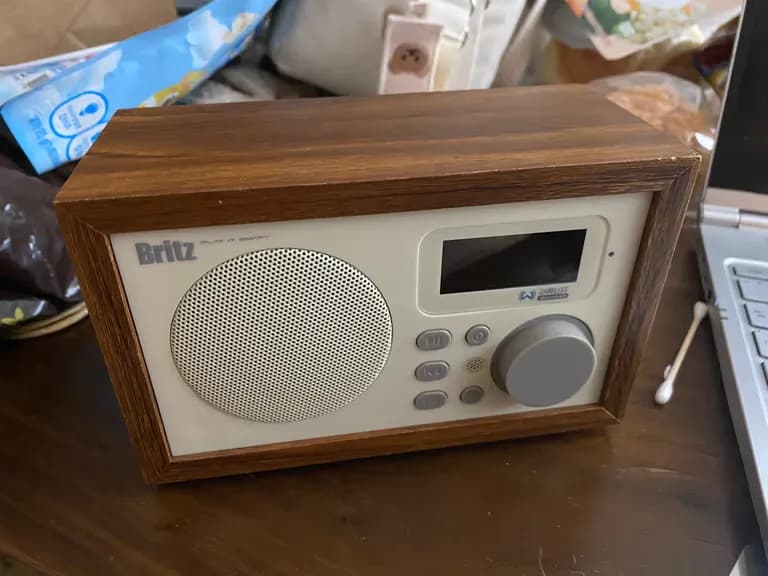
My wife said the baby lullaby speaker at home was broken and that we should either fix it or throw it away.
The symptom was that it wouldn’t turn on no matter how much we charged it.
When I saw that it used a micro 5-pin connector, I couldn’t just let it be, so I immediately disassembled it.

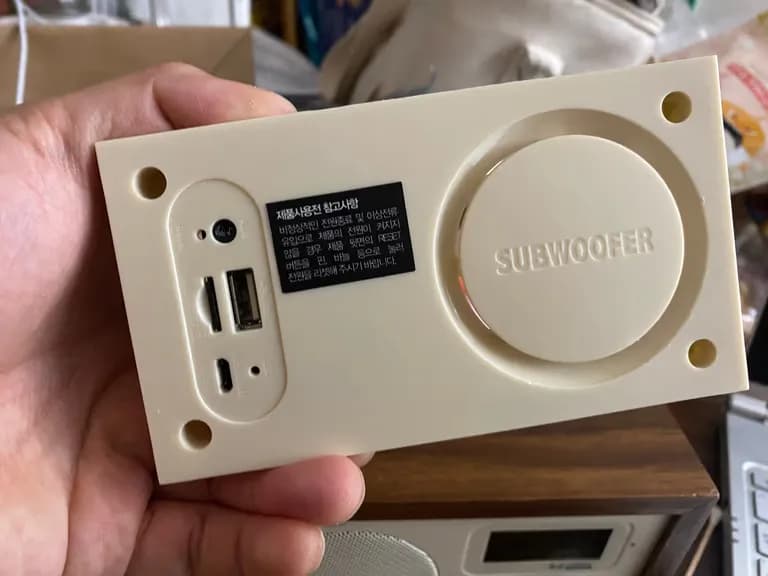
There are four screws in total; once you remove them all, one side comes apart easily.

One side really wouldn’t come off, so I pushed it out with a screwdriver and barely managed to remove it.
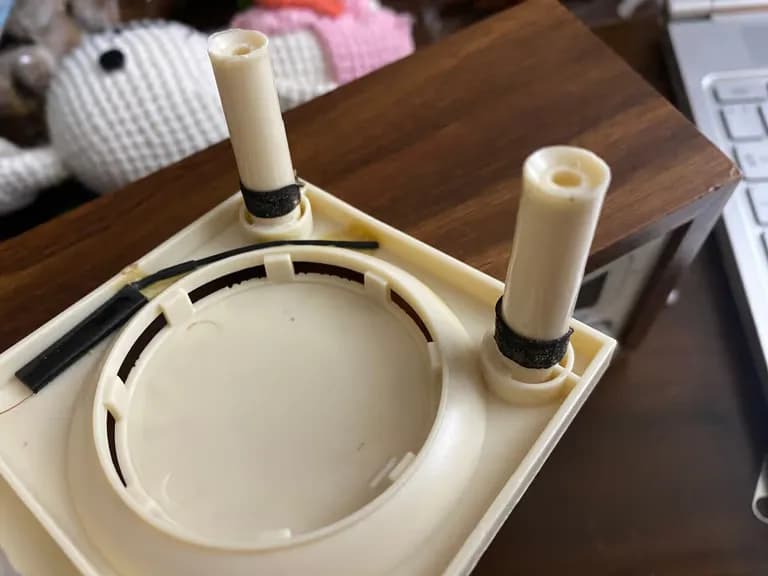
Looking inside, I saw it was attached with double-sided tape.

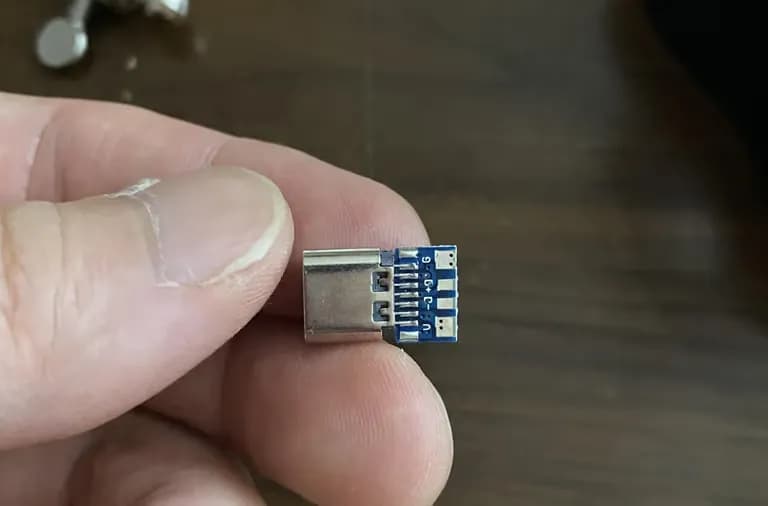
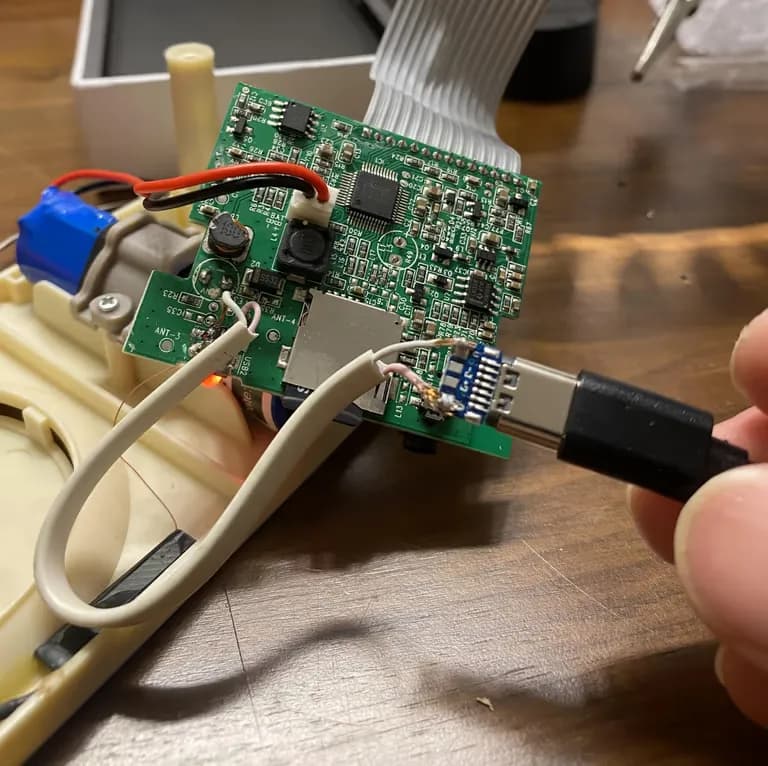
Below is today’s main character, the female USB-C type port.
The micro 5-pin on the Britz speaker is not for data transfer, so as long as V and G are connected properly, that’s all you need.

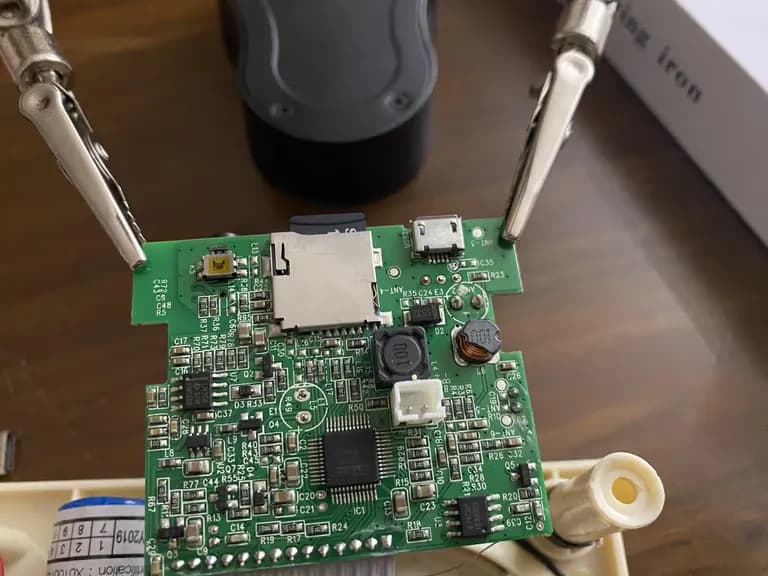
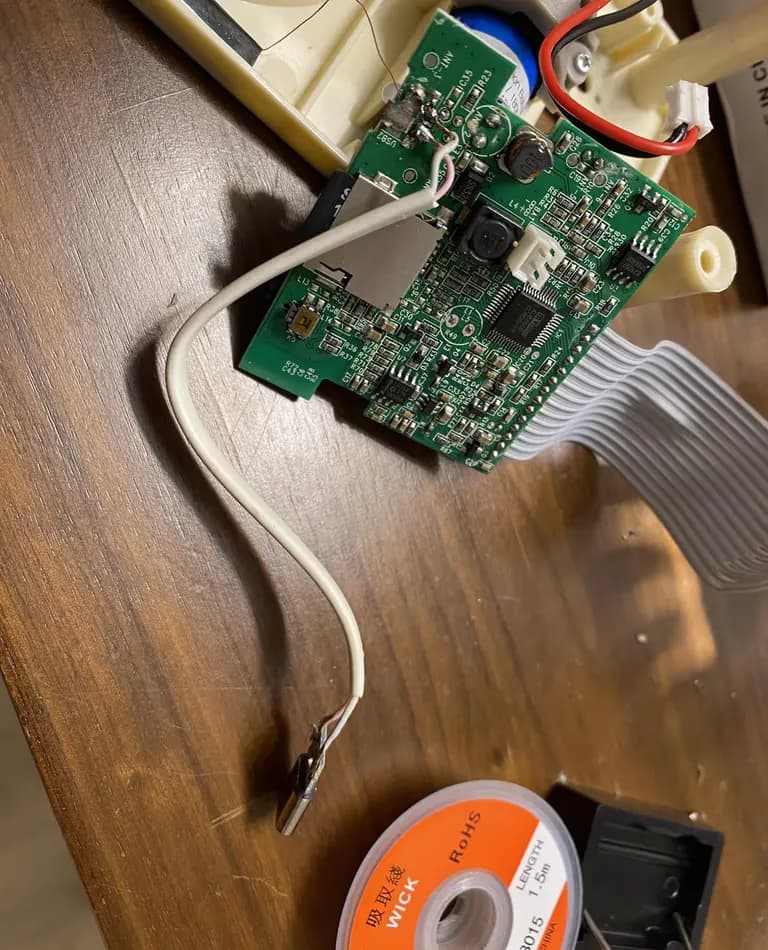
First, I removed the board from the speaker.
Then I clamped it in place using the clip I bought from AliExpress.

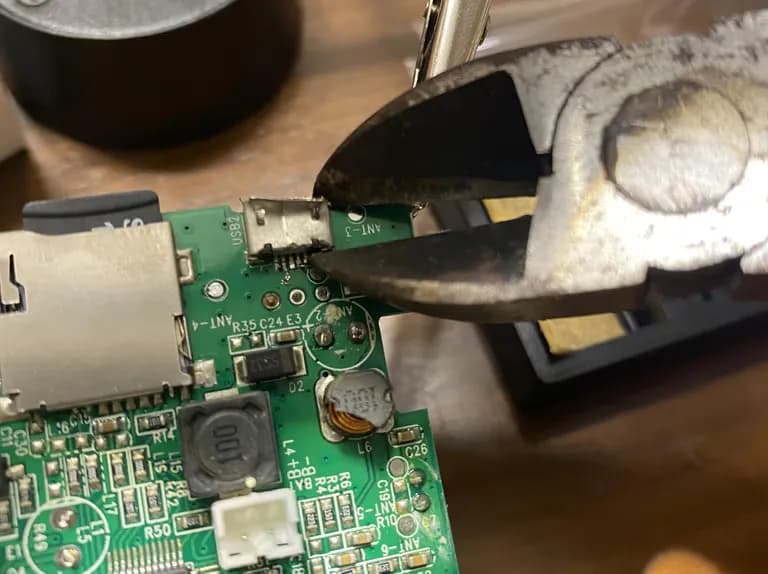
But since I didn’t have the proper tools, there was no good way to remove the micro 5-pin connector.
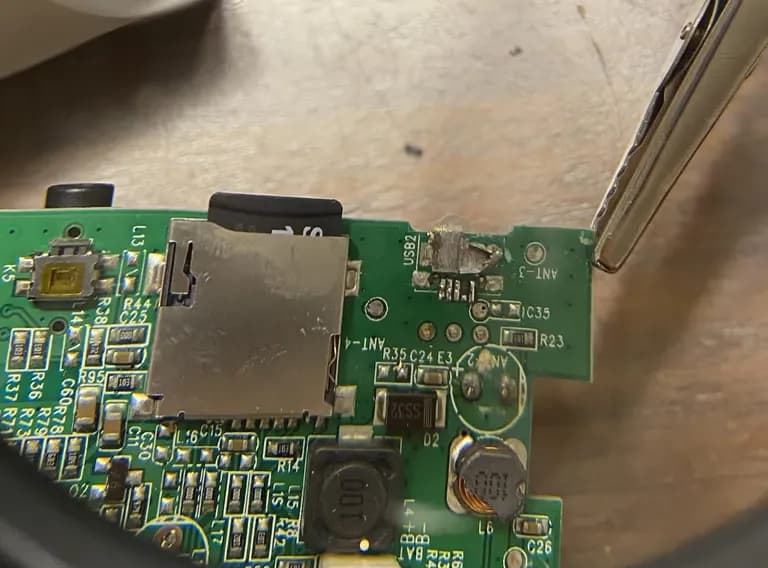
Anyway, I figured if I messed up the connector a bit, I could just throw it away, so I ripped it off with nippers.
A real tough guy doesn’t blame his tools.

The number 4 data pin got destroyed, but the + and - pins survived just fine.
Now it just needed to be connected with wires.

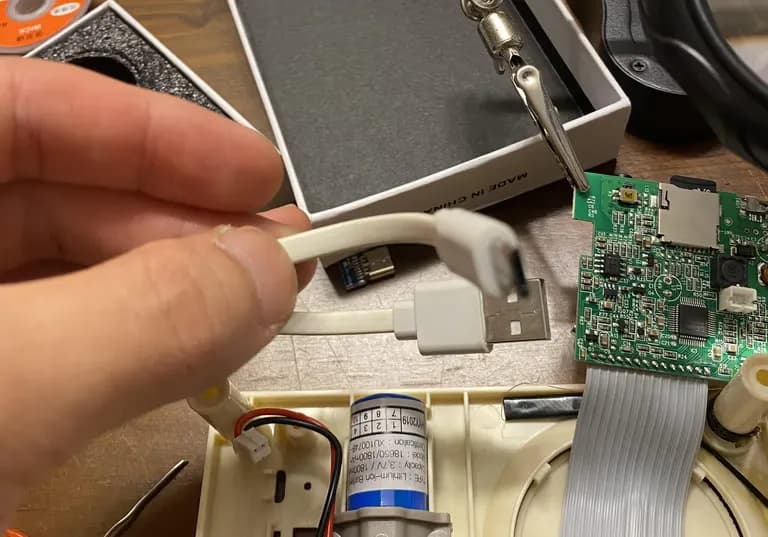
Since I was replacing the micro 5-pin, I decided to sacrifice a micro 5-pin cable as well.

Just like in the previous post, I carefully distinguished (+) and (-) and soldered them.

After trying to charge it, it powered on fine.
Now all that was left was reassembly.

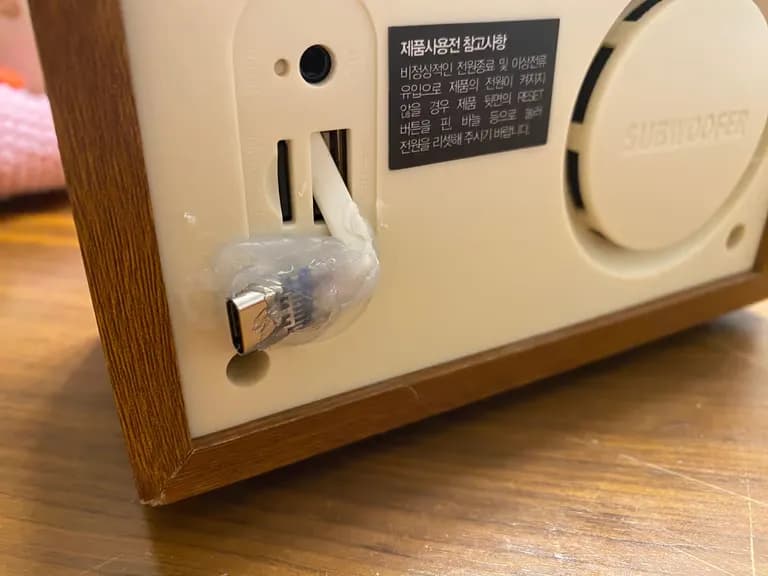
Originally I should have drilled a new hole and finished it nicely, but I didn’t have the time.
I just decided to go with a good old engineering-student aesthetic.

Still, I managed to repair a speaker that was about to be thrown away.
The fact that it’s now converted to USB-C is a bonus.
If I had more time, it would be nice to drill a hole, file it down, and finish it cleanly.
If the port is used only for charging and not for data transfer, the difficulty isn’t that high.
I hope those reading this will give it a try as well.
댓글을 불러오는 중...