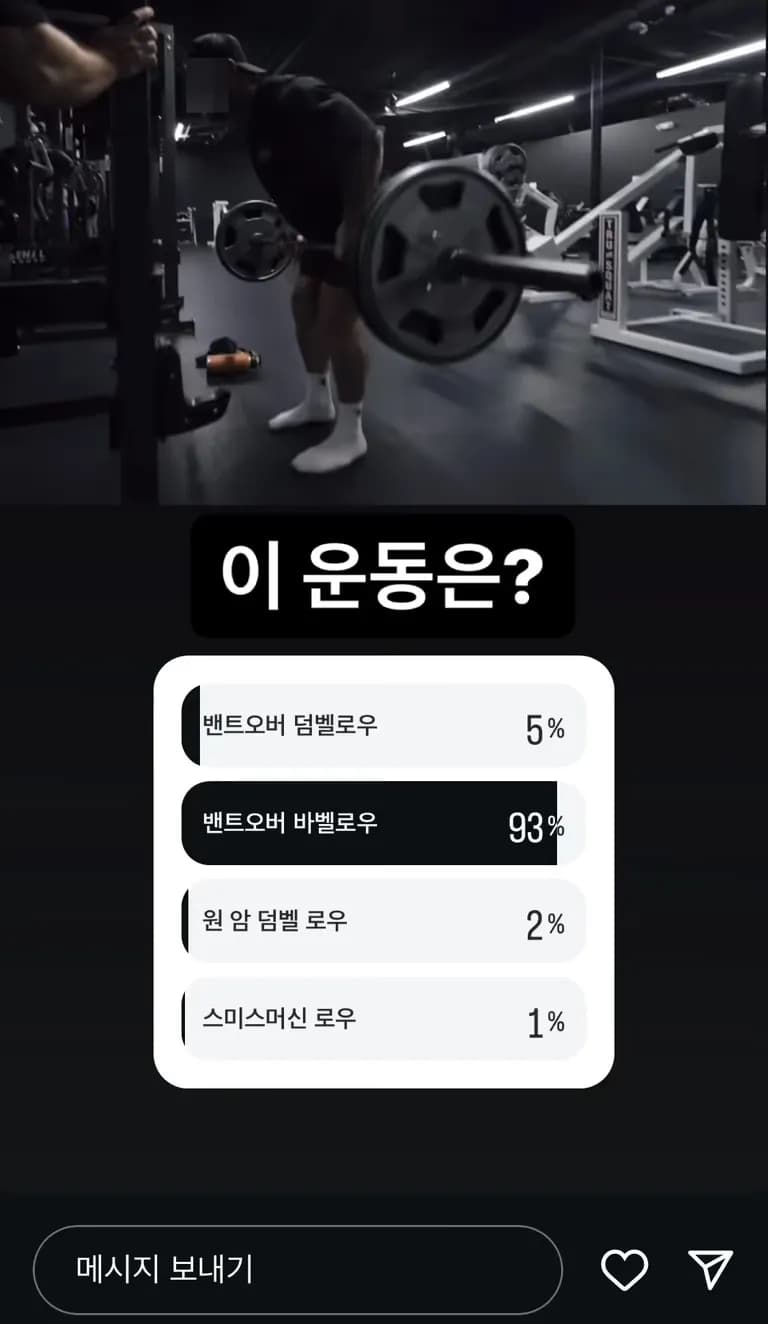
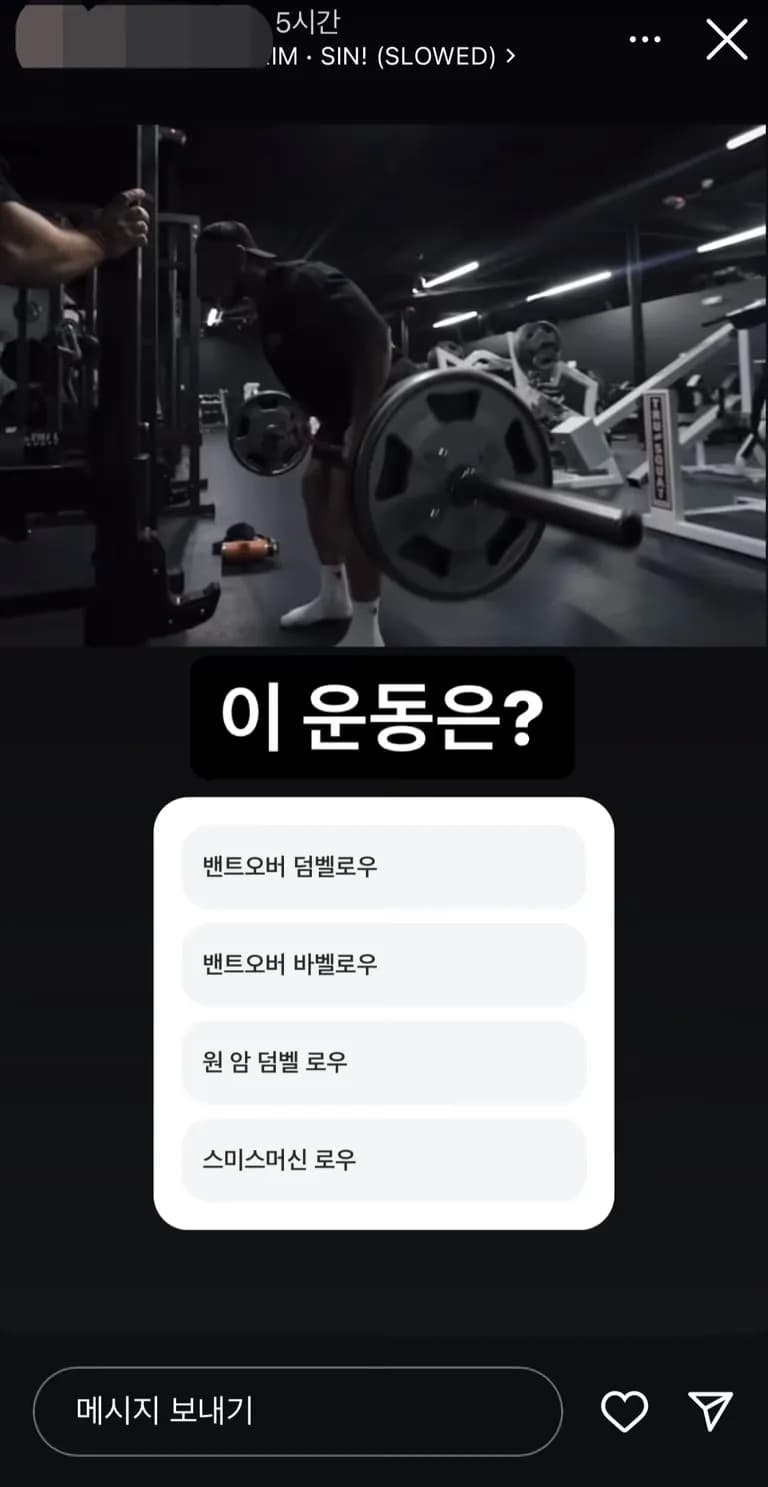
I accidentally voted on an Instagram story while browsing.
I want to vote again, but...
I'm leaving this here just in case I couldn't find a way to cancel my vote.
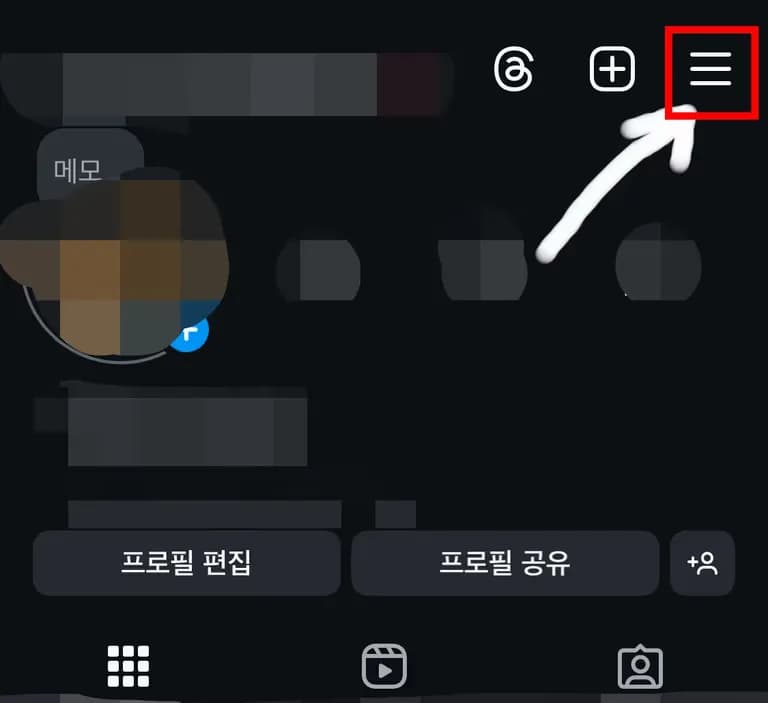
First, go to your profile on Instagram and tap the top right corner.
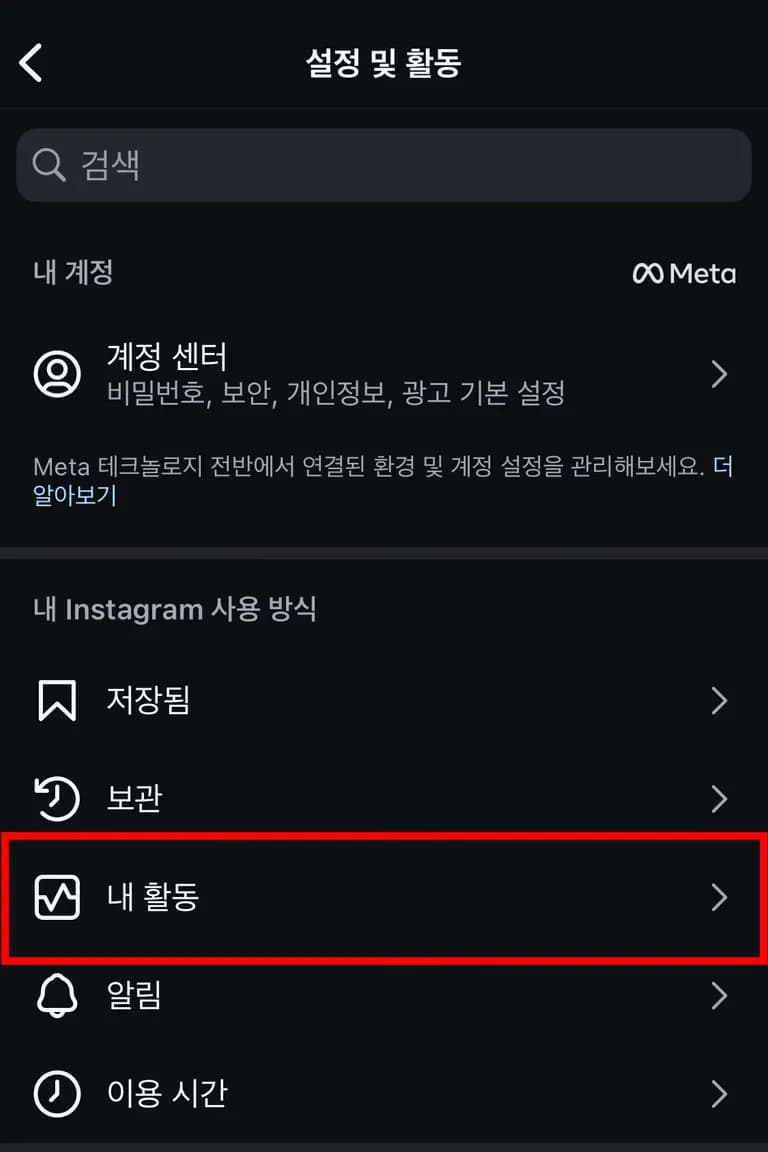
Within 'Your Activity', select 'Sticker Responses'.
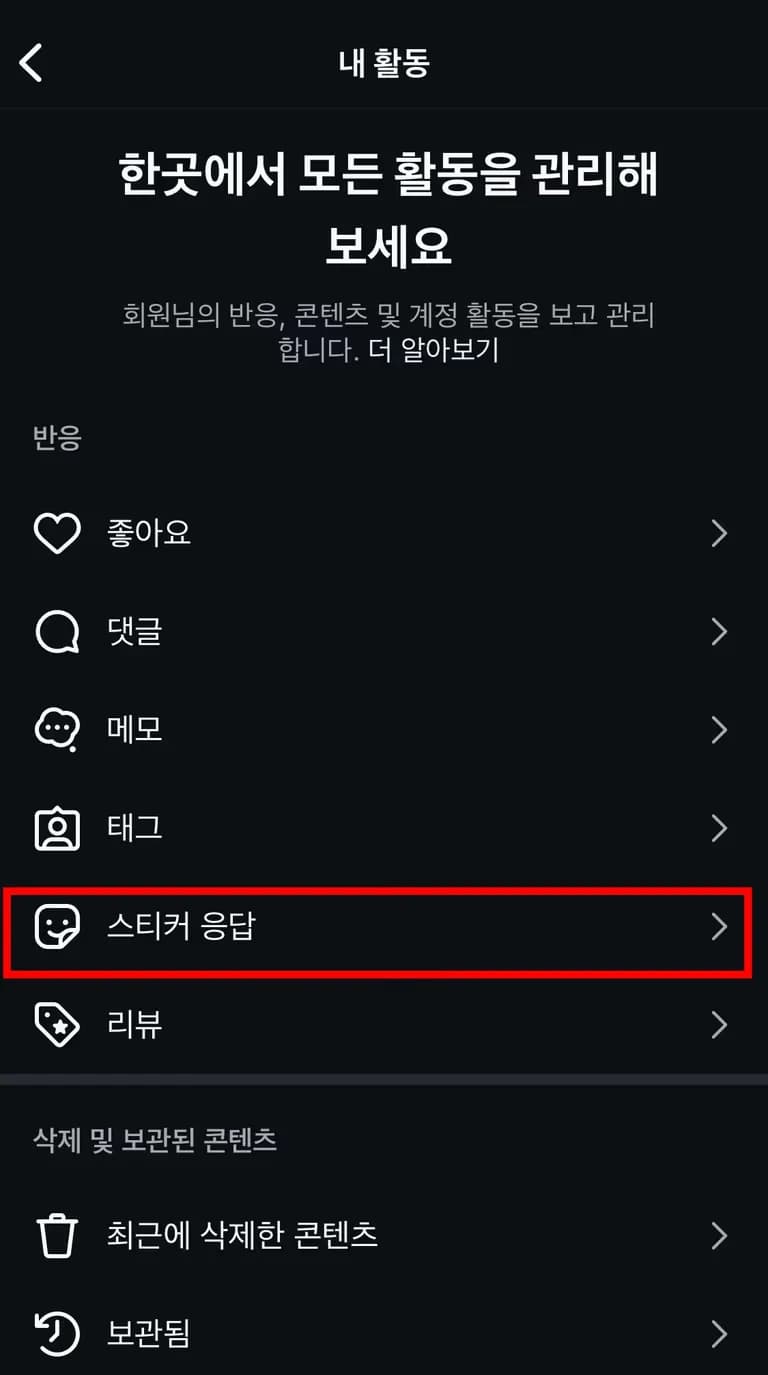
Inside Sticker Responses, you'll find the ones you've answered. Tap 'Select' at the top right.
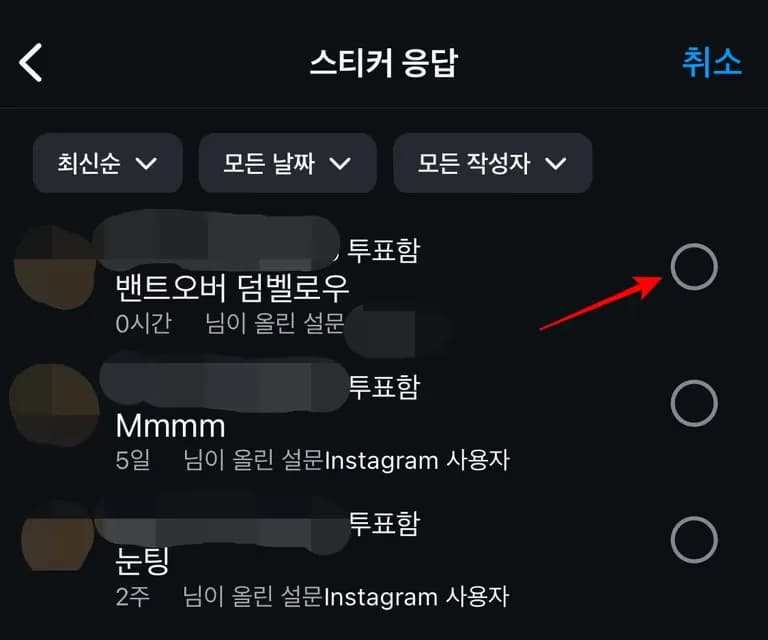
Then choose the response you want to delete and tap 'Delete'.
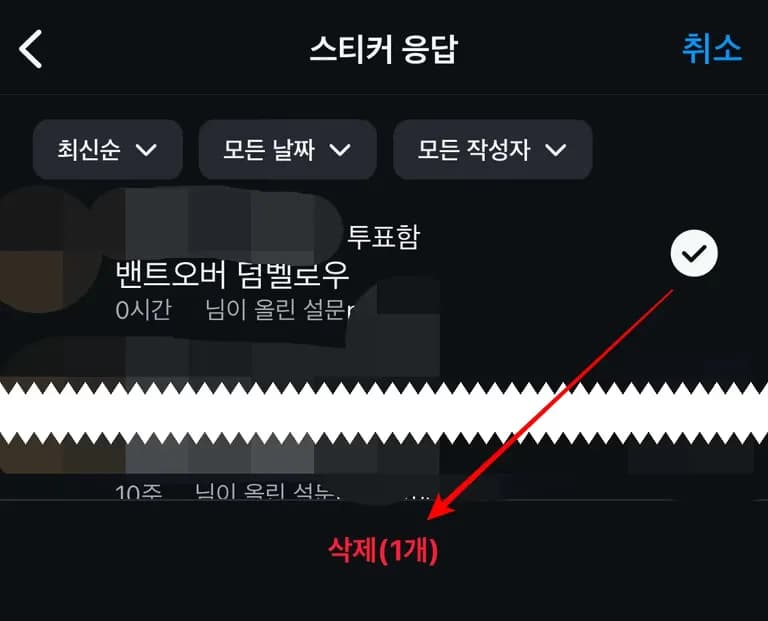
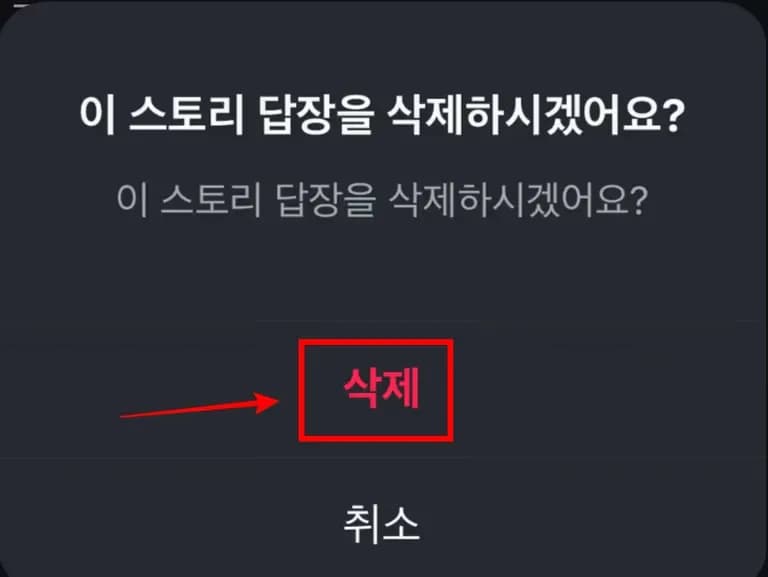
When you check the story again, the sticker response should be canceled.
Good luck!





댓글을 불러오는 중...