After trying out various free Tistory skins one by one, this time I decided to try making my own skin.
While creating the skin, I kept testing the score with Google PageSpeed Insights, but no matter what I did, it was hard to get the score over 50.
I figured it might be easier to pick a skin that’s already optimized and just tweak its CSS, so I decided to test the performance of the default skins.
1. Test environment
Since the test environment needed to be consistent, I created a brand-new blog.
The post used for testing contains a bit of text here and there, 10 photos, and 1 map.
I used a total of 4 plugins: YouTube, Responsive Web Skin Image Optimization, Insert Previous Posts, and More Posts in Category.
The tests were done with Google PageSpeed Insights.
You can check various metrics for the URL such as performance and search indicators.
2. hello world
I wanted to test the basic server response time, excluding the skin’s HTML and CSS.
No matter how much you optimize a skin, there’s nothing you can do if the base server response time is slow.
So in Skin Edit, I deleted all the HTML and CSS and decided to output only a single <h1> tag with hello world.
Like this...
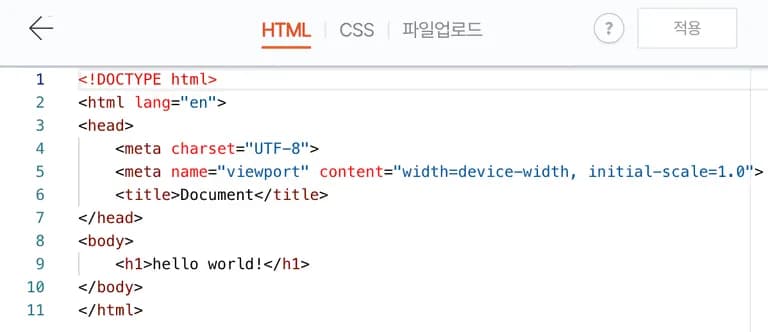
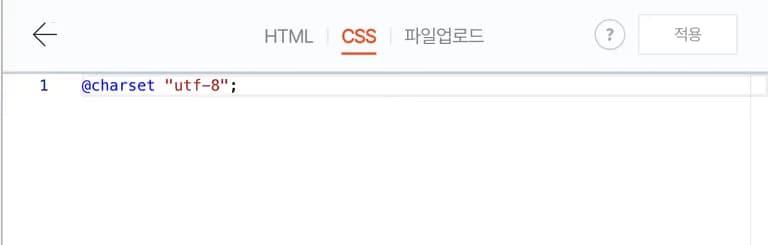
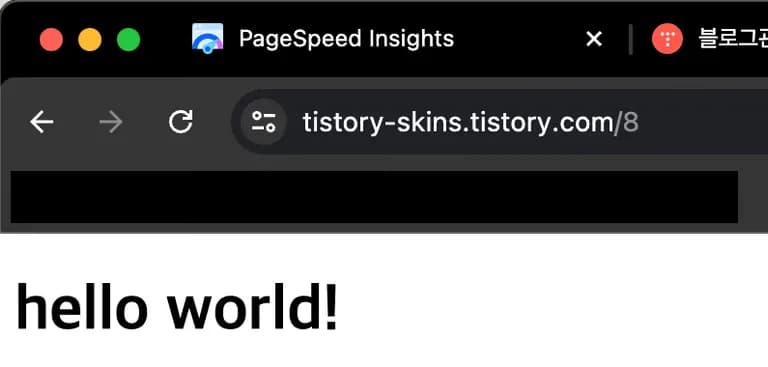
When you go to that URL after doing this, you can see that it displays nothing but hello world!
Then I put this URL into PageSpeed Insights.
1) Mobile environment
The performance score in the mobile environment was 78.
The issue is that this page simply outputs hello world! in an h1 tag.
This means that no matter how much you optimize the site, if you’re using Tistory’s servers, it’s impossible to get more than 78 points on mobile.
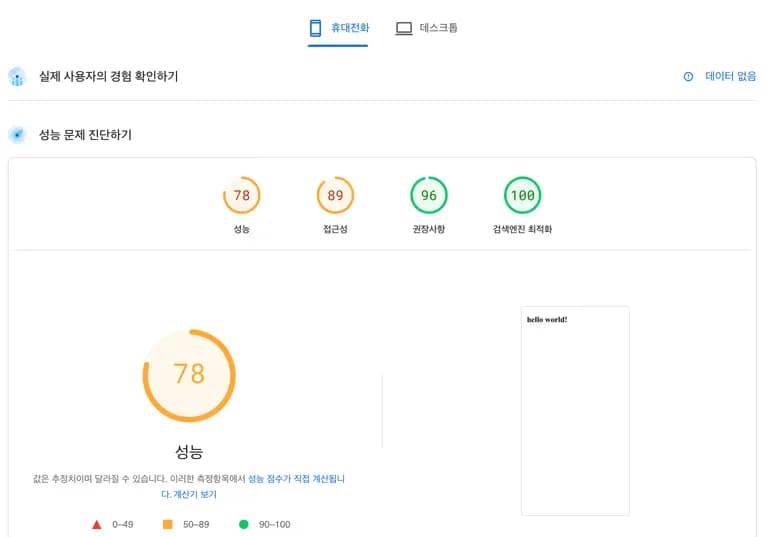
Below are the detailed metrics.
It took 3.3–4.2 seconds from the first content being rendered to the last content being rendered.
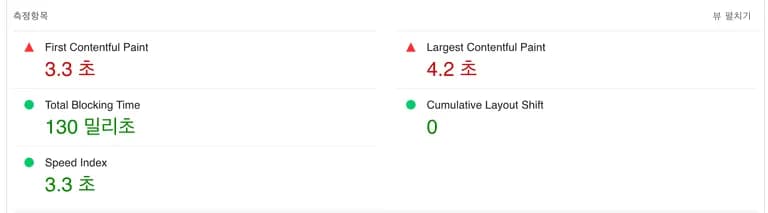
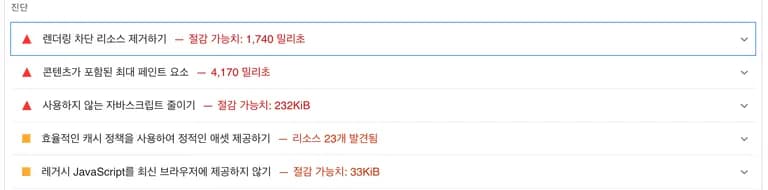
It takes 1.7 seconds just to load CSS and JavaScript such as min.js from the server, and 4.1 seconds just to output hello world.
It seems the only option is to accept you’re at a disadvantage from the start when it comes to mobile optimization.
2) Desktop environment
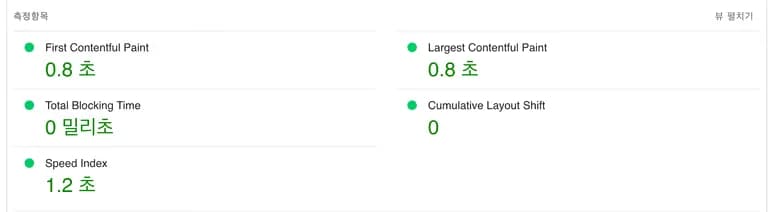
The score on desktop was almost close to 100.
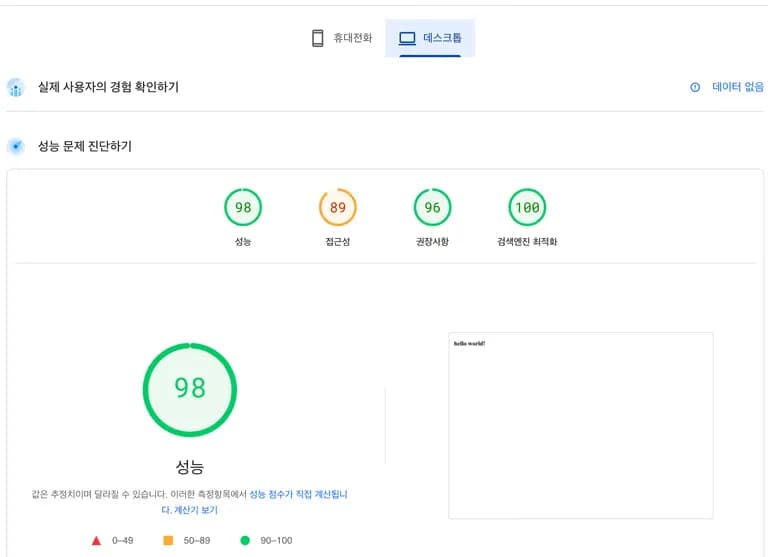
My guess is that when the header indicates mobile, the server sends more JavaScript to provide the mobile environment.
I wasn’t particularly interested in the specifics, so I left it at that.
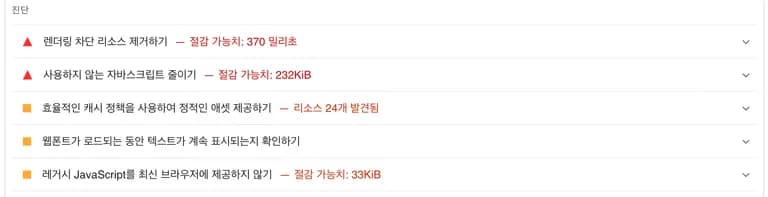
Now let’s test the skins one by one and look at the scores.
One thing to note is that the scores below are not absolute values.
The scores may vary depending on the server environment and network environment at the time of testing.
3. Test by skin
1) Letter
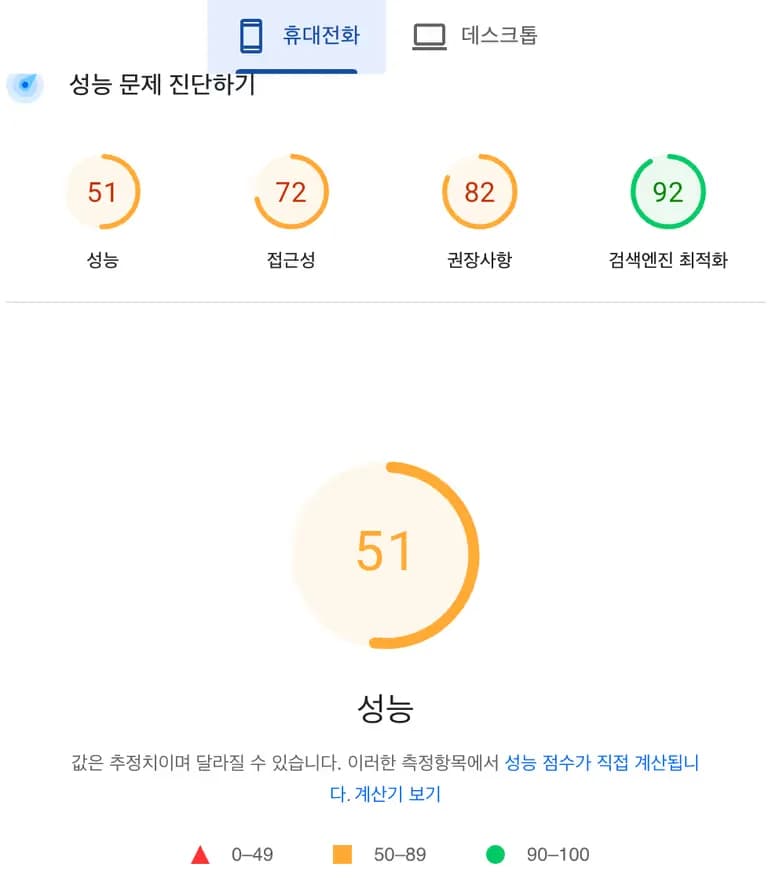
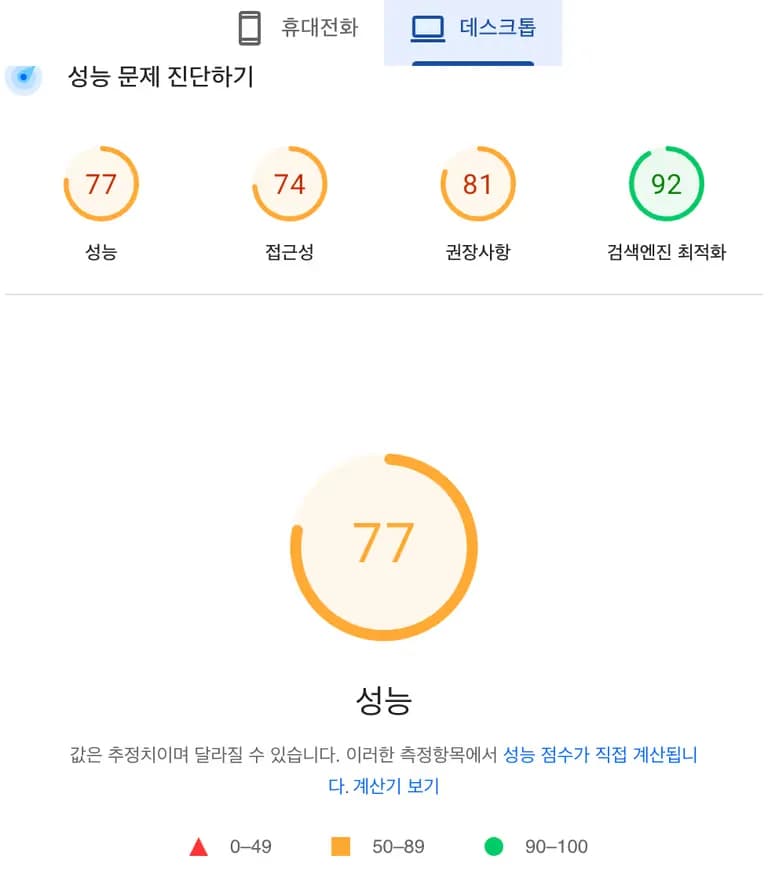
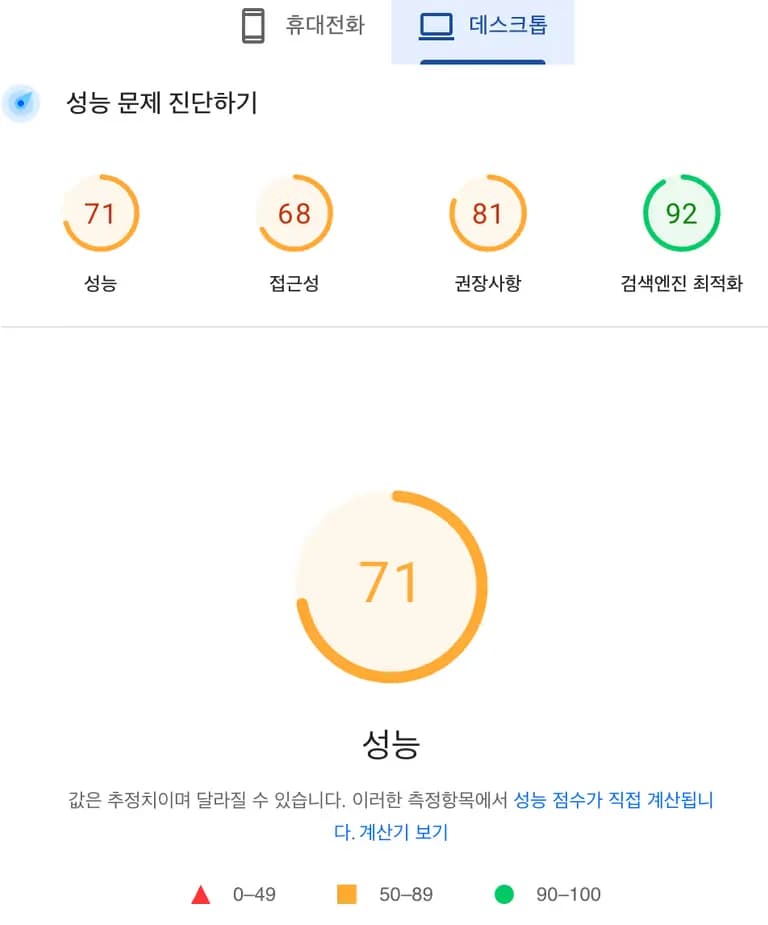
2) Magazin
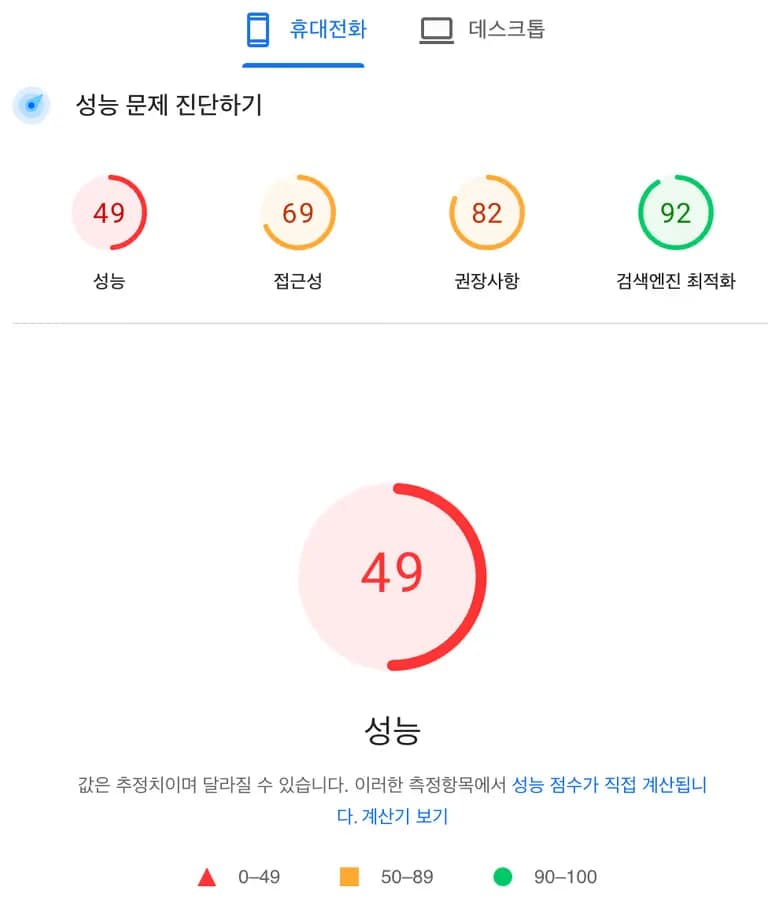
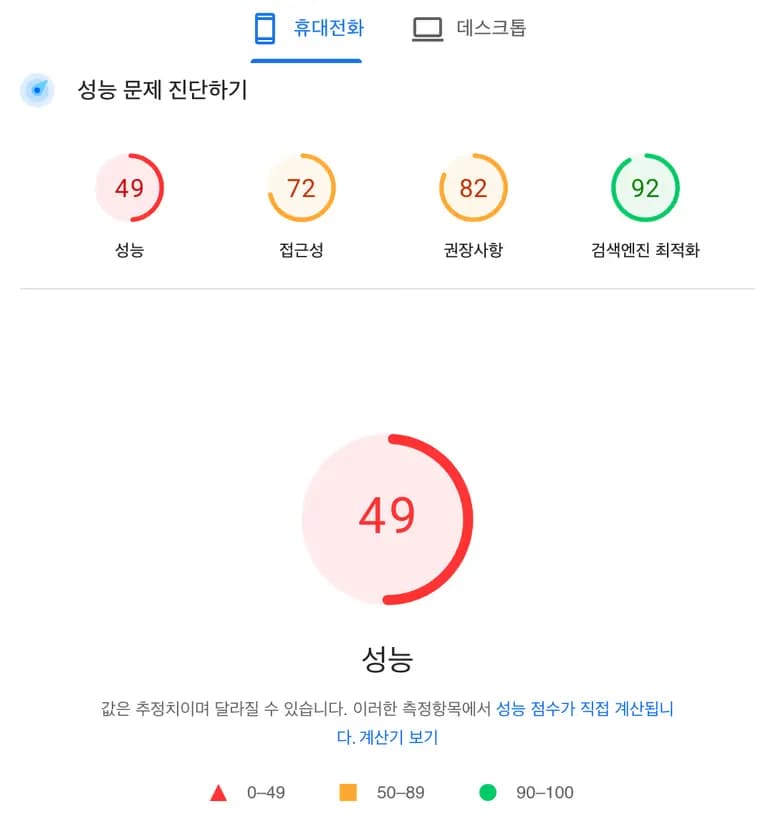
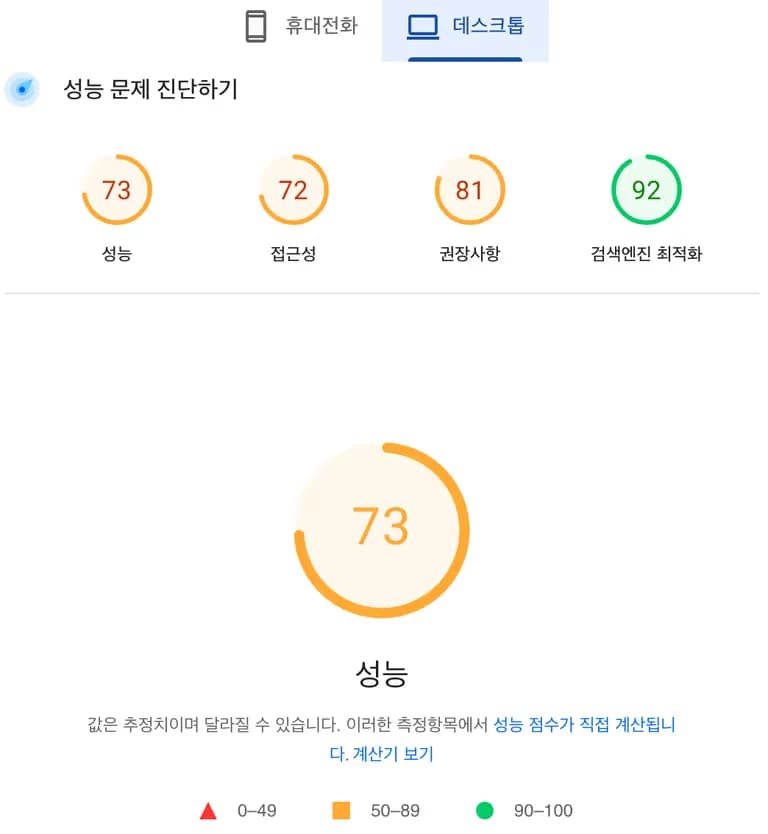
3) Book Club
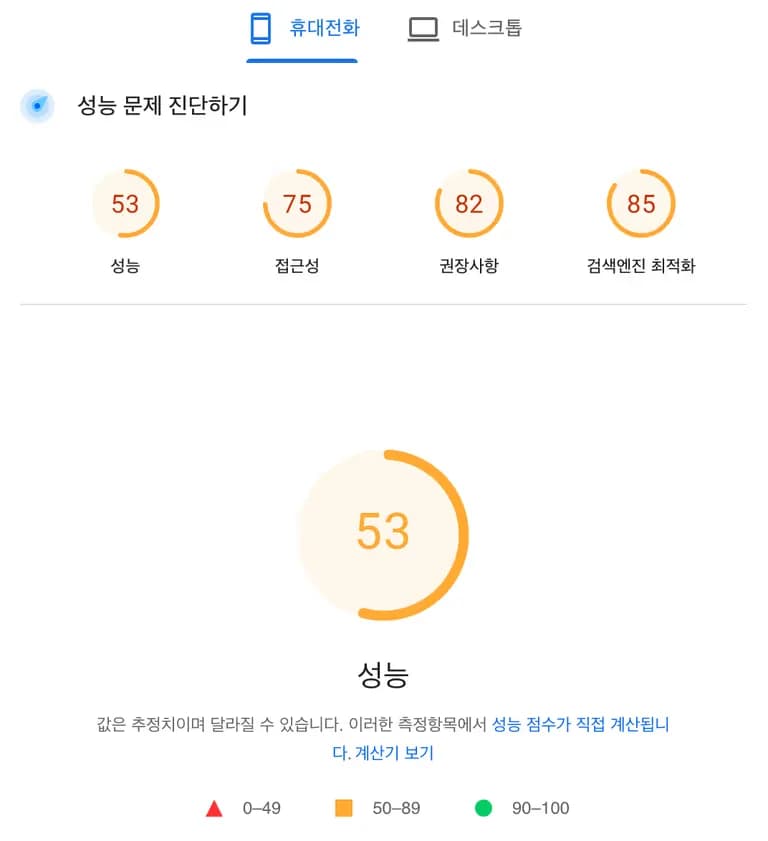
4) #1
5) #2
6) Odyssey
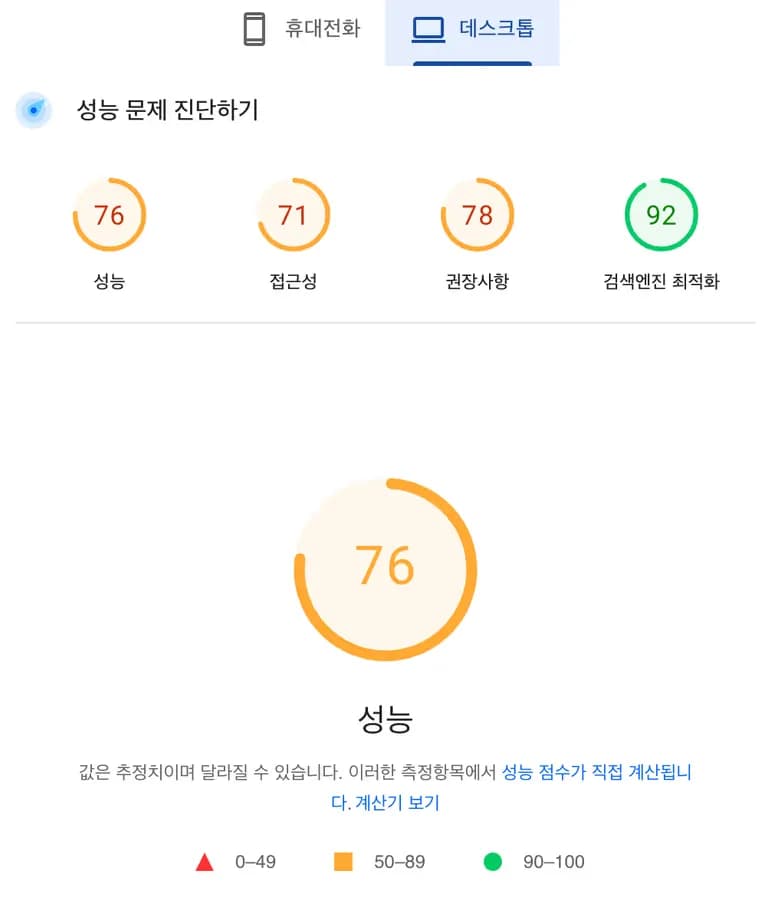
7) Poster
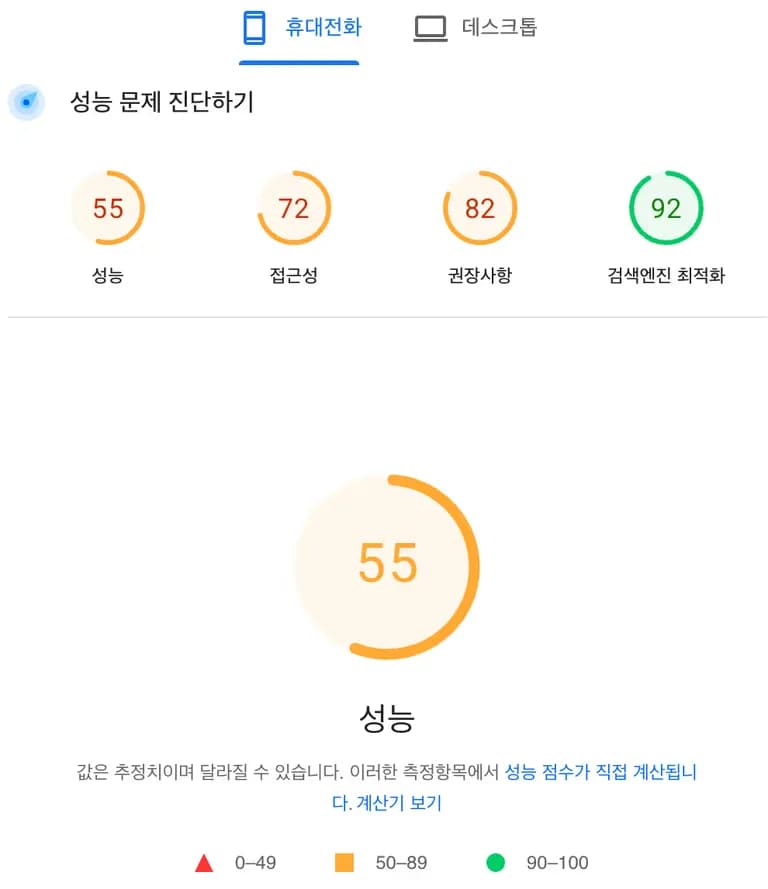
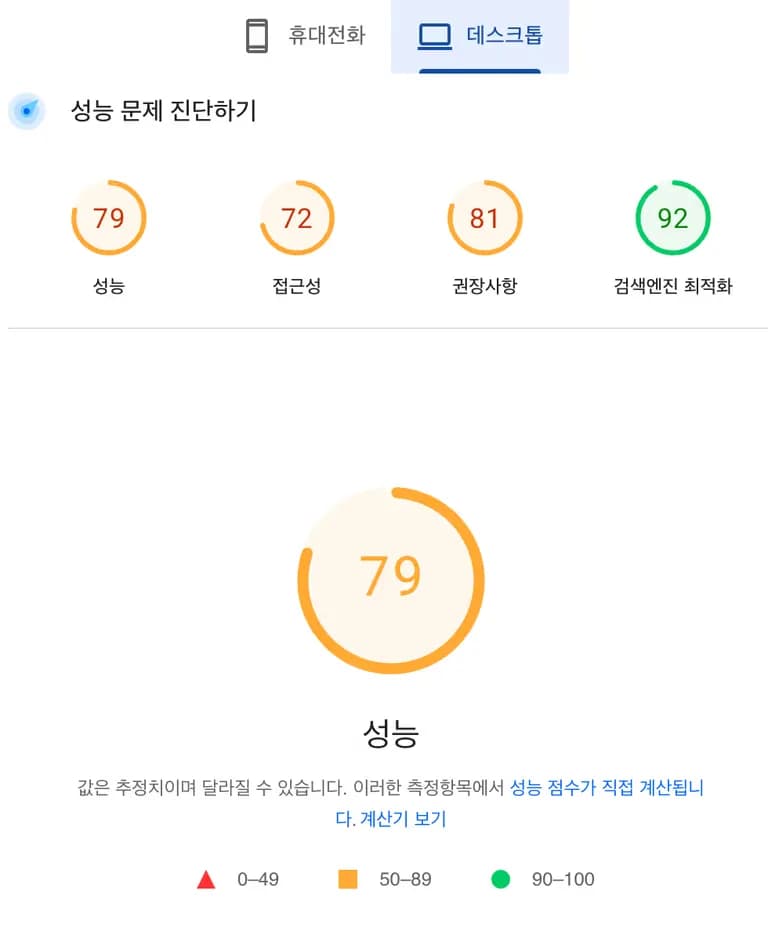
8) Portfolio
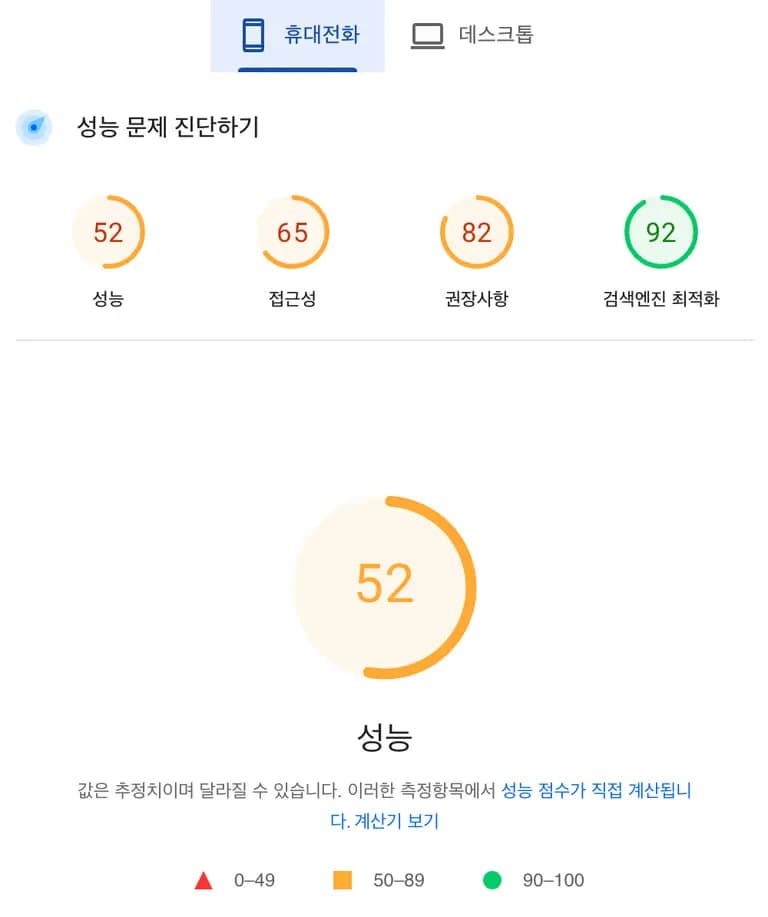
9) Square
10) Whatever
4. Summary of results
1) Simple score comparison by skin
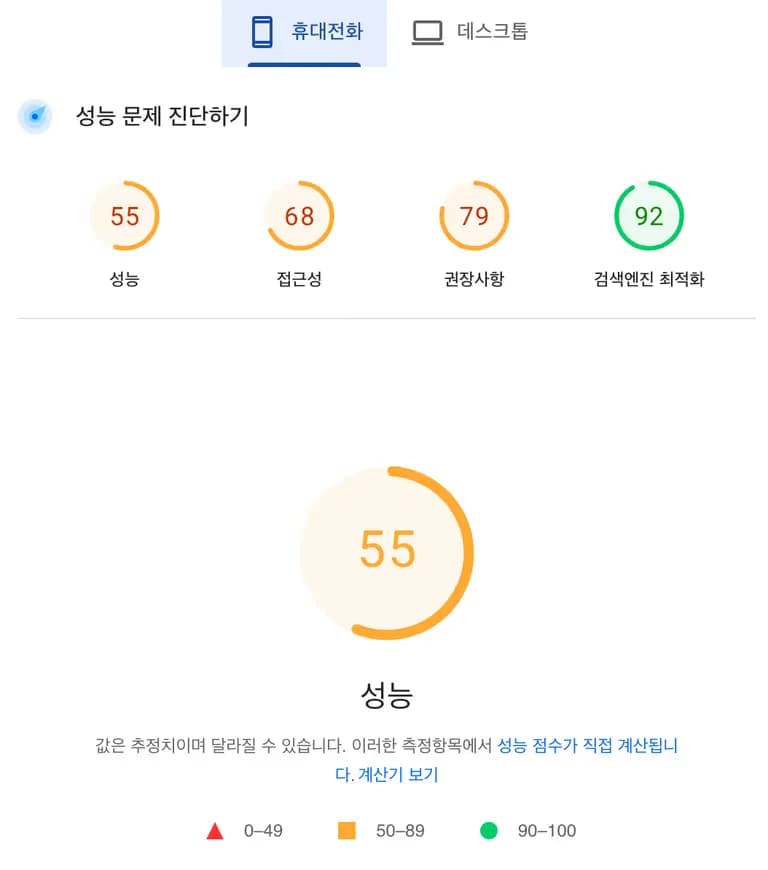
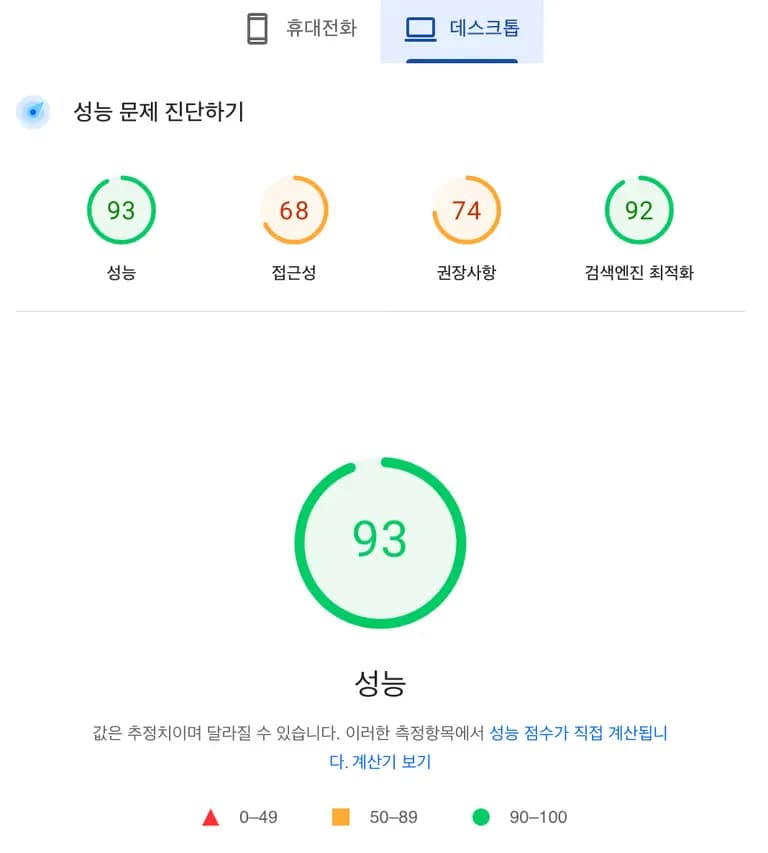
Square scored the highest on both mobile and desktop.
It seems this is because it’s the simplest among the default skins.
Skin type | Mobile score | Desktop score |
hello world! | 78 | 98 |
Letter | 51 | 77 |
Magazine | 49 | 71 |
Book Club | 49 | 73 |
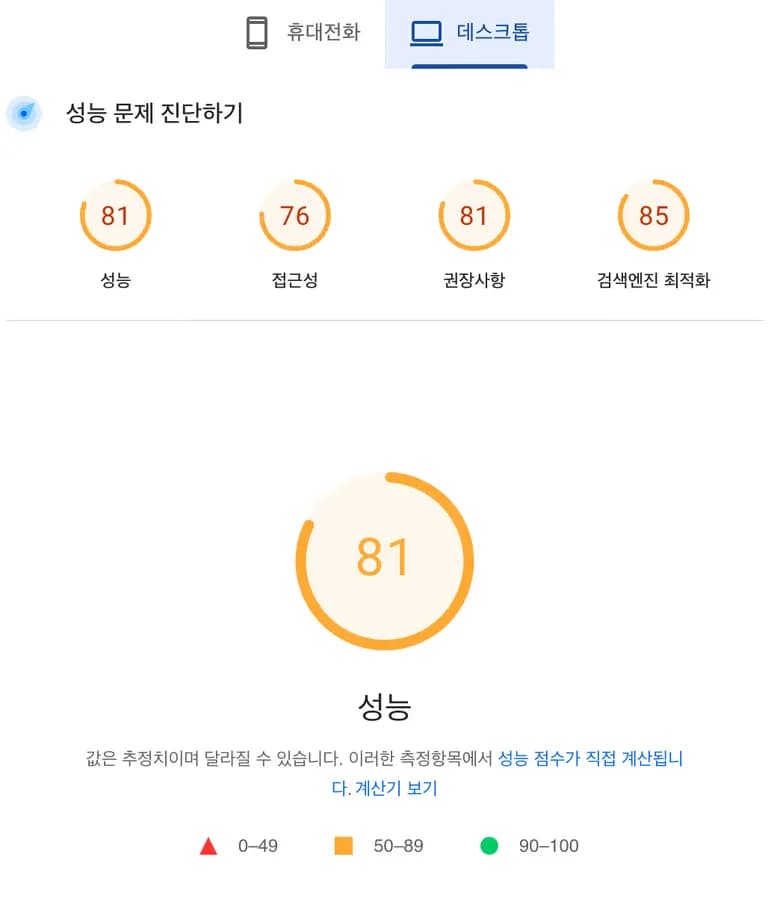
#1 | 53 | 81 |
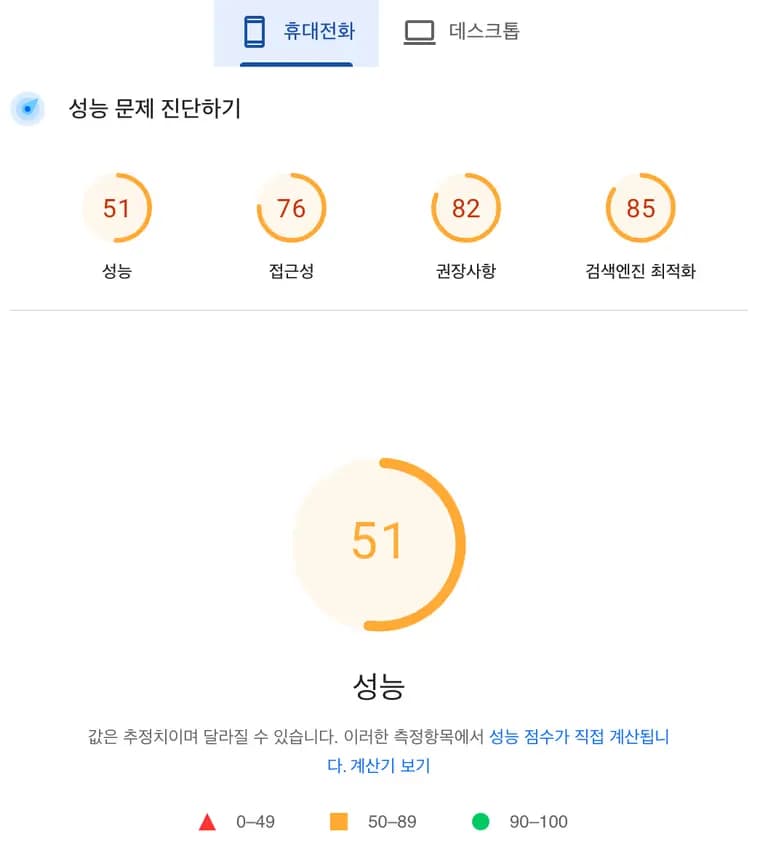
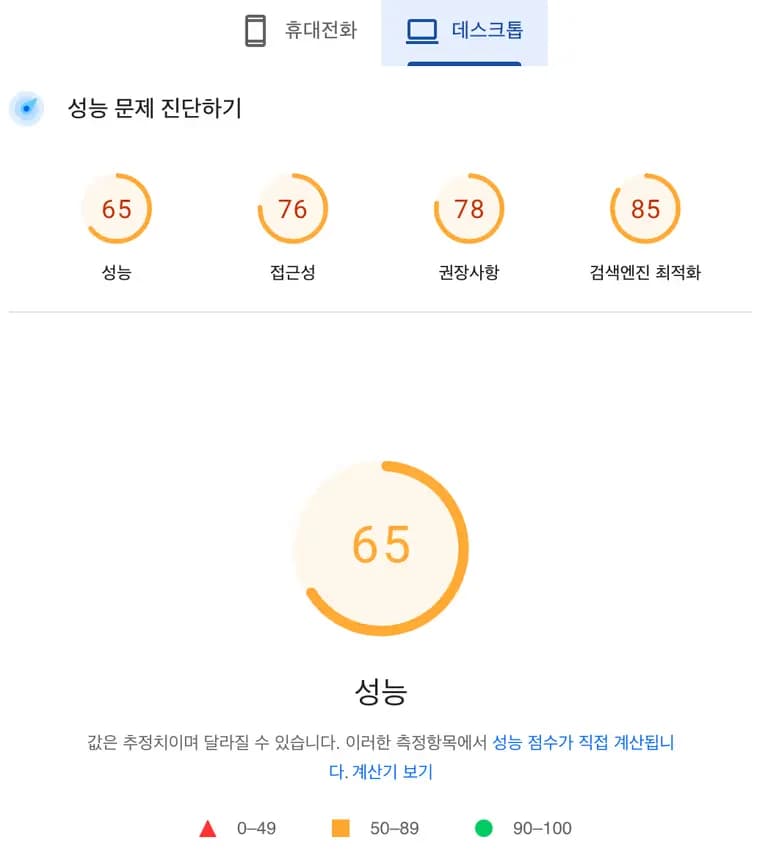
#2 | 51 | 65 |
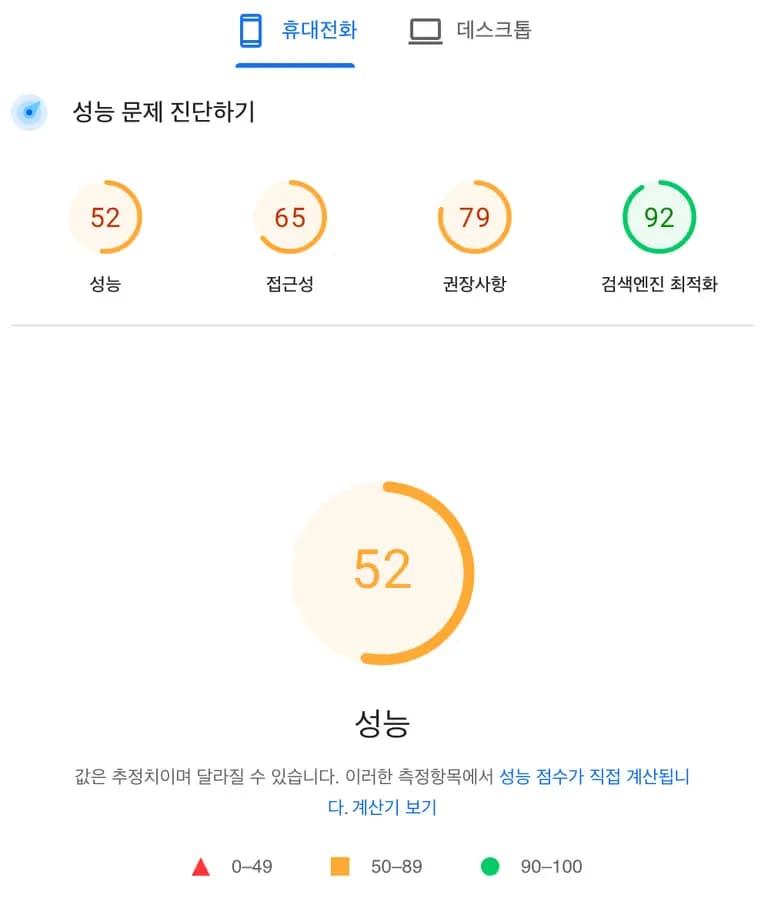
Odyssey | 52 | 76 |
Poster | 55 | 79 |
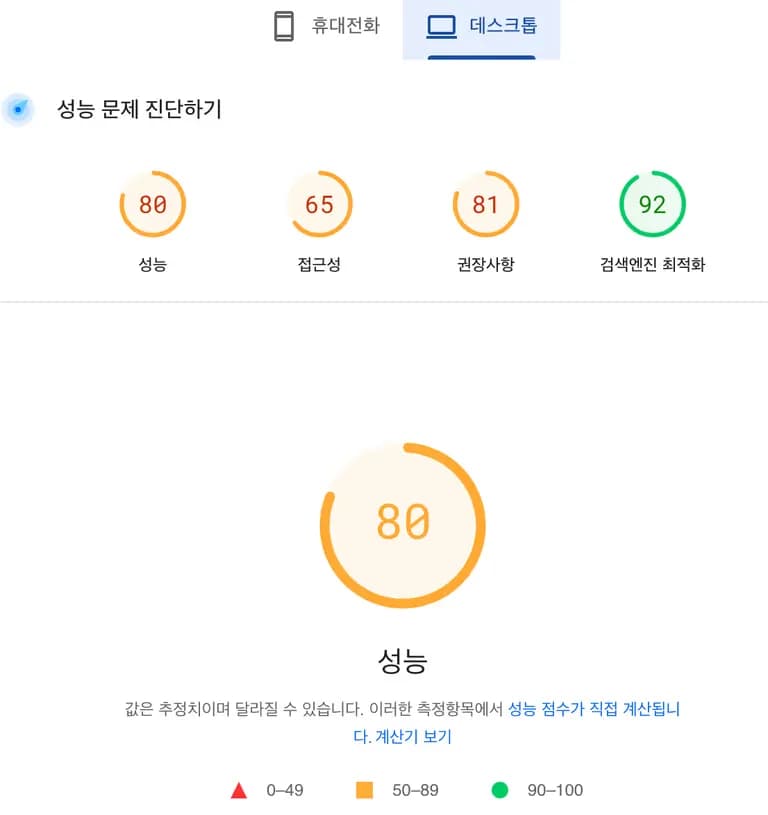
Portfolio | 52 | 80 |
Square | 55 | 93 |
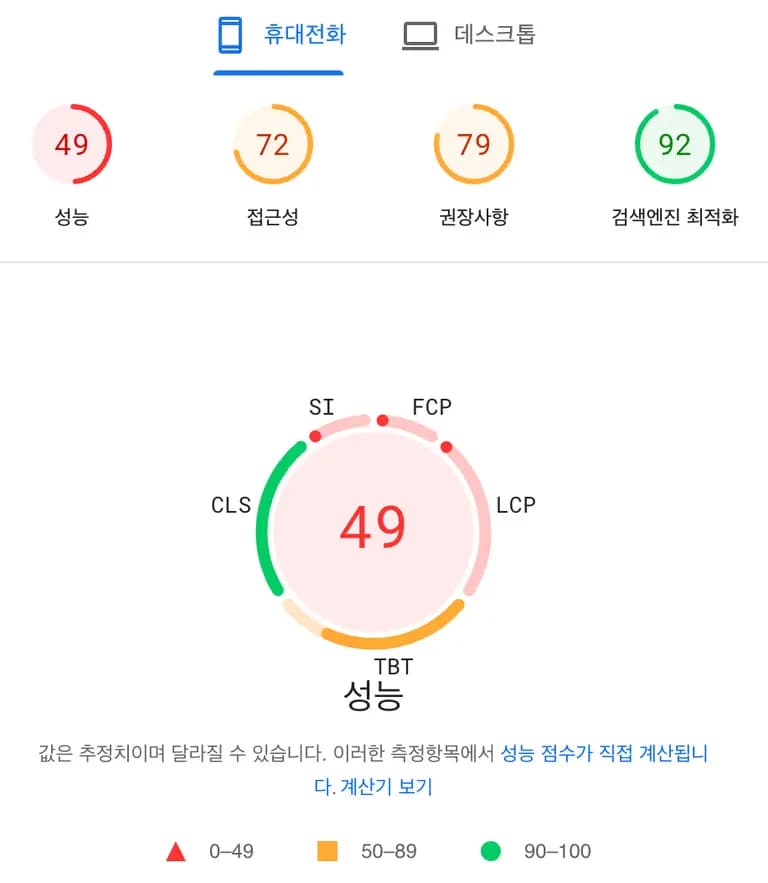
Whatever | 49 | 82 |
2) Detailed mobile metrics
Skin type | Performance | Accessibility | Best practices | Search engine optimization |
hello world! | 78 | 89 | 96 | 100 |
Letter | 51 | 72 | 82 | 92 |
Magazine | 49 | 69 | 82 | 92 |
Book Club | 49 | 72 | 82 | 92 |
#1 | 53 | 75 | 82 | 85 |
#2 | 51 | 76 | 82 | 85 |
Odyssey | 52 | 65 | 79 | 92 |
Poster | 55 | 72 | 82 | 92 |
Portfolio | 52 | 65 | 82 | 92 |
Square | 55 | 68 | 79 | 92 |
Whatever | 49 | 72 | 79 | 92 |
3) Detailed desktop metrics
Skin type | Performance | Accessibility | Best practices | Search engine optimization |
hello world! | 98 | 89 | 96 | 100 |
Letter | 77 | 74 | 81 | 92 |
Magazine | 71 | 68 | 81 | 92 |
Book Club | 73 | 72 | 81 | 92 |
#1 | 81 | 76 | 81 | 85 |
#2 | 65 | 76 | 78 | 85 |
Odyssey | 76 | 71 | 78 | 92 |
Poster | 79 | 72 | 81 | 92 |
Portfolio | 80 | 65 | 81 | 92 |
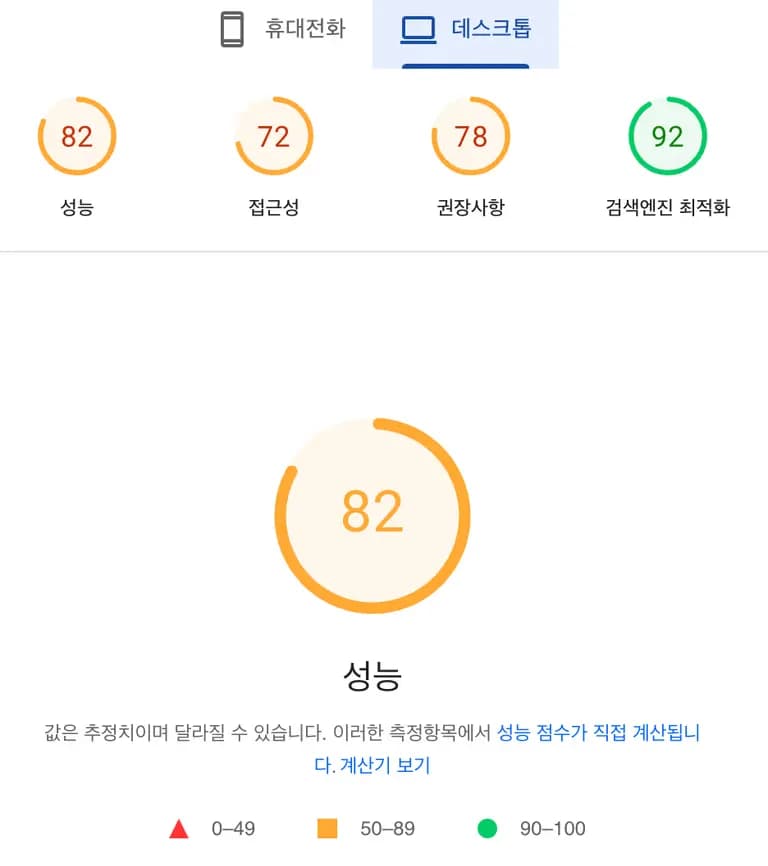
Square | 93 | 68 | 74 | 92 |
Whatever | 82 | 72 | 78 | 92 |
13. Result analysis and conclusion
In conclusion, the performance of Tistory’s default skins was more or less average across the board.
Square, which had the highest performance scores, actually showed somewhat lower scores in accessibility and best practices, while the #1 skin scored the highest in accessibility and best practices. Most skins scored 92 in search engine optimization due to the lack of image alt attributes.
If you have a decent understanding of front-end development, it would be best to customize Square among the default skins and fix the accessibility and best-practice issues. If not, the performance ceiling will be similar no matter which other skin you choose.
A reasonable target would be 50–78 points for mobile optimization and 70–90 points for desktop optimization.
With that, I wish you success.





댓글을 불러오는 중...