I noticed someone recycling a Logitech MX Keys Mini as plastic waste and asked why.
I was told it was because some keys weren't working, so I offered to try fixing it.
If I fail, it's trash; if I succeed, it's a big win!
Let's try disassembling it first.
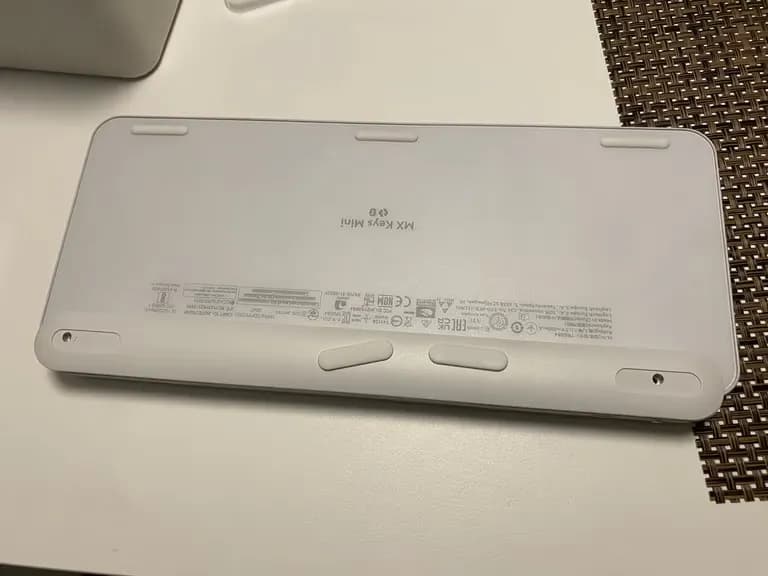
Once you remove the two footrests on the bottom, there is one screw on each side. Remove both.
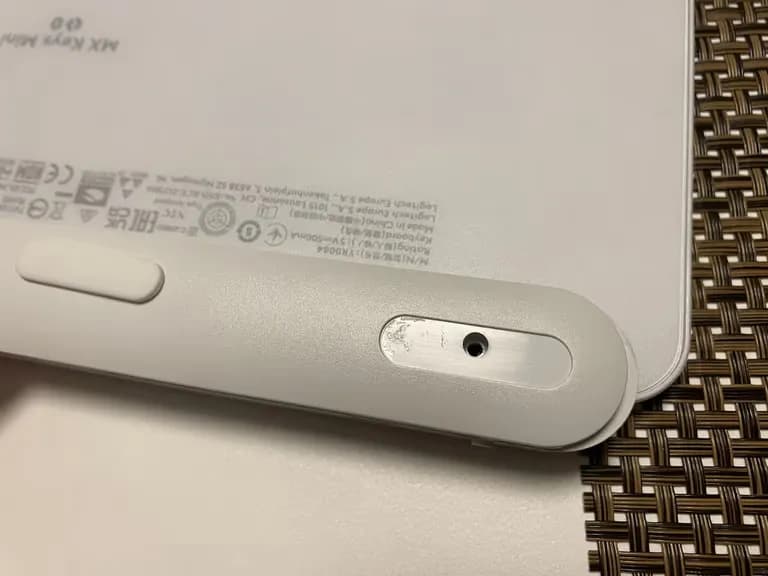
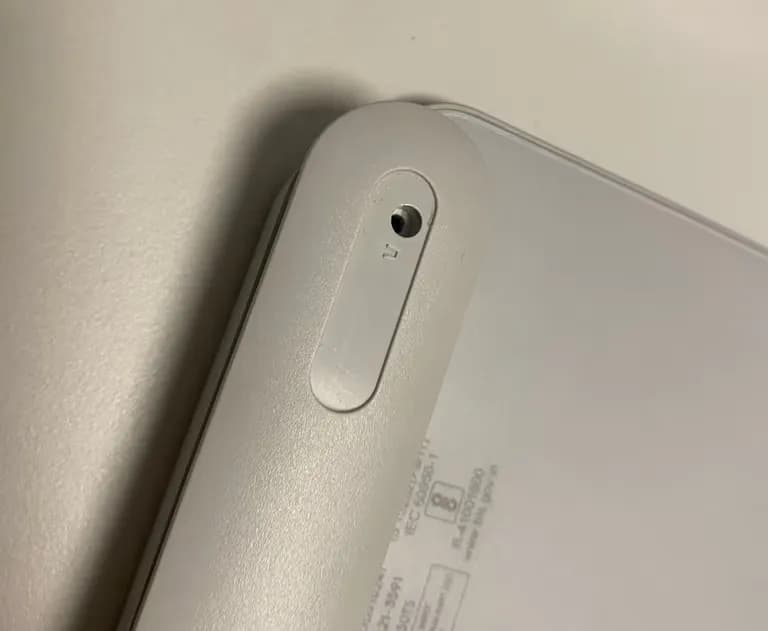
The bottom of the control unit is fastened similarly to a typical laptop bottom.
Gently open up a small space like you would with a laptop, then use a pick to pop it open easily.
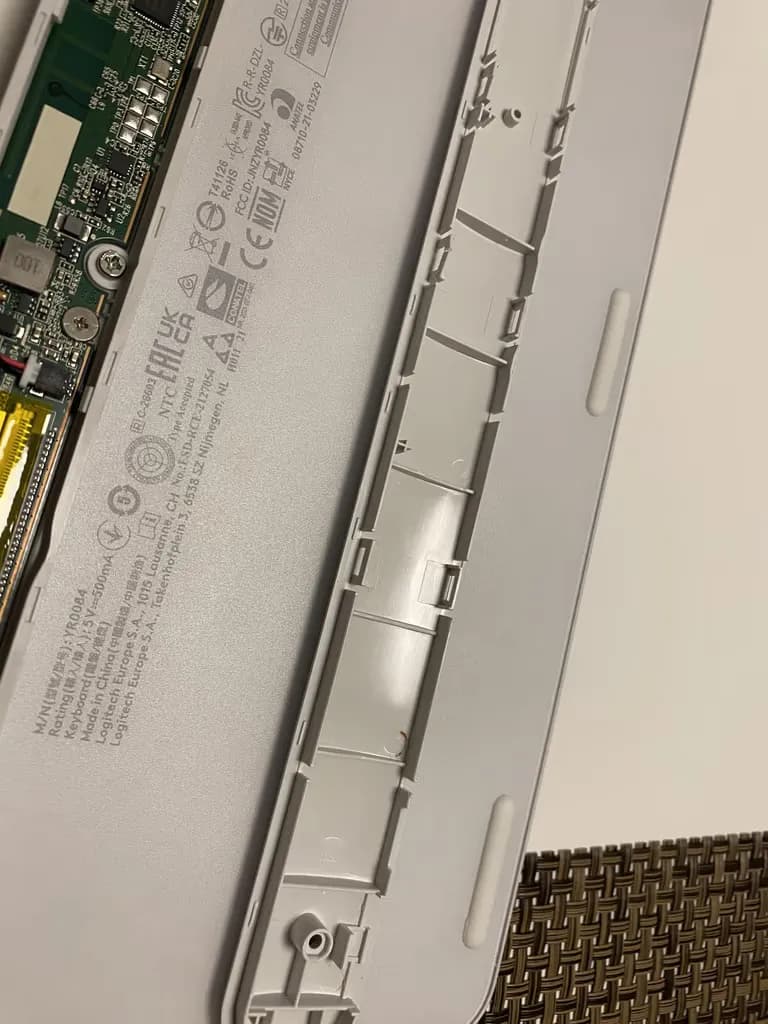
I carefully attached the foot portion like this to avoid losing it.
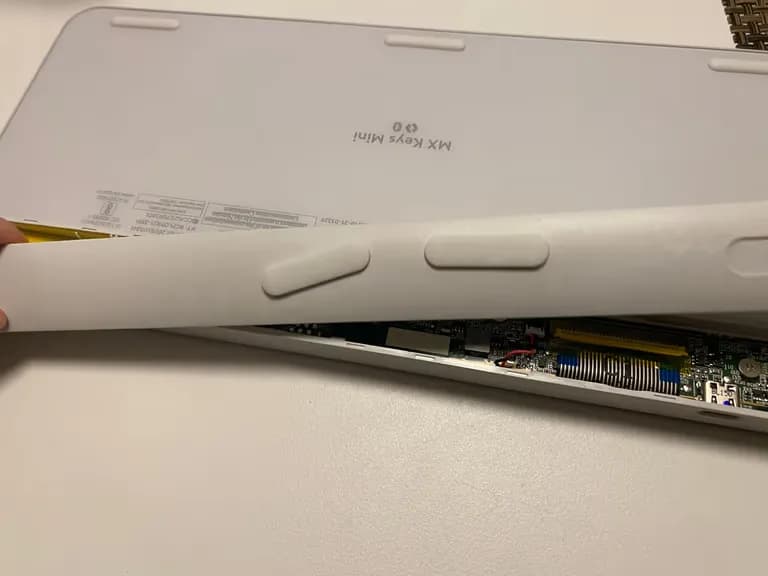
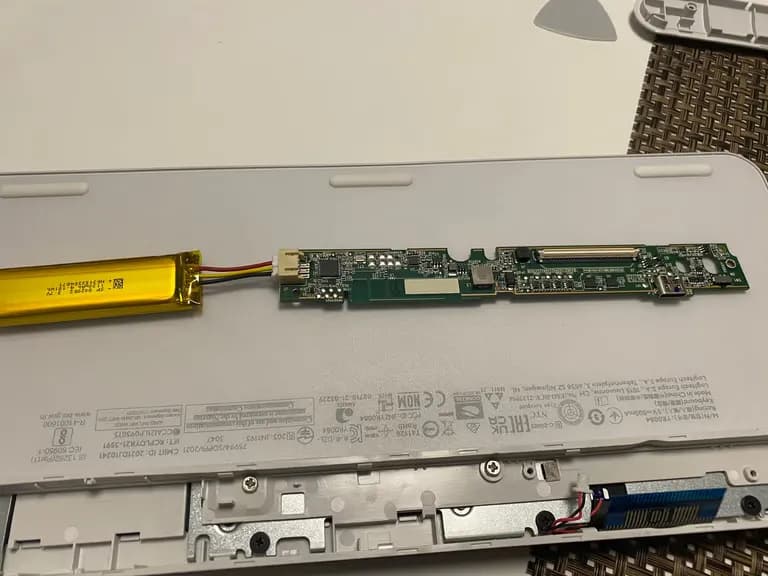
Now we need to remove the battery and the circuit.
Just in case, I took a full shot.
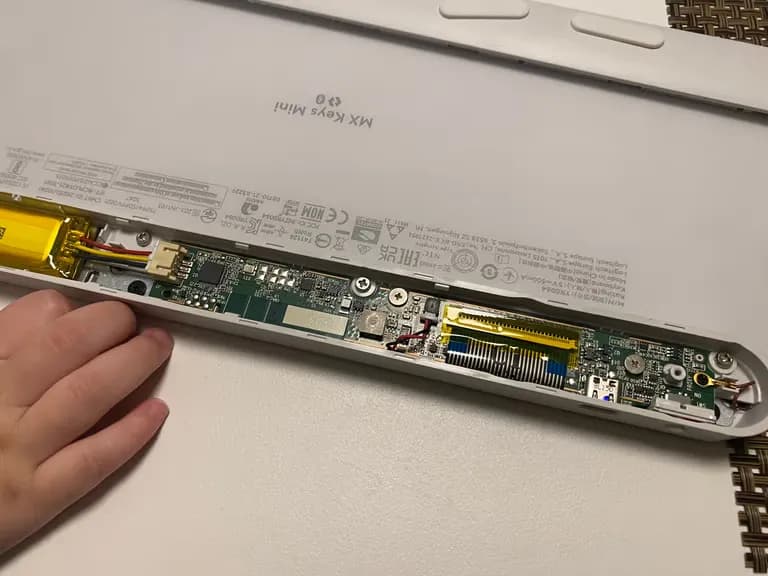
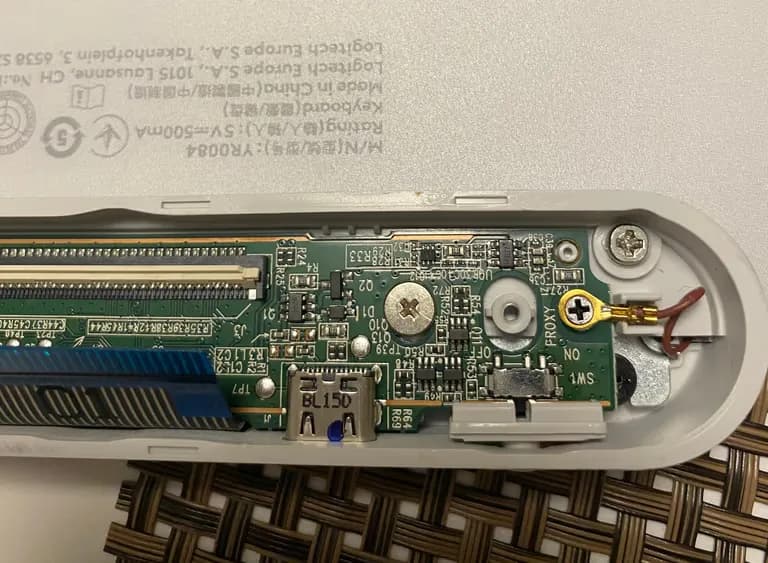
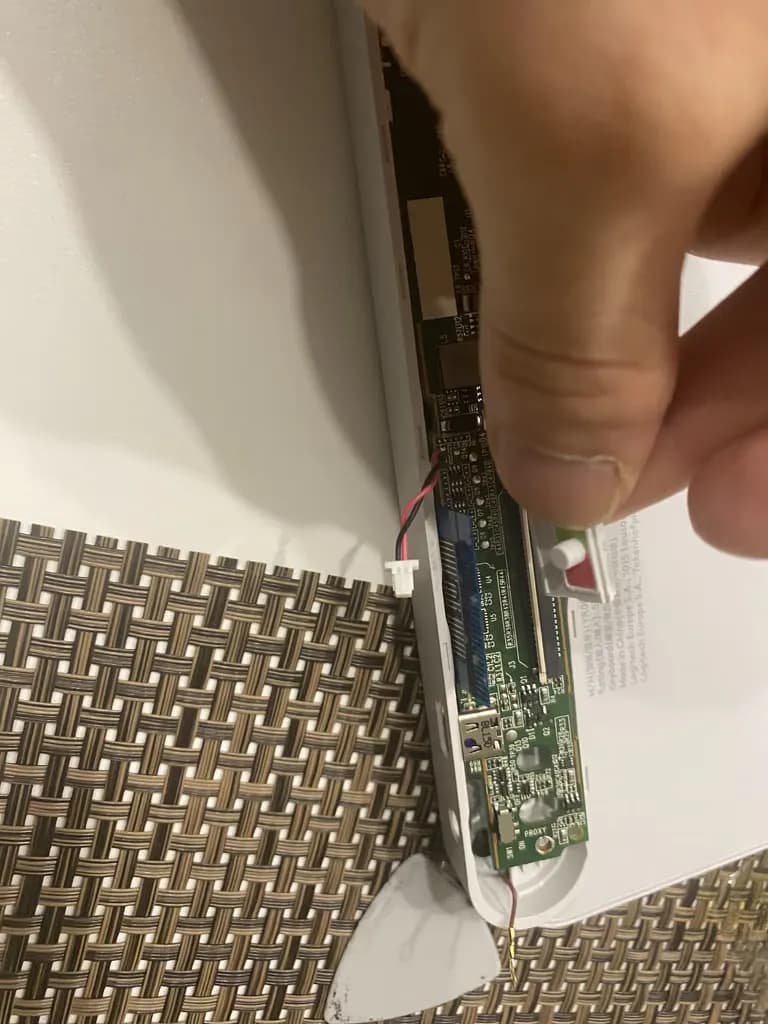
To prevent any potential shorts, I first removed the battery.
Then I disconnected the keyboard cable.
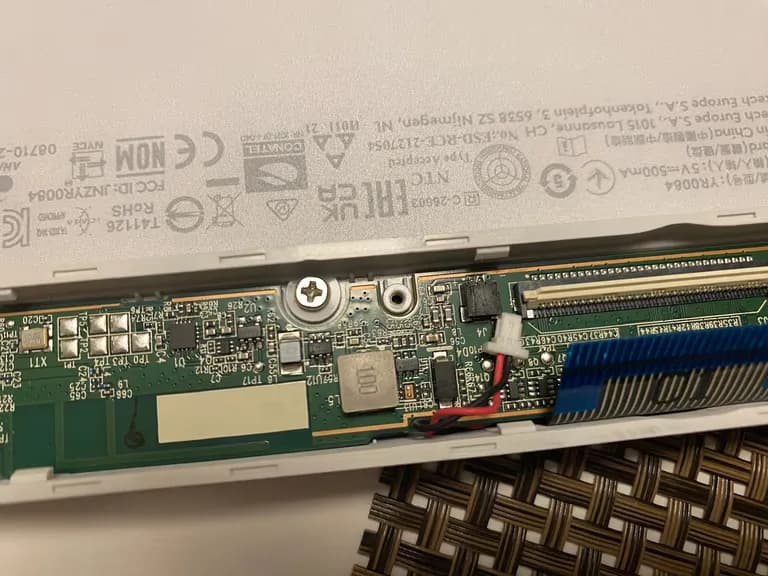
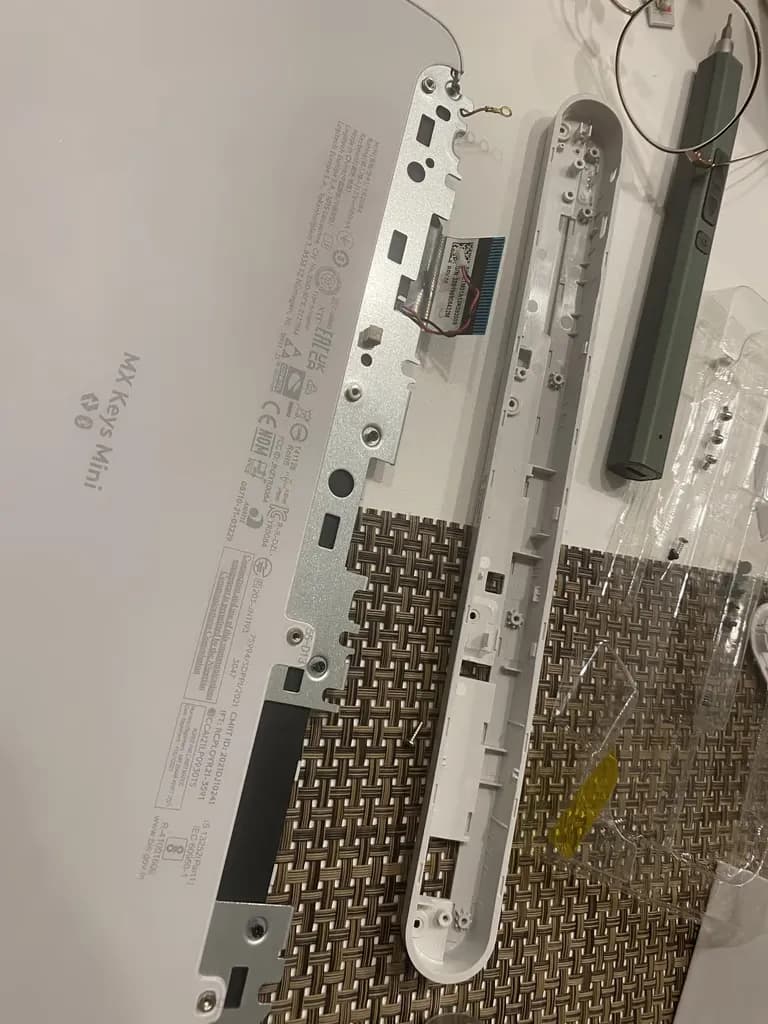
The circuit is easy to remove by taking out a few screws.
Also, remove the silver bolts underneath the circuit.
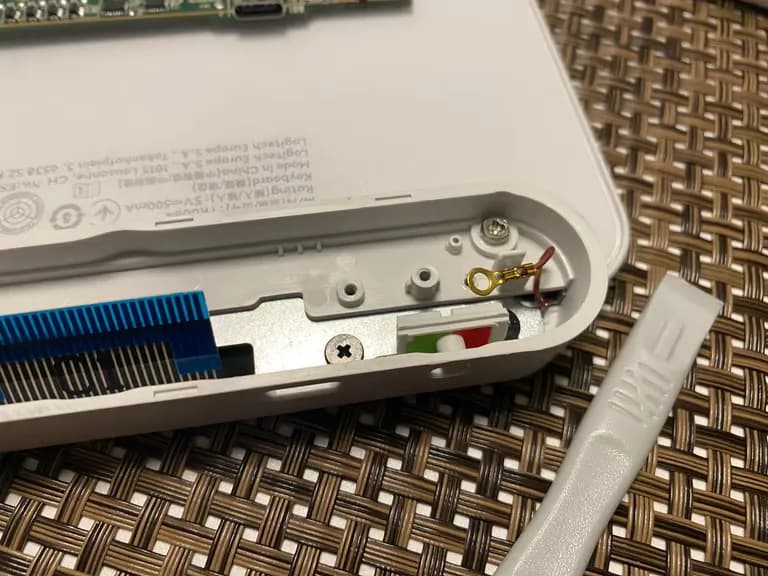
You can see a black screw in the picture below, but you don't need to remove it.
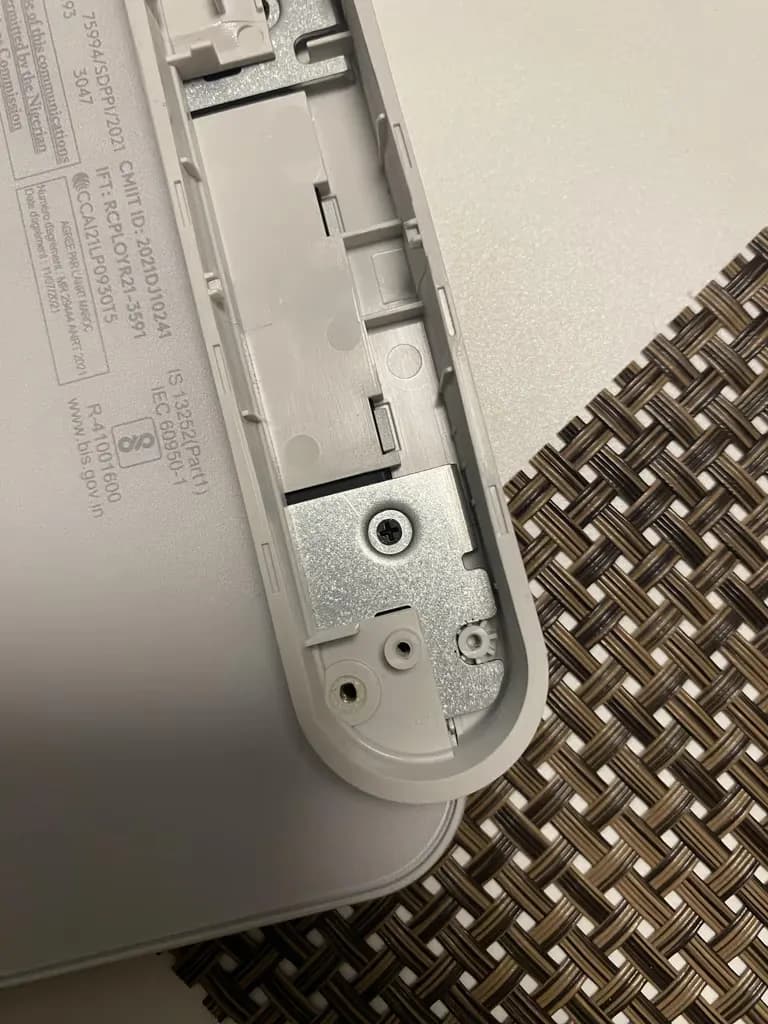
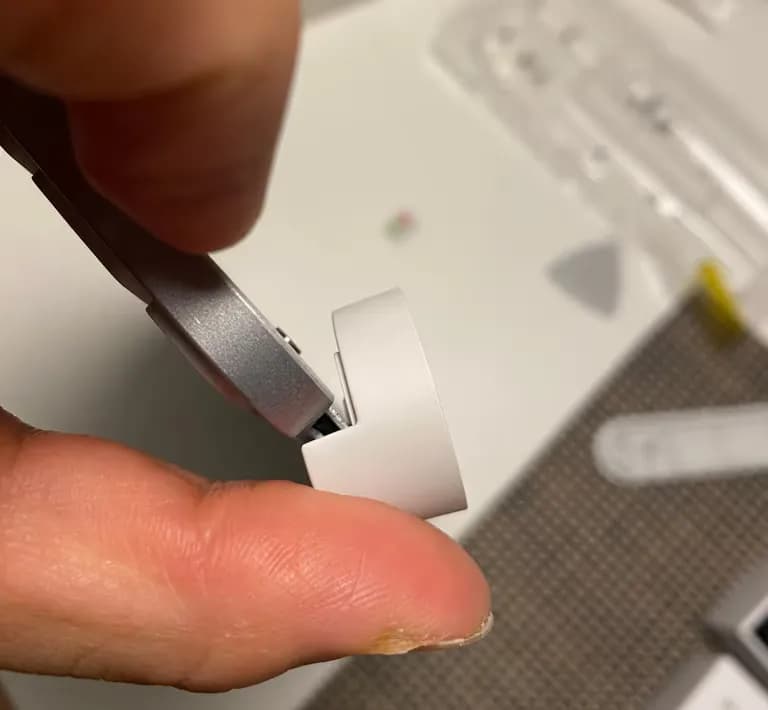
You can easily remove the plastic part by bending it like this.
I tried to disassemble the keyboard section several times, but the entire bottom is strongly glued down, making disassembly difficult.
So I immersed the whole keyboard in water and cleaned it.
I pressed the areas where keys weren't responding while it was submerged.
Then I dried it in a dryer for 2 hours...
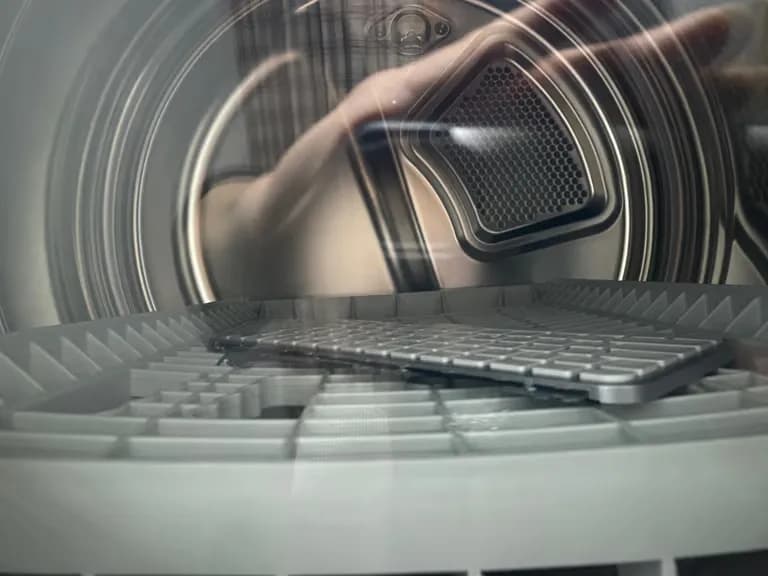
Now for the grand assembly.
Assembly is, of course, the reverse of disassembly.
I put in all this effort disassembling, cleaning, and reassembling, but ultimately failed.
I'm not sure if the soaking time was insufficient or if it was a malfunction that couldn't be fixed with cleaning from the start.
There's so little information about the internal structure of the keyboard, so I'm leaving this here.
I hope it helps.





댓글을 불러오는 중...