1. Dual Booting Windows
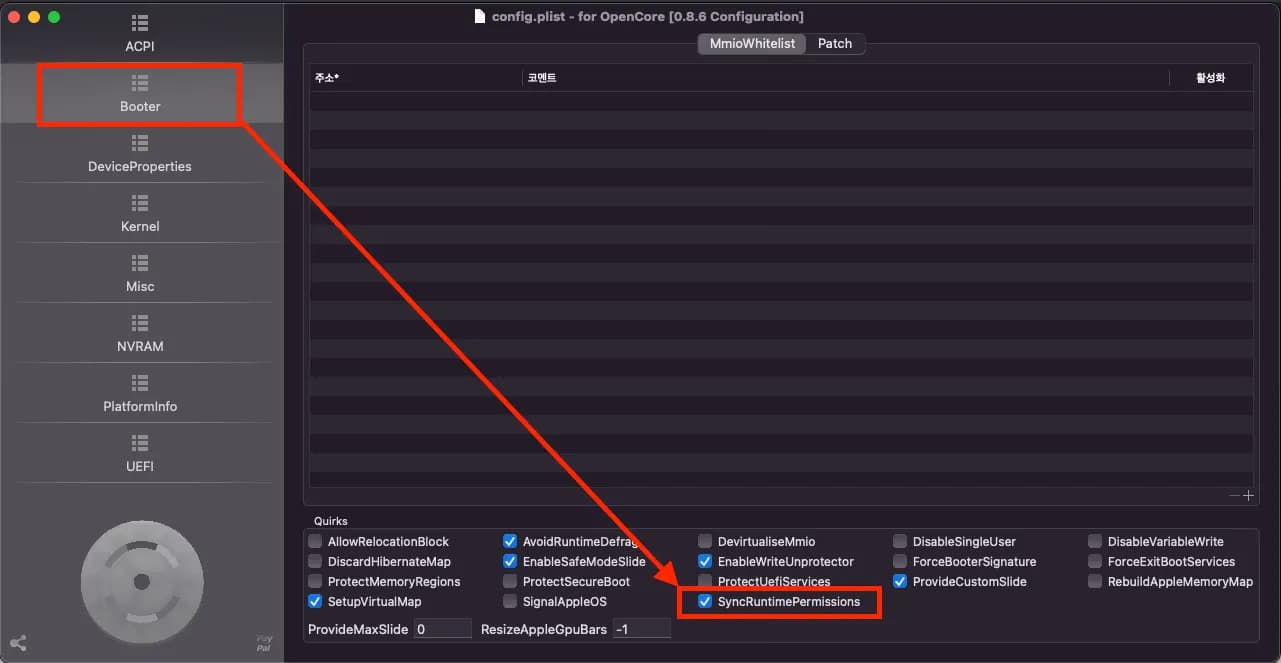
Changing Booter - Quirks - SyncRuntimePermissions from false to true allows proper booting.
2. Dual Booting Ubuntu
Prepare OpenLinuxBoot.efi and ext4_x64.efi.
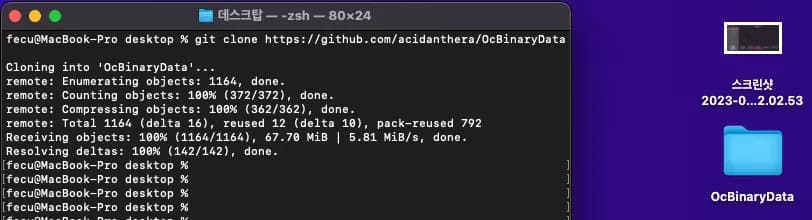
OpenLinuxBoot can be downloaded from the opencore release, and ext4_x64 can be downloaded from OcBinaryData.
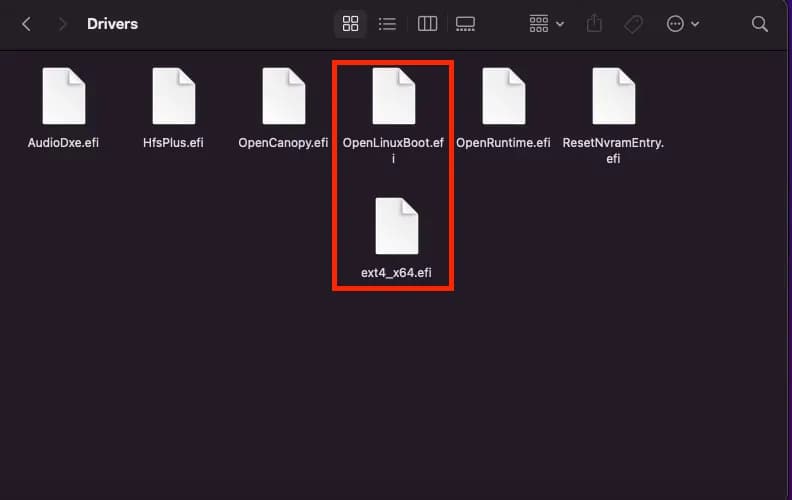
Place both files in the EFI - OC - driver folder.
Of course, you also need to configure it in the config. Put it in UEFI - Drivers.
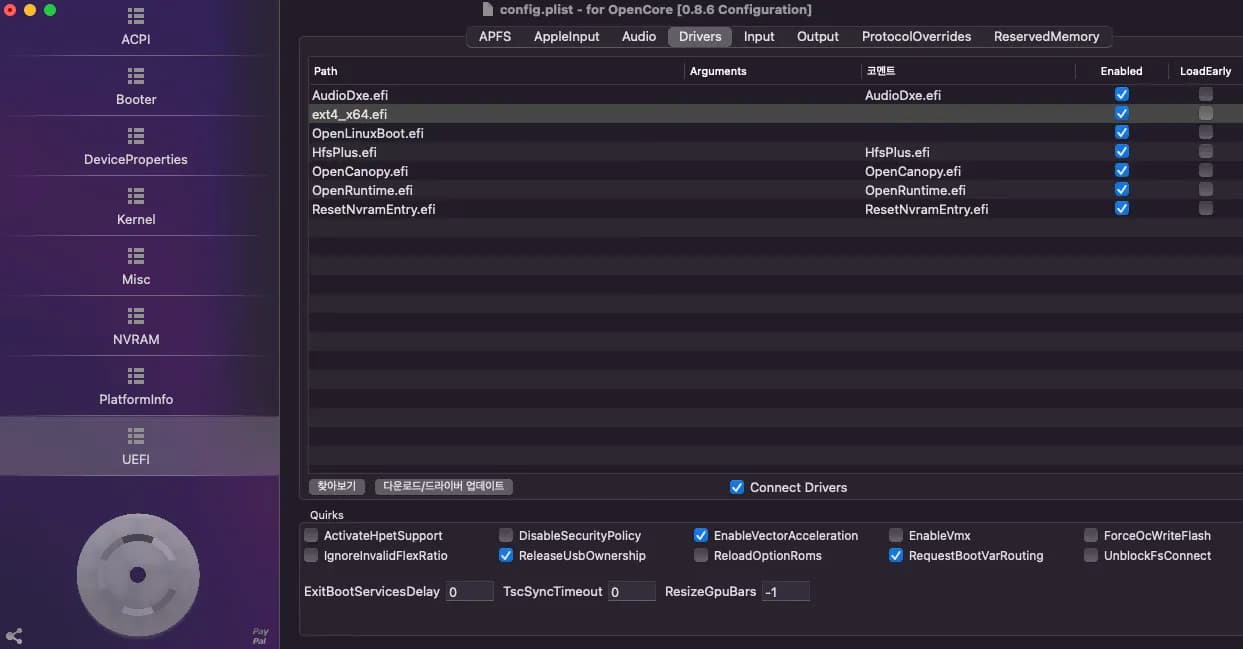
Then set UEFI - Quirks - RequestBootVarRouting to true and Misc - LauncherOption to Short.
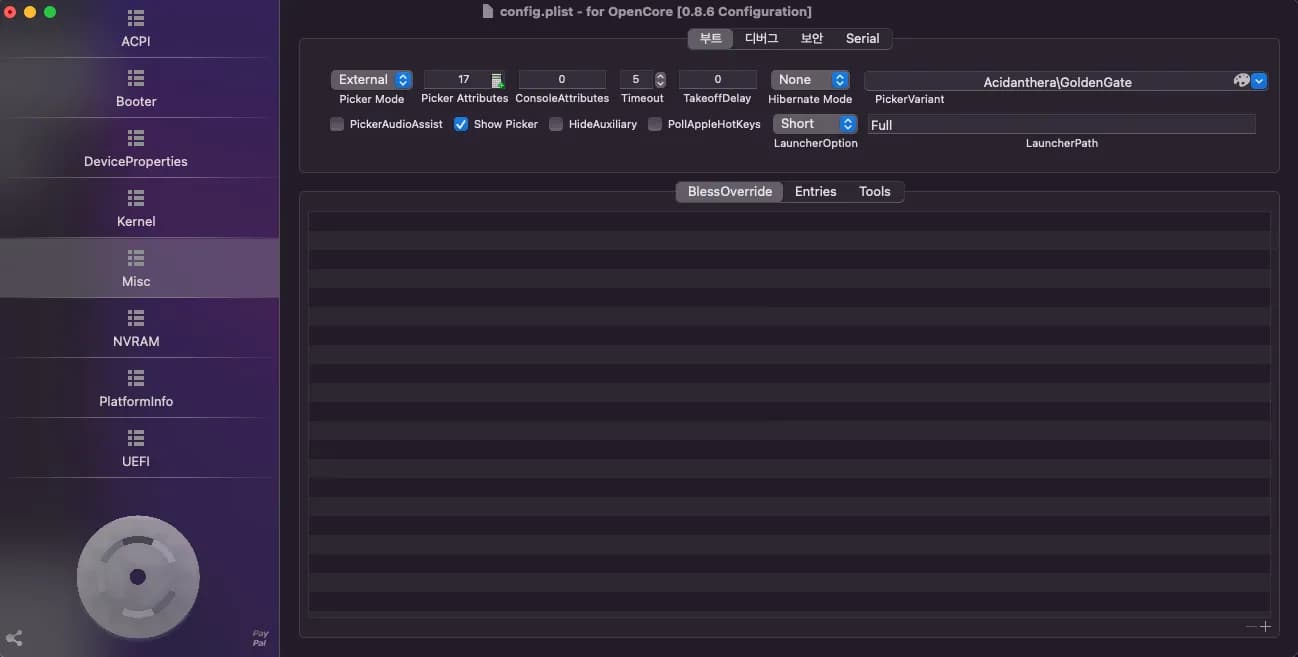
Upon rebooting, you can see the ubuntu folder.
3. When Two Ubuntu Disks Appear
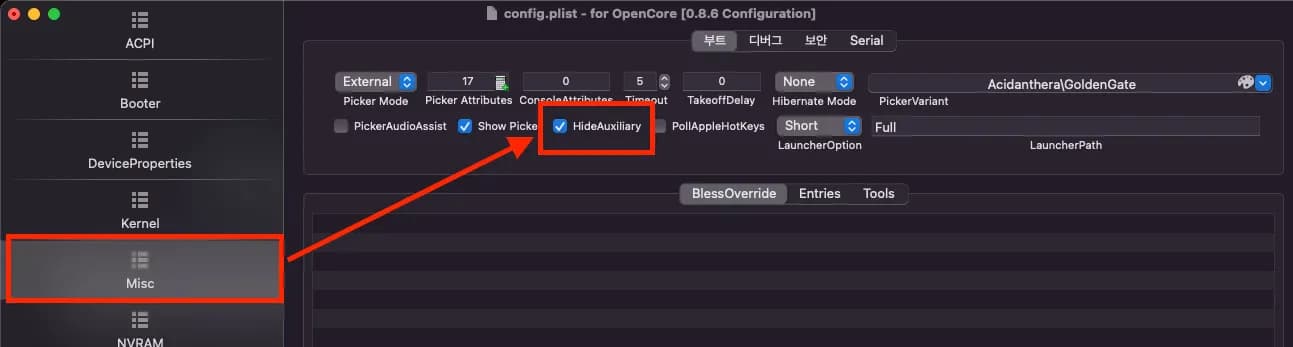
Change Misc - HideAuxiliary from false to true.
This will show only the current latest version disk, excluding the ubuntu backup version.






댓글을 불러오는 중...