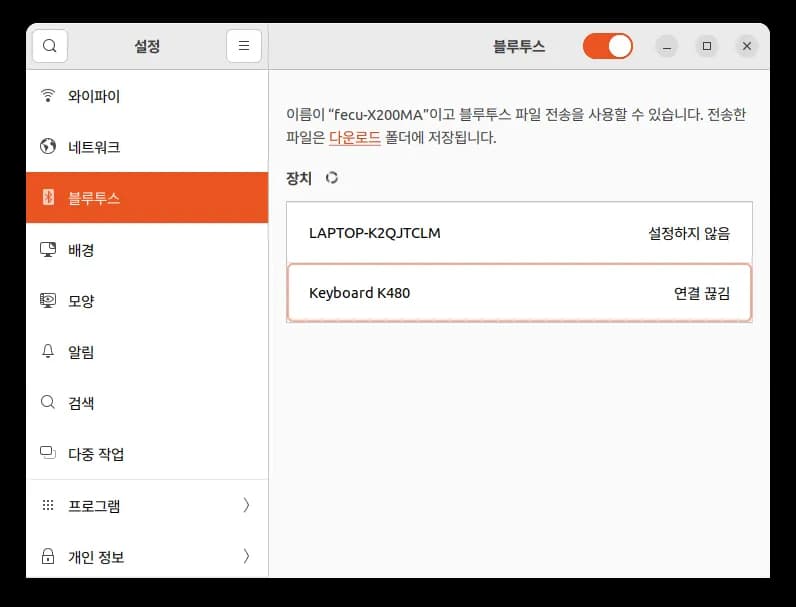
After installing Ubuntu, no matter how hard I tried, I couldn't connect my Logitech K480 keyboard.
After googling extensively, it seemed to be an issue with the Bluetooth module.
You can attempt to connect by following these steps.
First, set the keyboard connection mode to MacOS.
Then, press Ctrl + Alt + t to open the terminal and enter the following:
sudo apt-get update
sudo apt-get install bluez
After doing this, the keyboard was finally detected properly.
Using Ubuntu, even connecting a keyboard can sometimes be difficult.






댓글을 불러오는 중...