At home, I have one unused 3.5-inch hard drive and one 2.5-inch hard drive.
Both are old, with low capacity, and I had no use for them, so I left them in a drawer, but it seemed they were just taking up space. I decided to throw them away.
Even if you delete data, the sectors remain intact on a hard drive, making it easy to recover data, so care is needed when disposing of them.
If not careful, all the data may be leaked.
In such cases, there are two ways to safely dispose of a hard drive.
1) Use a complete erasure program - It takes a long time. If not done properly, there is a possibility of recovery. 2) Physically destroy the data - Just disassemble it. It is impossible to recover.Since it's going to end up in the trash anyway, I decided to physically destroy it safely.
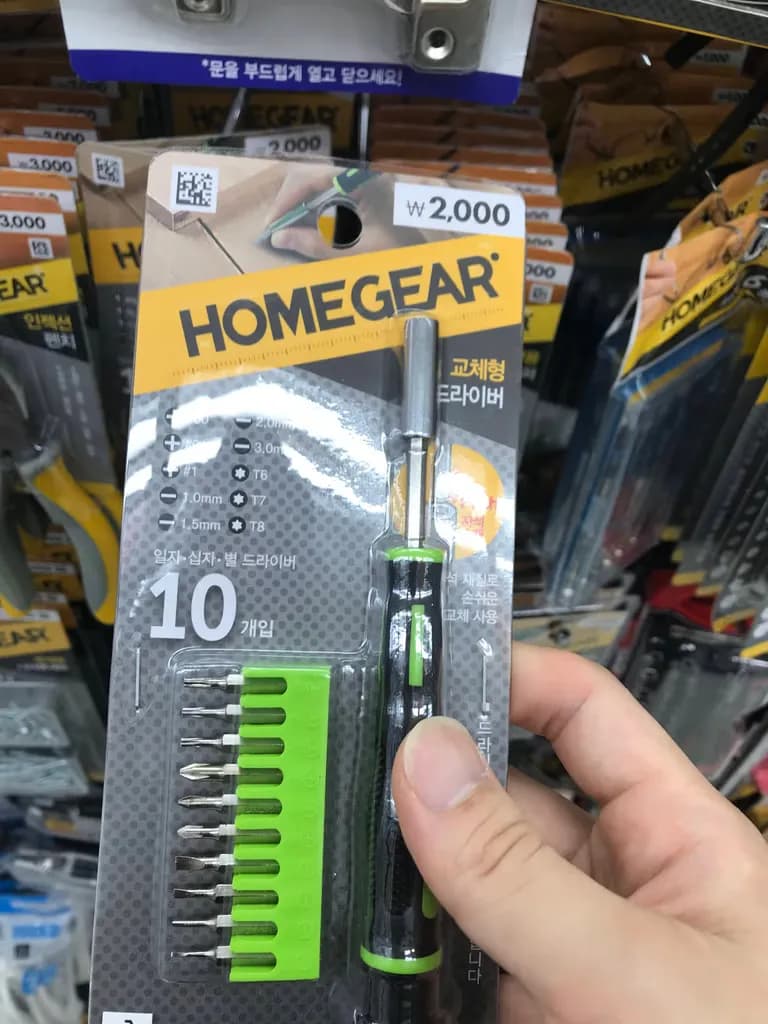
For reference, a 6T star driver is needed for the 2.5-inch hard drive, and an 8T star driver is needed for the 3.5-inch.
I found star drivers for 2,000 won at Daiso.
I willingly accepted the cost for a complete deletion.
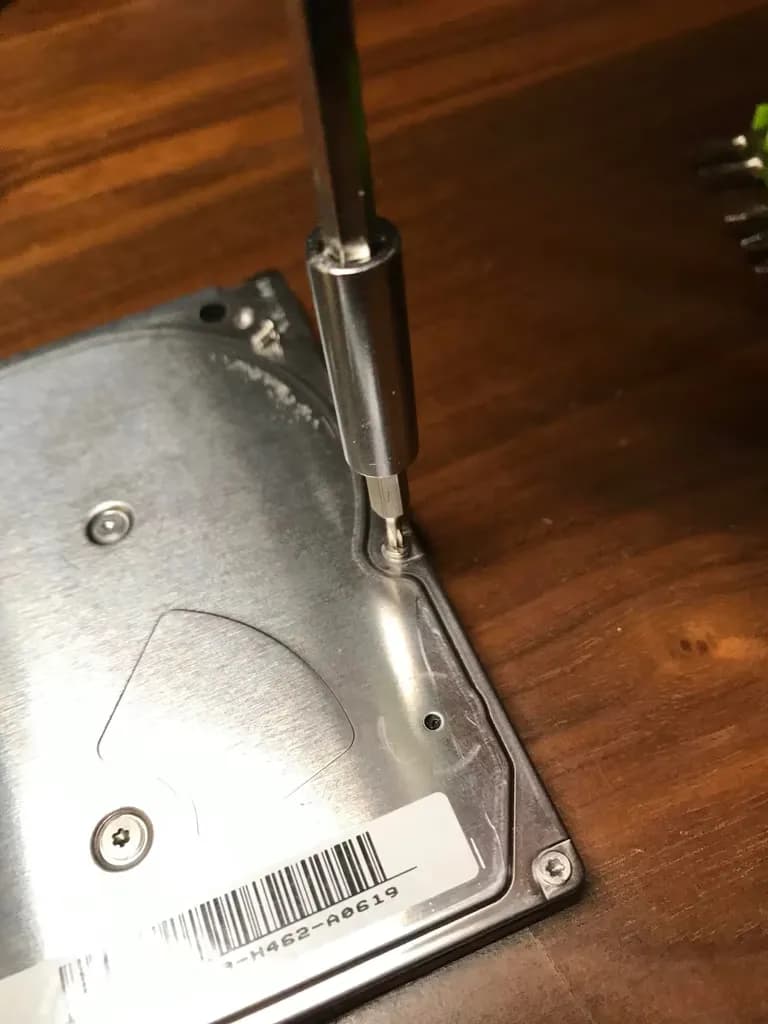
I disassembled the hard drive back and forth using the 6T star driver.
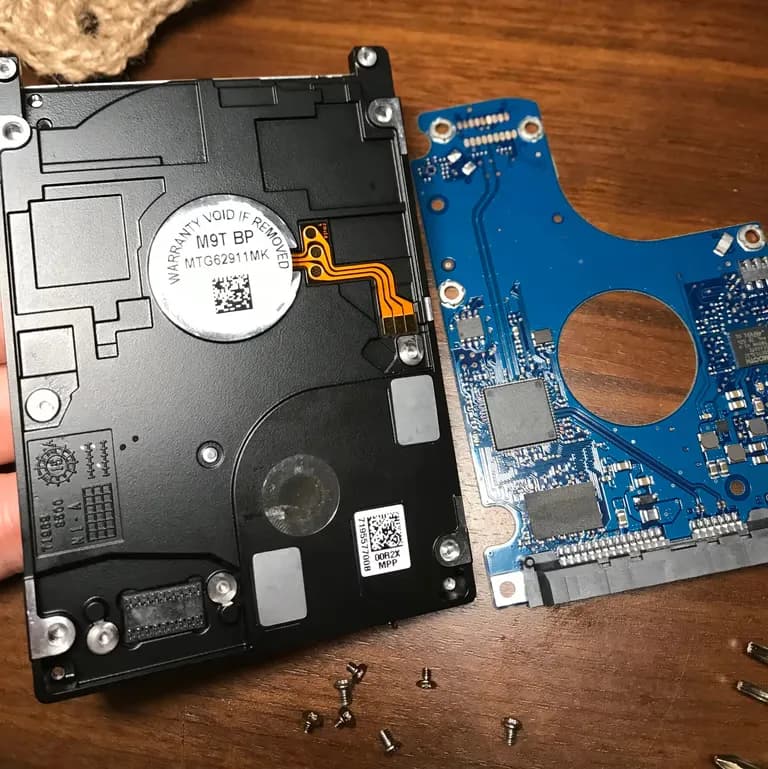
By inserting a Phillips screwdriver into the gap between the front plate and the body, the inside is revealed as shown below.
The disk in the middle is called a platter, where the actual data is stored.
Touching this area with your hands and rubbing it with a magnet is even better.
The more you do this, the more unrecoverable the data becomes.
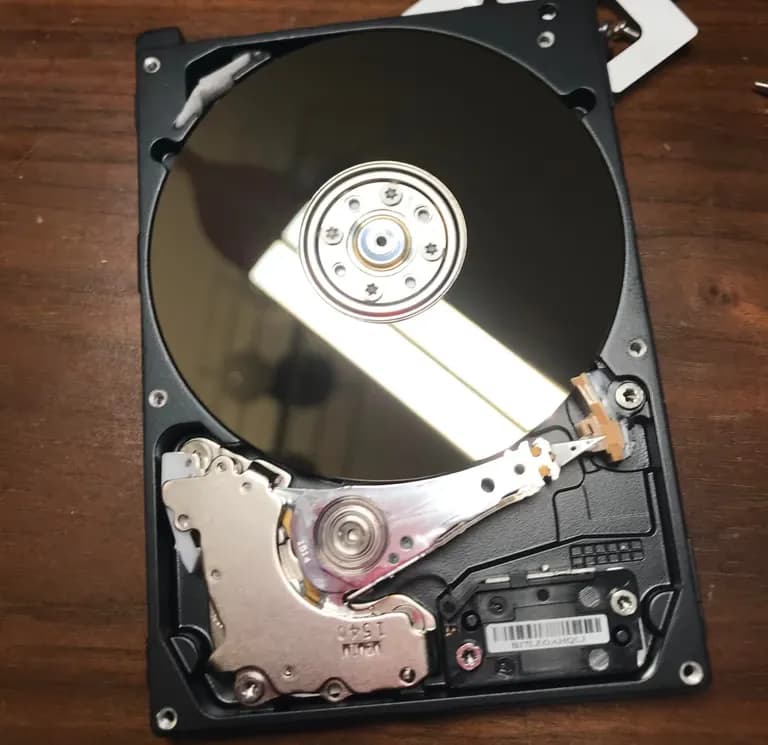
The pointed area like a needle is the header and head arm, where the arm part contains a neodymium magnet.
After disassembling the magnet with the screwdriver...
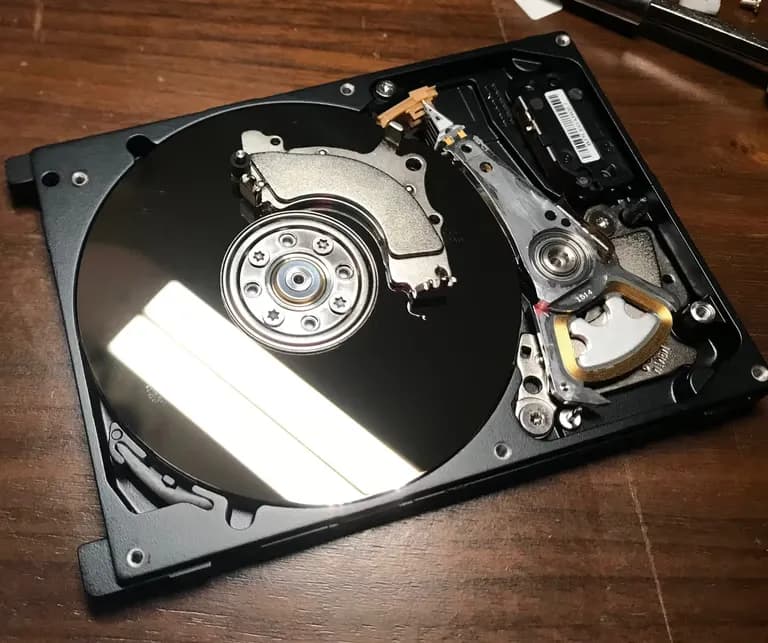
I rubbed it on the platter.
The platter is ferromagnetic, so when a strong magnetic field is applied, it becomes magnetized in the same direction.
Just rubbing it with a magnet makes most data unrecoverable.
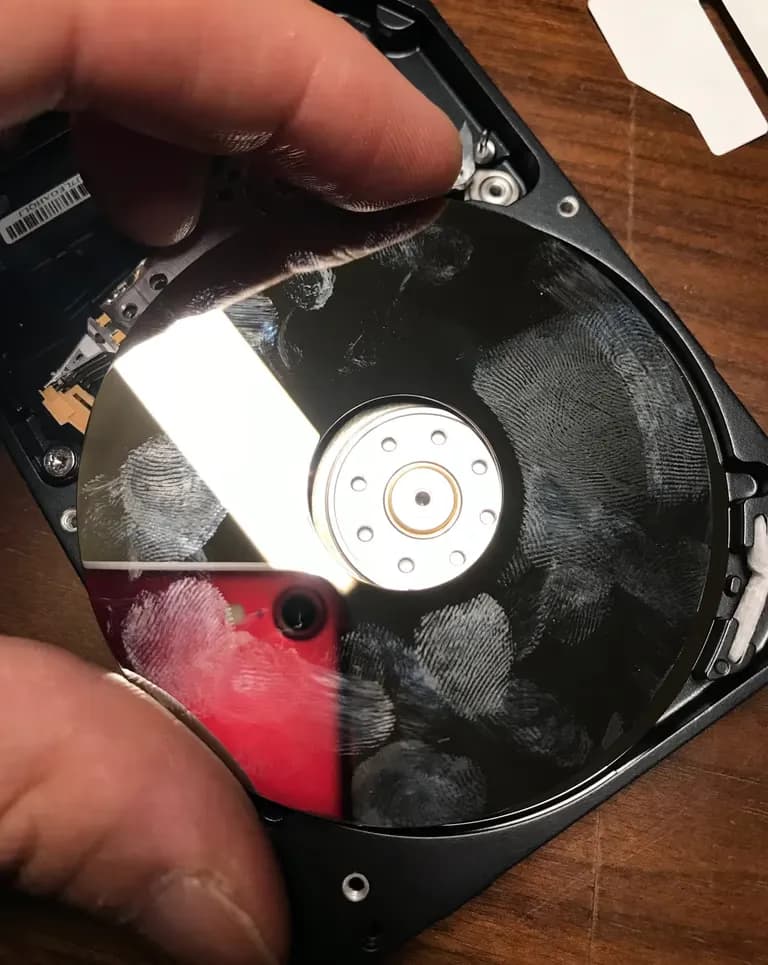
I completely disassembled the platter, put it in a plastic bag, and smashed it with a hammer until it shattered completely.
For reference, be careful when breaking the platter by hand, as debris can scatter like glass.
After magnetizing and physically destroying the platter, I wrapped it nicely between baby diapers and threw it away in the regular trash.
Goodbye forever to my 2.5-inch hard drive data~
Now it is the turn for the 3.5-inch.
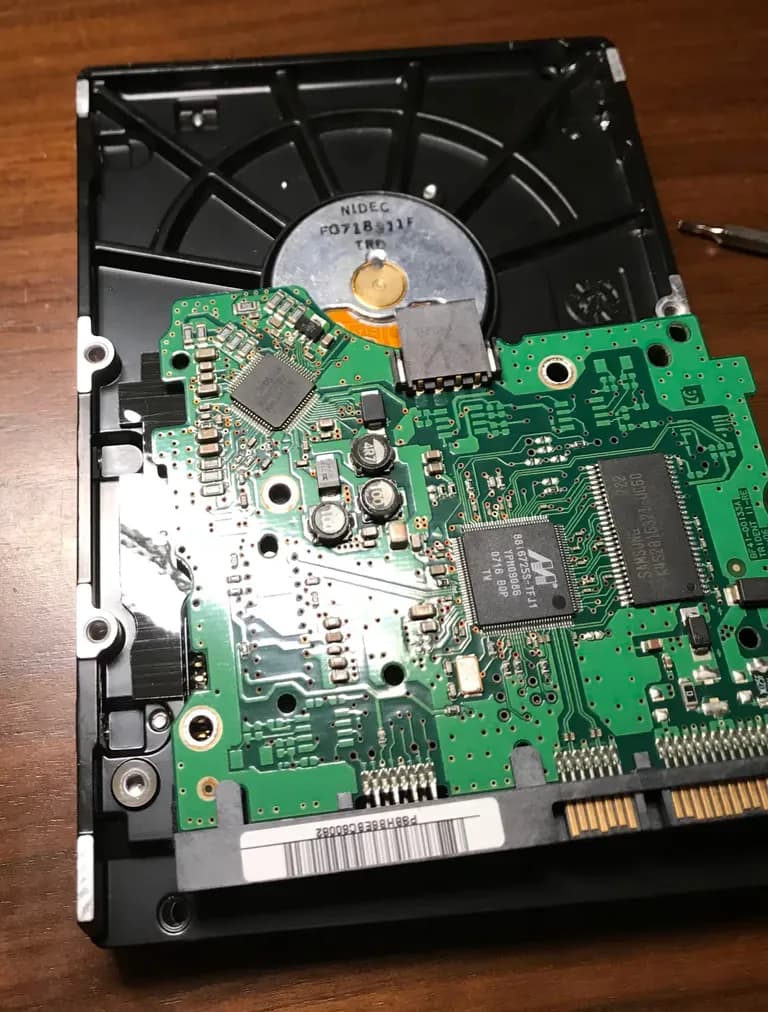
The 3.5-inch hard drive can be disassembled with an 8T star driver.
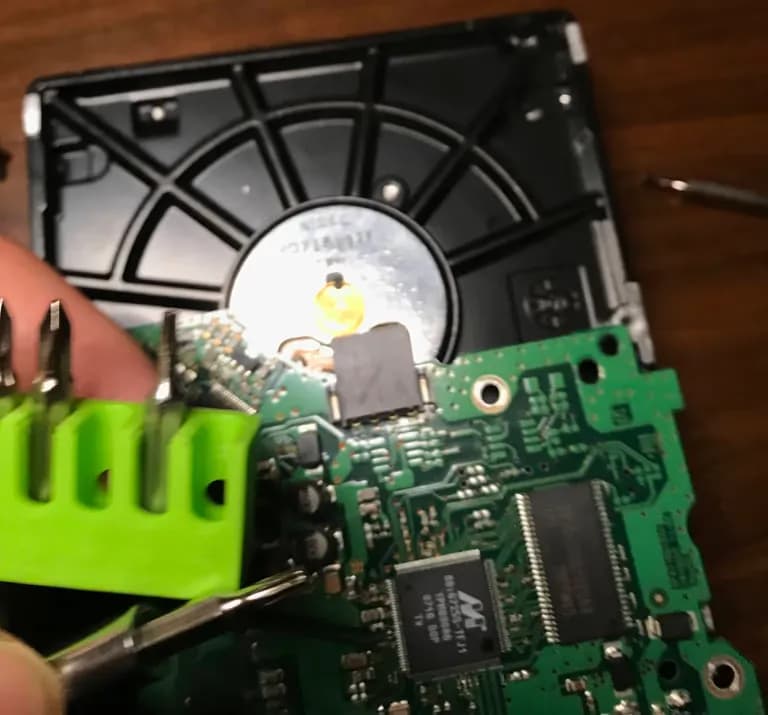
Similarly, after loosening the screws, inserting a Phillips screwdriver creates space and opens it neatly.
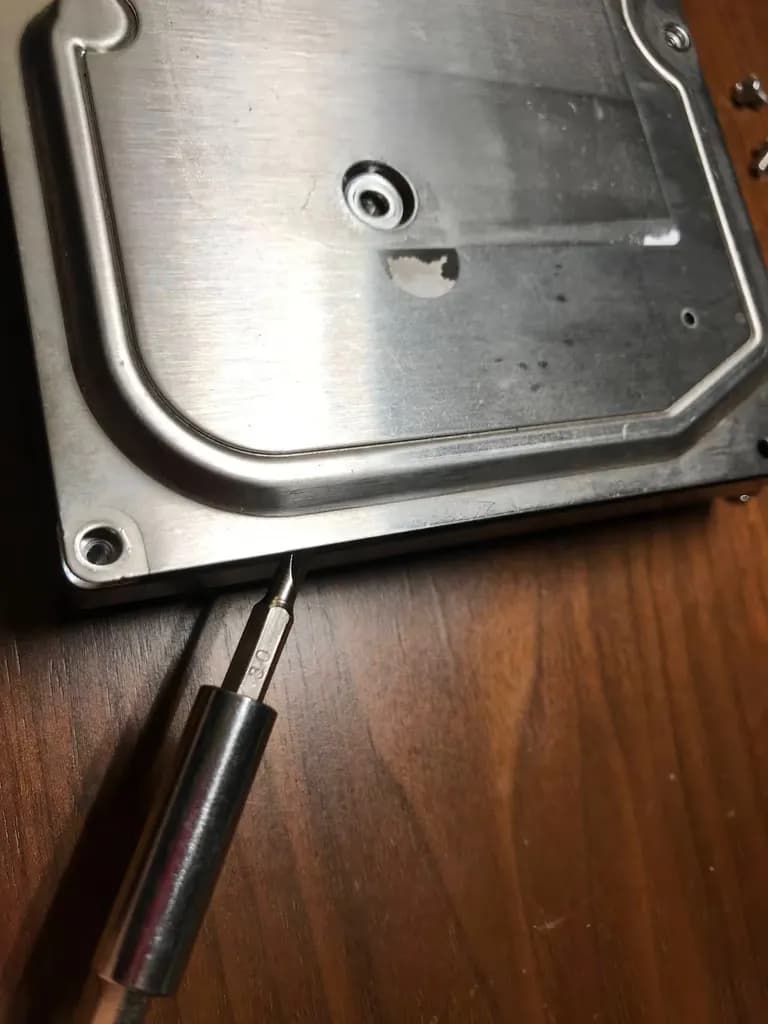
I magnetized the platter of the 3.5-inch hard drive as well.
However, since this is an older model, the platter was too thick.
No matter how much I hit it with a hammer, the platter didn't break.
So, after giving it several hammer massages, I also wrapped it between baby diapers and threw it away in the regular trash.
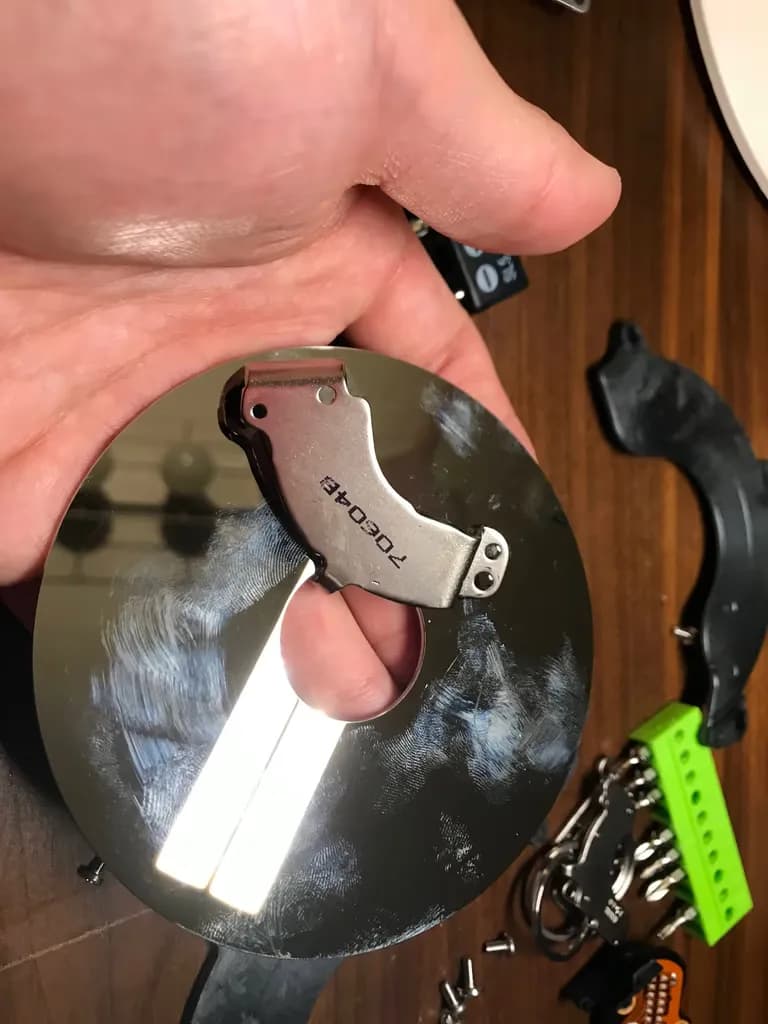
This safely removed the data.
Since the platter was severely damaged, recovery is not only impossible, but also untraceable.
If you have a hard drive to dispose of, I hope you handle it this way.
Next time, I will definitely buy an SSD external drive.





댓글을 불러오는 중...