Yesterday, I discovered that the headlights of my father's Chevrolet The New Trax were not turning off.
Upon checking, I noticed a warning on the dashboard that the smart key battery was almost dead.
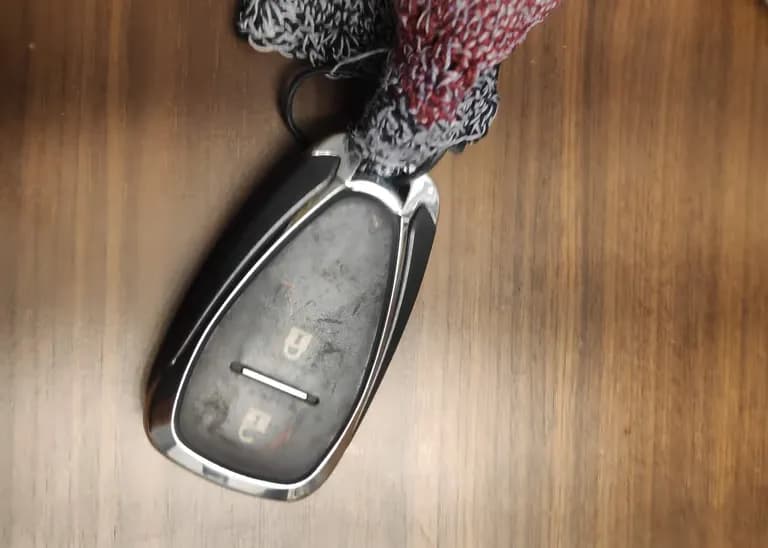
When I asked my father, he mentioned that it's been 5 years since he bought the car and never replaced it.
So today, I'll try replacing the smart key's battery.
First, Chevrolet vehicles use a mercury battery, and you'll need to purchase a CR2032 battery.
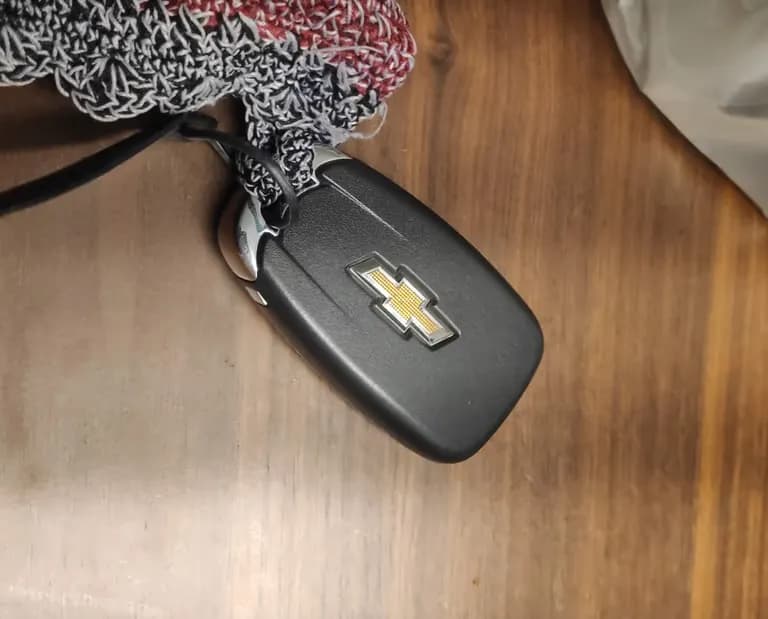
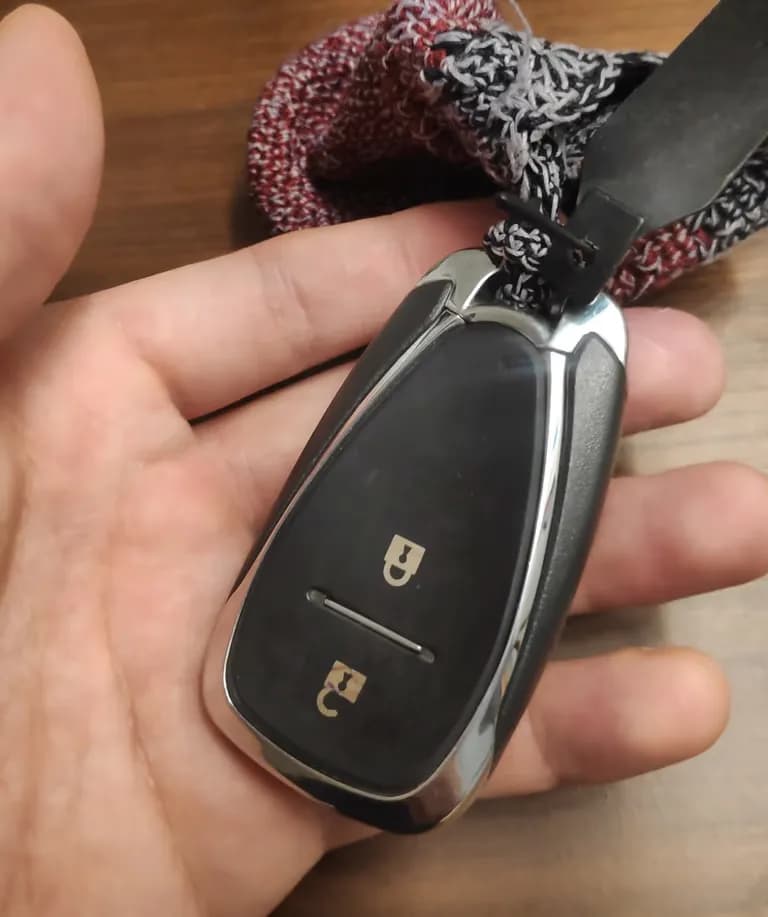
The smart key looks like the one above. Please compare it with your own smart key.
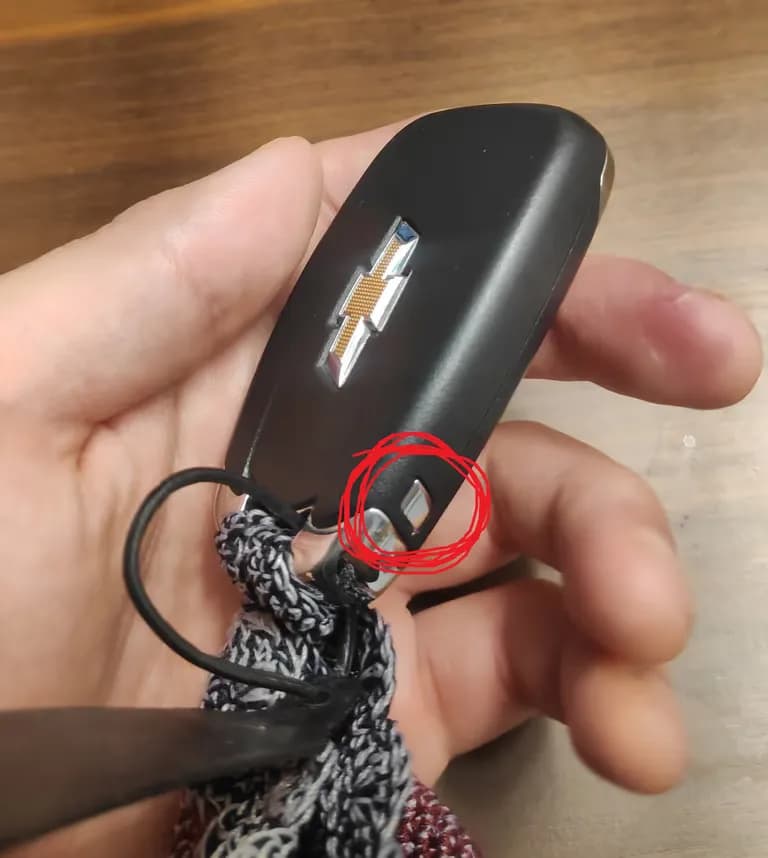
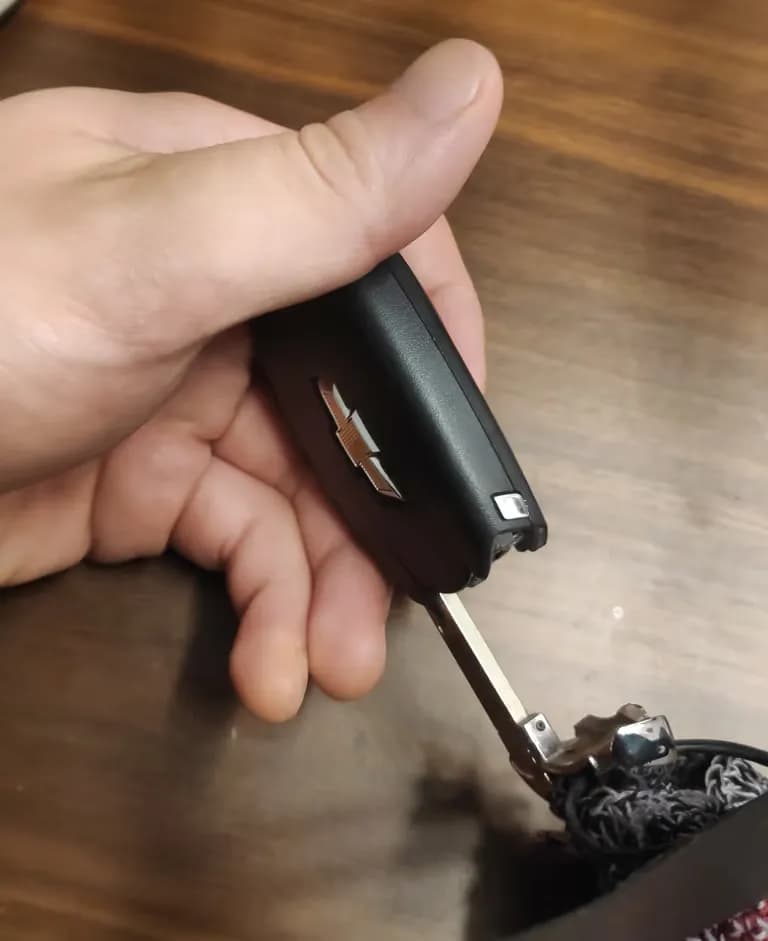
There's a small button on the side of the smart key. Pressing it will release the car key.
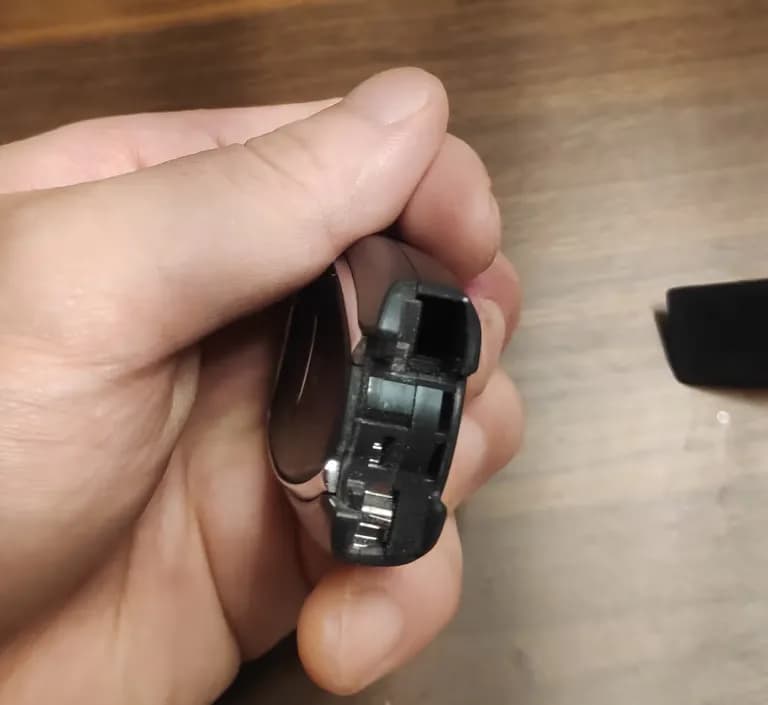
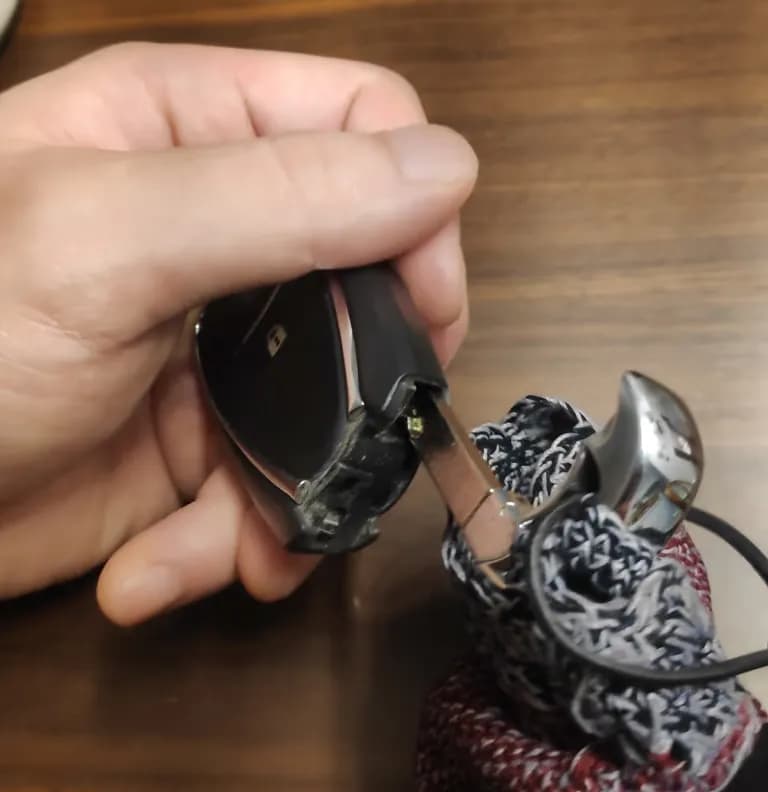
After removing the car key, slightly insert it in the slot and use it as a lever to lift and separate the key.
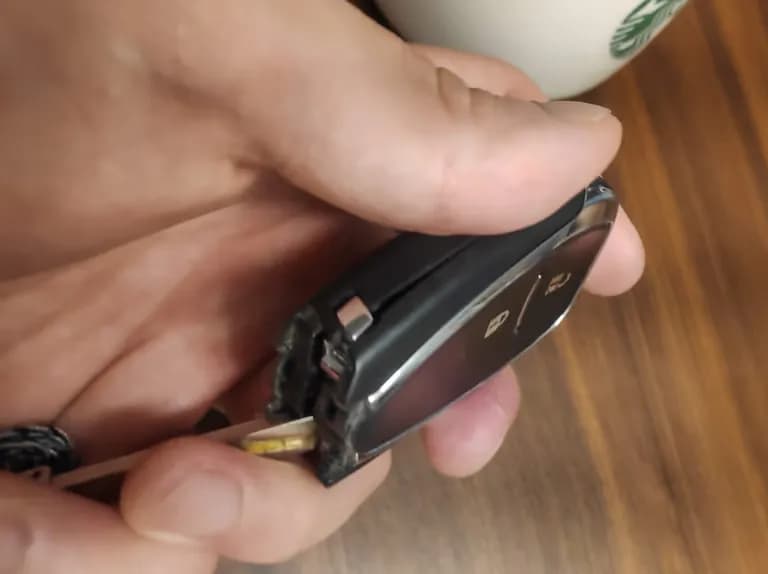
Be careful not to apply too much force.
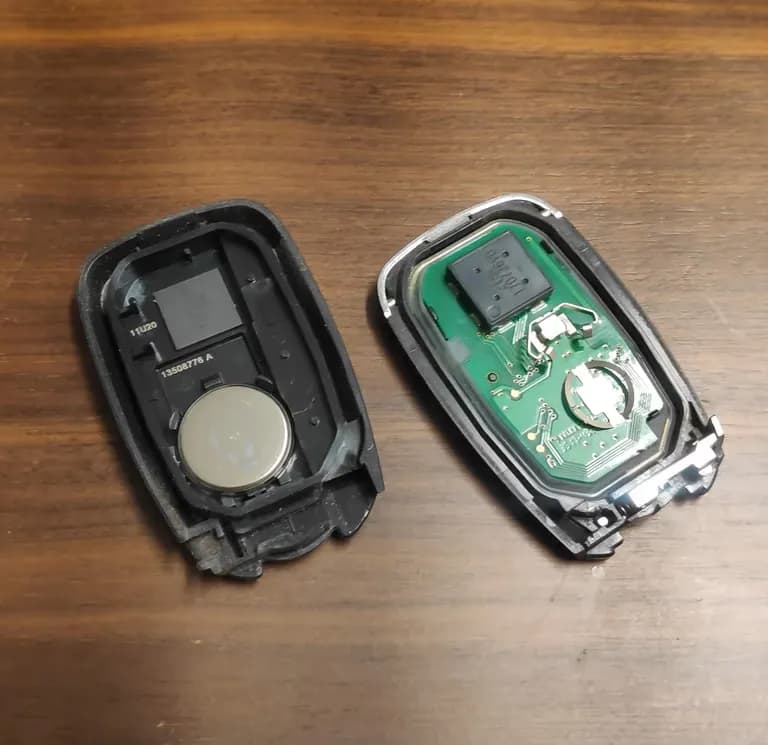

Once the key is disassembled, replace the battery.
The mercury battery is snugly attached, but you can easily lift it with the car key.
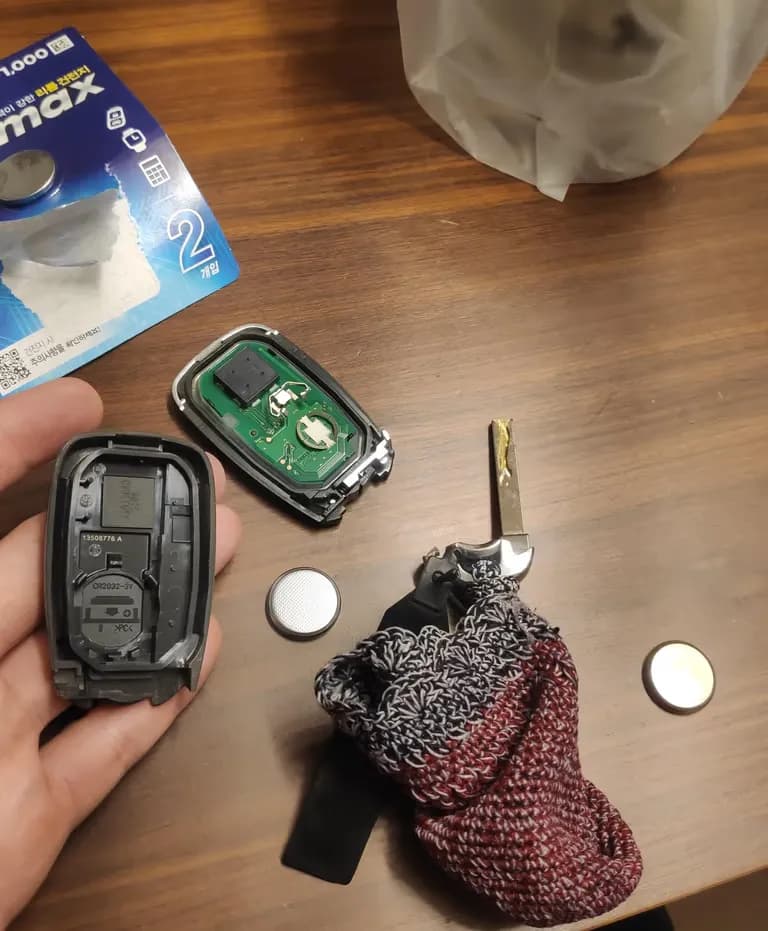
After replacing the battery, reassembly is the reverse of disassembly.
It's simple and easy, so give it a try.





댓글을 불러오는 중...