Recently, the temperature of the CPU and GPU on my video editing laptop, MSI Prestige PS42 8RB, has frequently risen above 90 degrees.
It's been three years since I bought this laptop, so I think it's time to replace the thermal grease.
So today, I disassembled the laptop, applied thermal grease, and observed the temperature changes.
First, let's explain the difficulty of the task.
Difficulty: ★★☆☆☆

For reference:
iPhone screen replacement: ★★★★★
Charging port replacement: ★★★☆☆
Car key repair: ★★★☆☆
If you have basic knowledge about laptops or just have the memory to remember where each part goes, it's a task that can be done easily.
Not too difficult!!!!
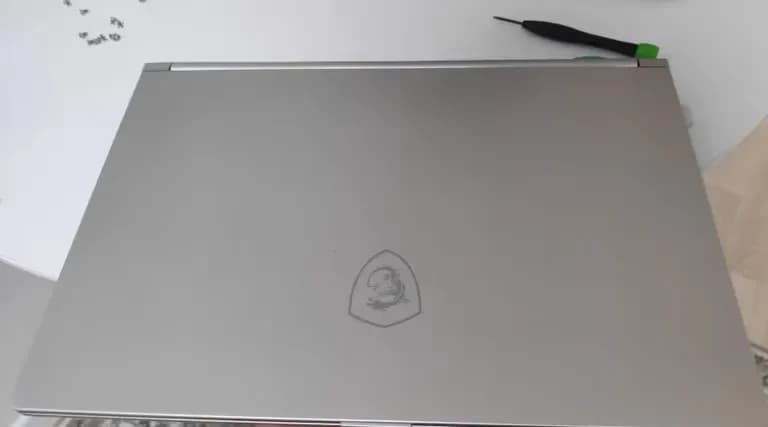
First, let's disassemble the laptop.
For some reason, MSI placed the cooling fan, memory, and SSD slot all under the keyboard.
Which means you need to disassemble everything.
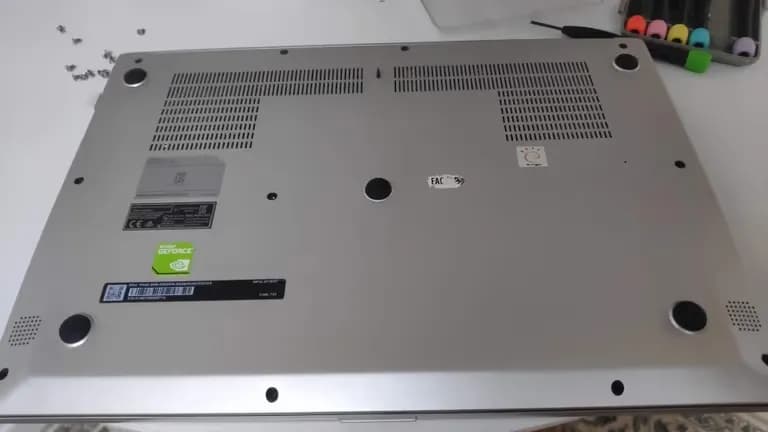
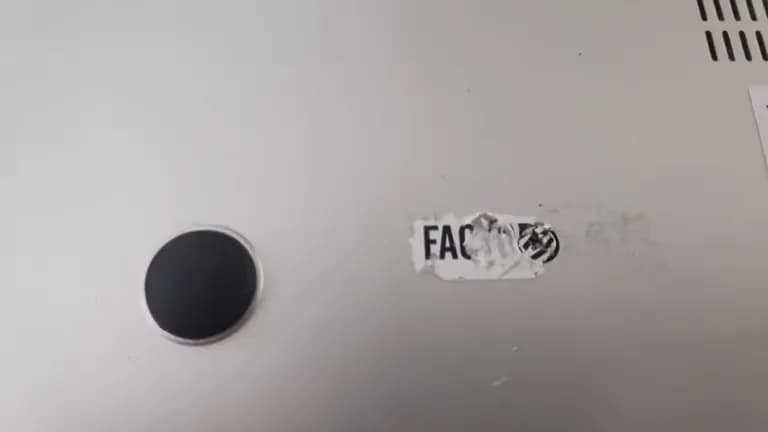
Fortunately, this model has only one hidden screw. By peeling off the sticker, you can access the screw.
It's easy to distinguish later.
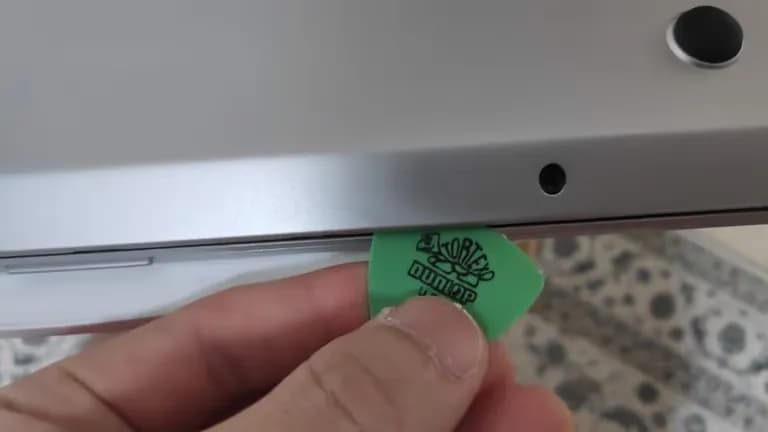
Once you remove all the screws including the hidden one in the middle, use a pick to take off the bottom cover.
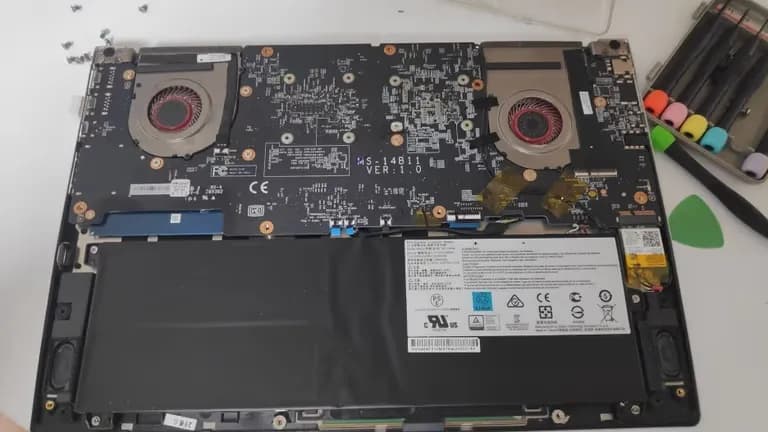
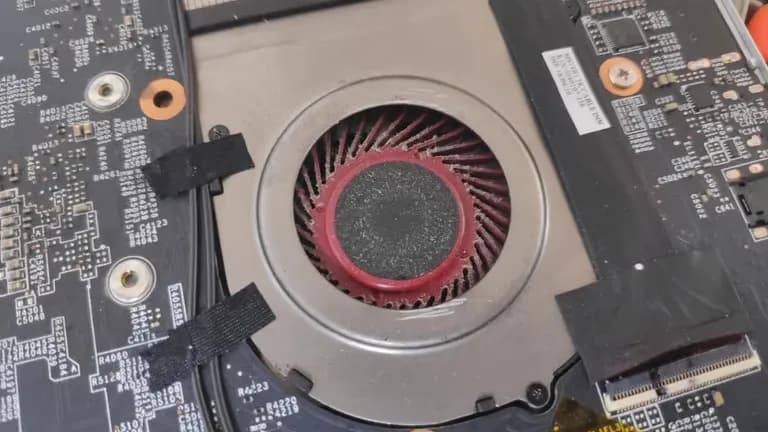
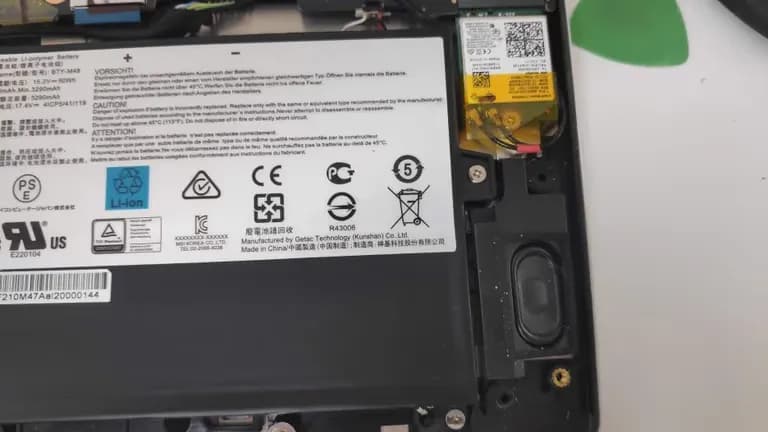
Now, to remove the motherboard, disconnect the wires near the cooling fan and the Wi-Fi module.
For the Wi-Fi module, just remove the cables.
No need to disassemble it.
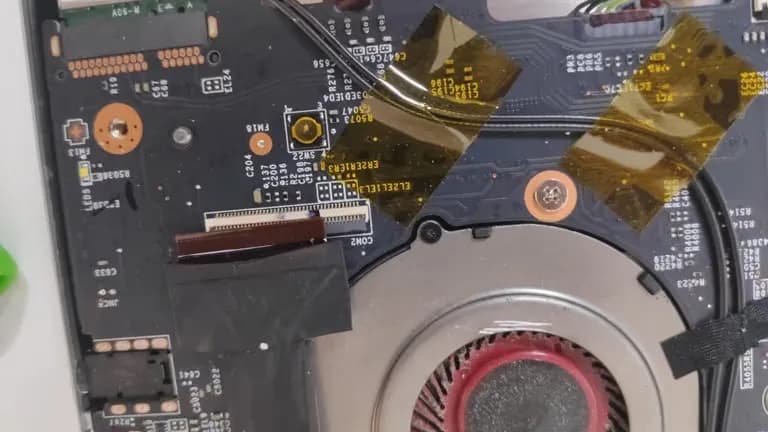
Once you remove all the yellow and black tapes above, everything blocking you is taken care of.
But importantly, you must disconnect the battery first!
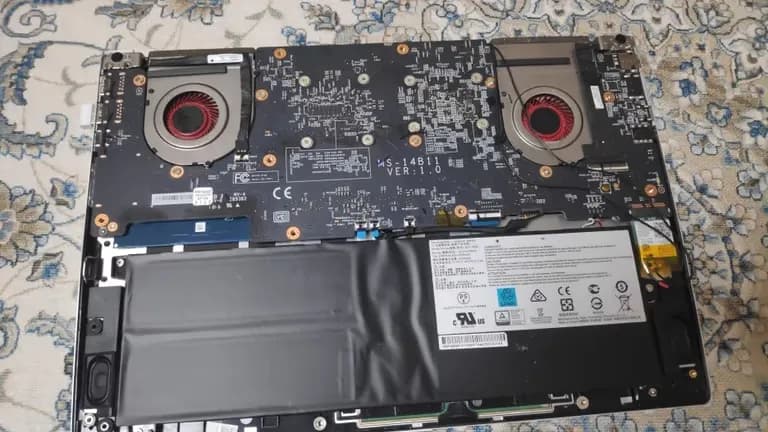
Then remove all the screws and flip it over to see this.
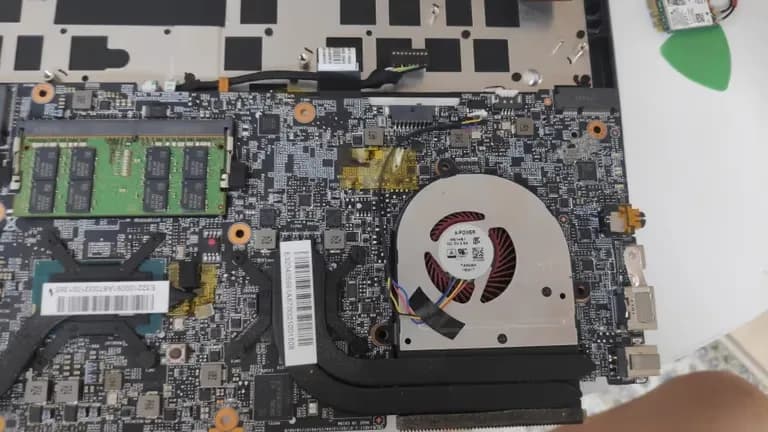
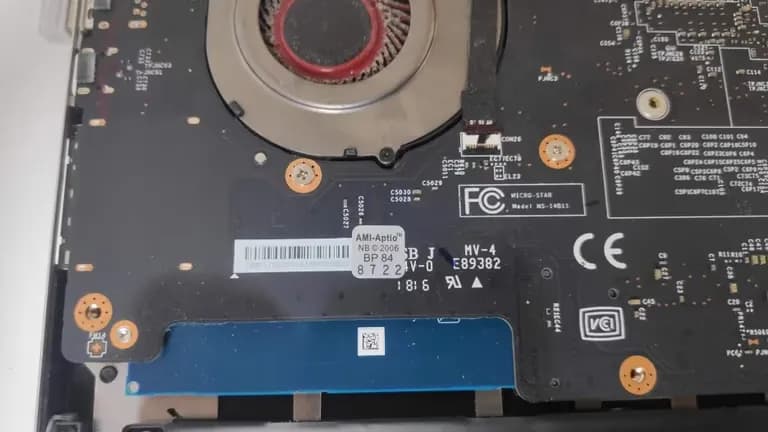
After trying, I realized that there was no need to remove a few wires.
Because you can just flip it.
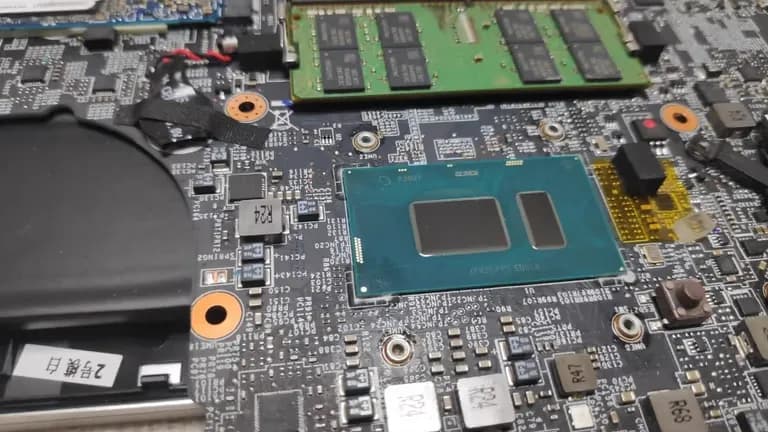
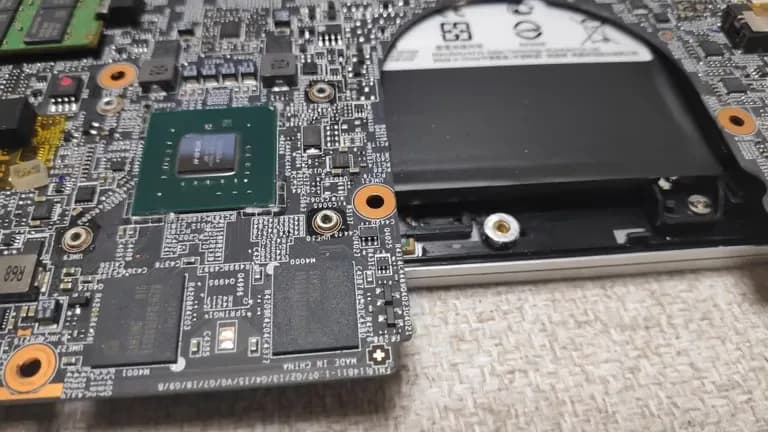
After removing the cooling fan, clean off the old thermal grease.
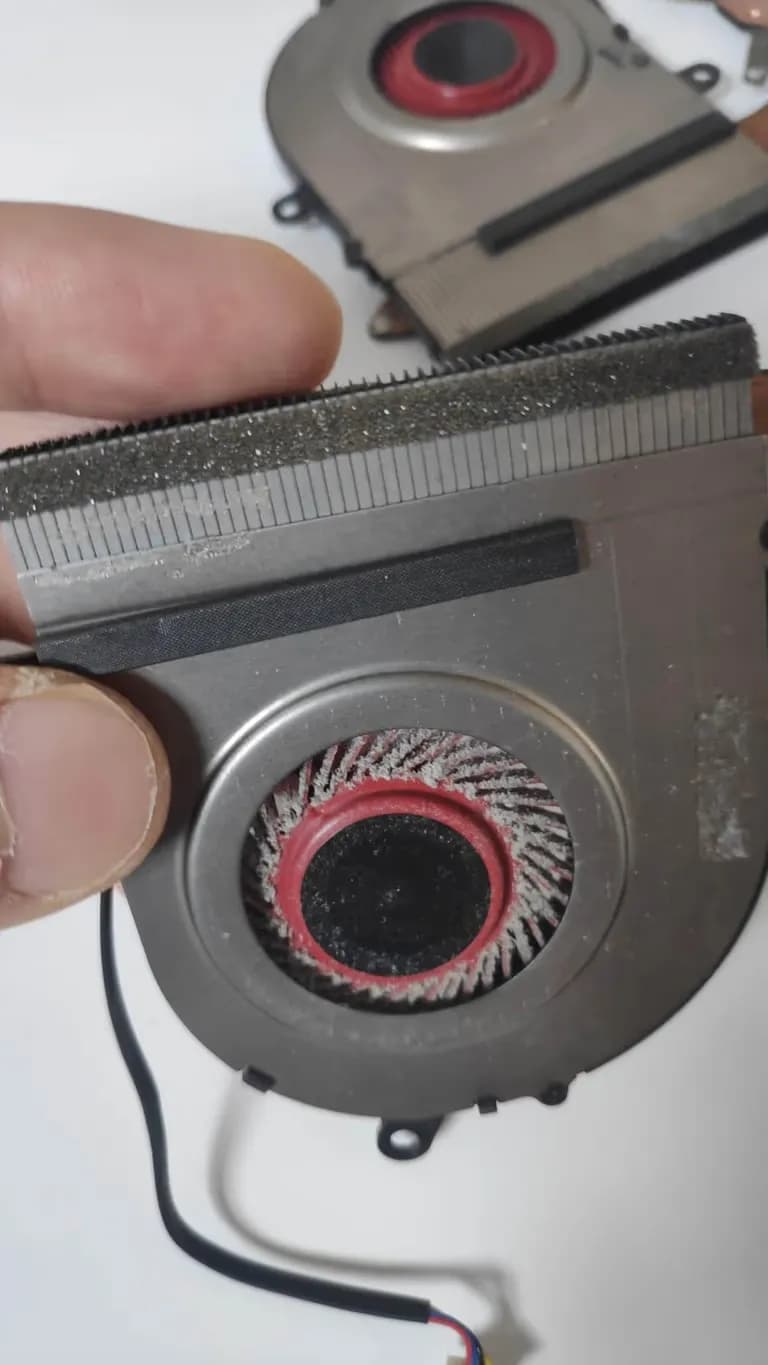
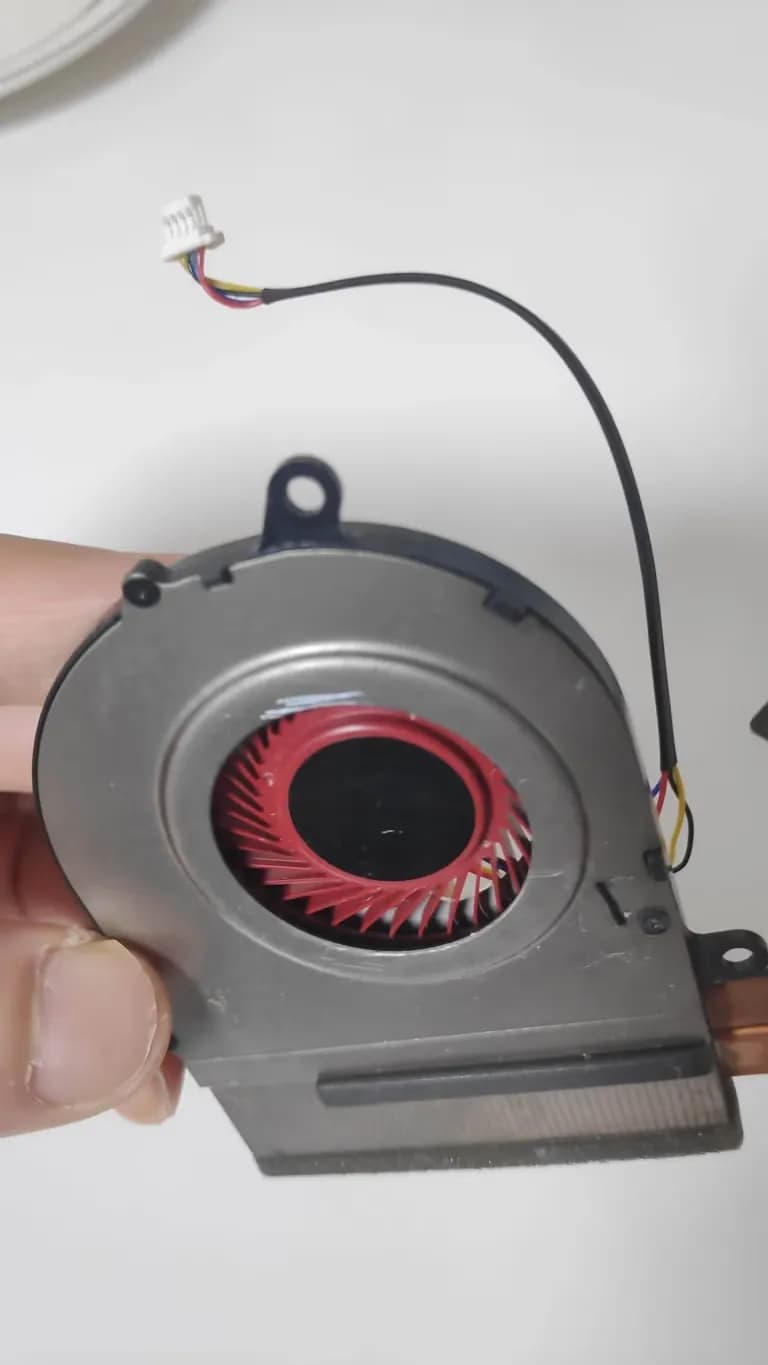
After cleaning, it turned out really neat.
I reapplied thermal grease to the CPU and GPU but forgot to take pictures.
Just look at the cleaned pictures below.
I carefully wiped it with kitchen towels and alcohol wipes.
After reapplying the thermal grease, of course, assembly is the reverse of disassembly.
Once reassembled, the CPU temperature dropped by about 10 degrees during video editing.
It just seems like the lifespan of electronic devices is around 3 years.
Thinking about earning more money to buy a new laptop, I conclude this post.





댓글을 불러오는 중...