The wireless LED light I used regularly.
I always charged it using a DC connector, but one day,
after a drop accident by my wife, the connection became poor.
So, I decided to replace the charging part with a USB-C type, which is more versatile.
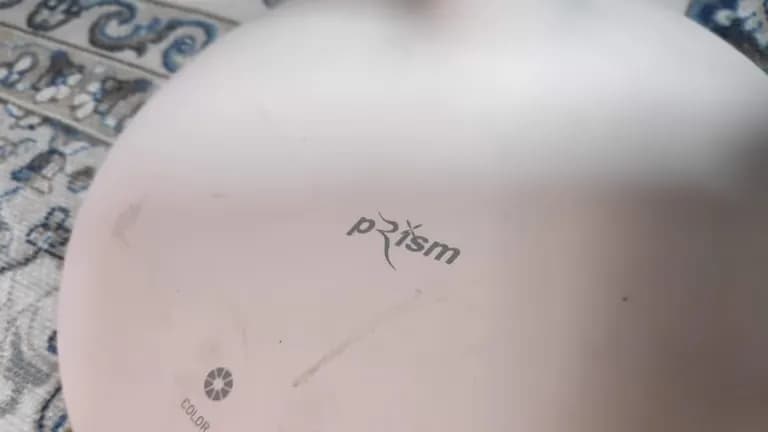
When I removed the lamp base, there were indeed screws.
I removed them all.
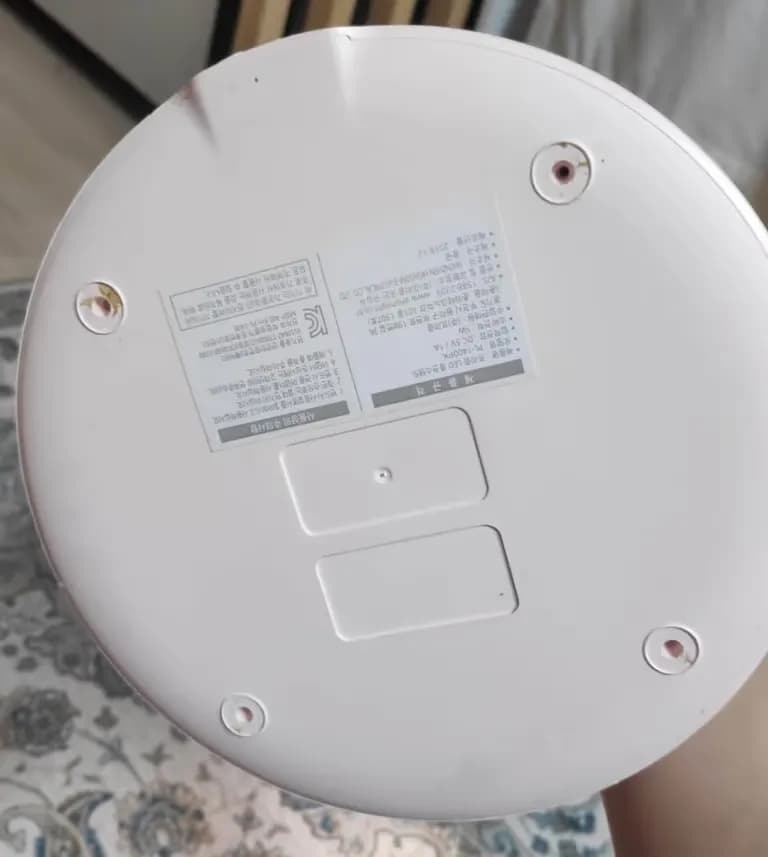
To change the connector to USB-C type, I first needed to know the circuit diagram...
So, I had to understand the connector's structure. After looking it up...
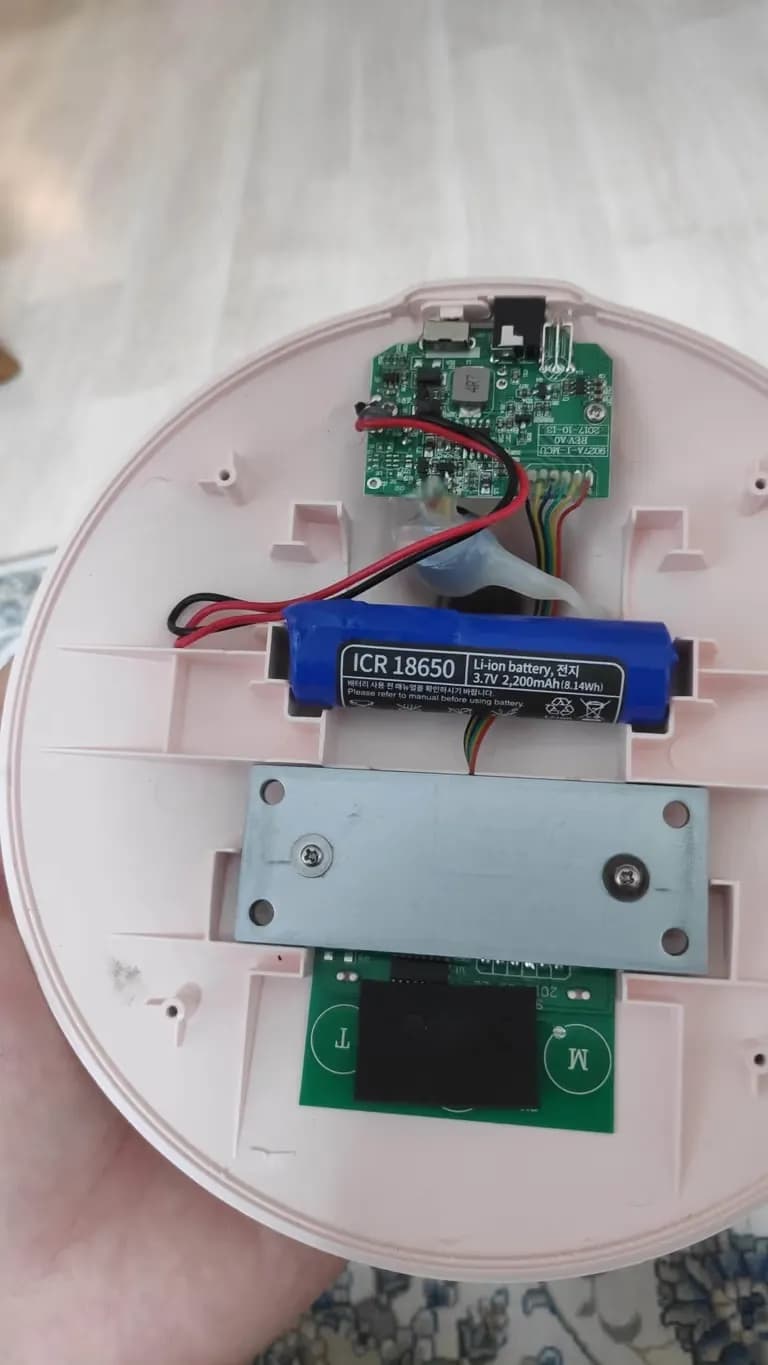
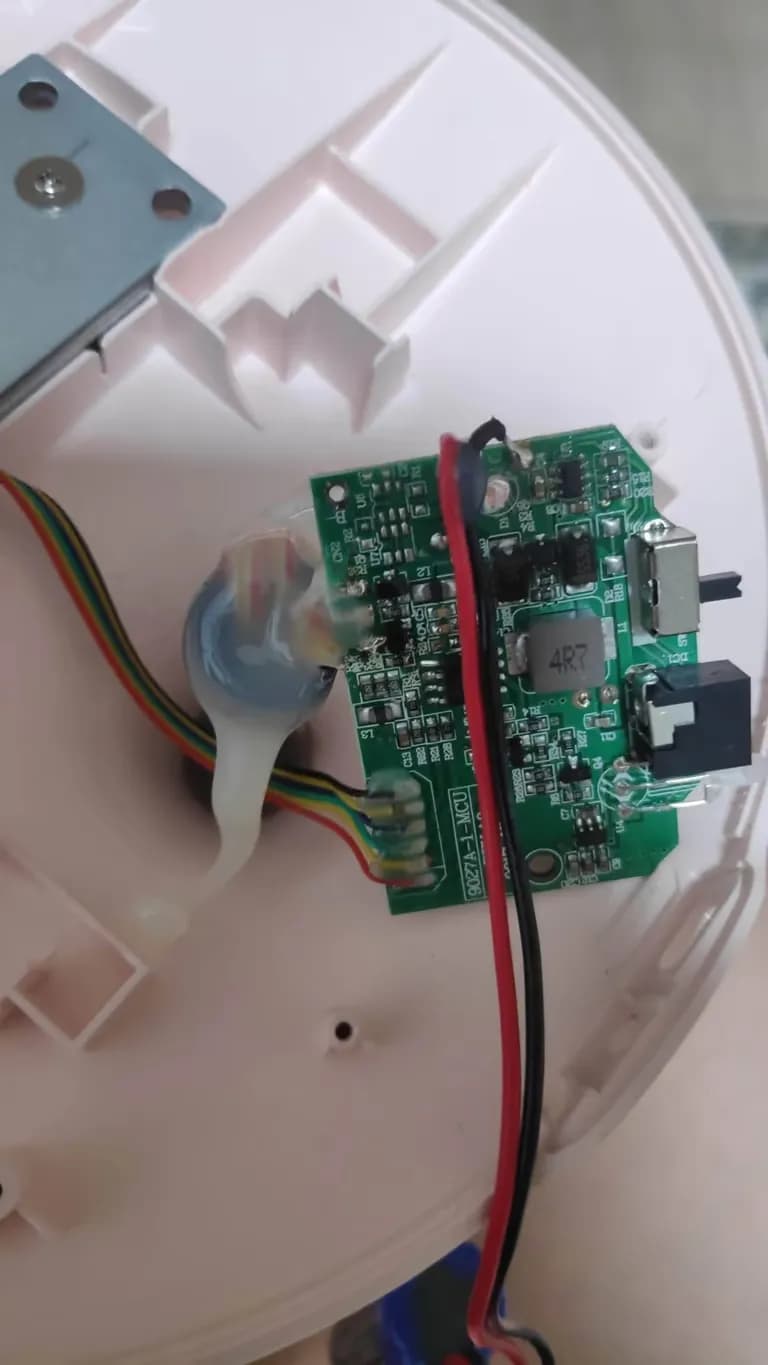
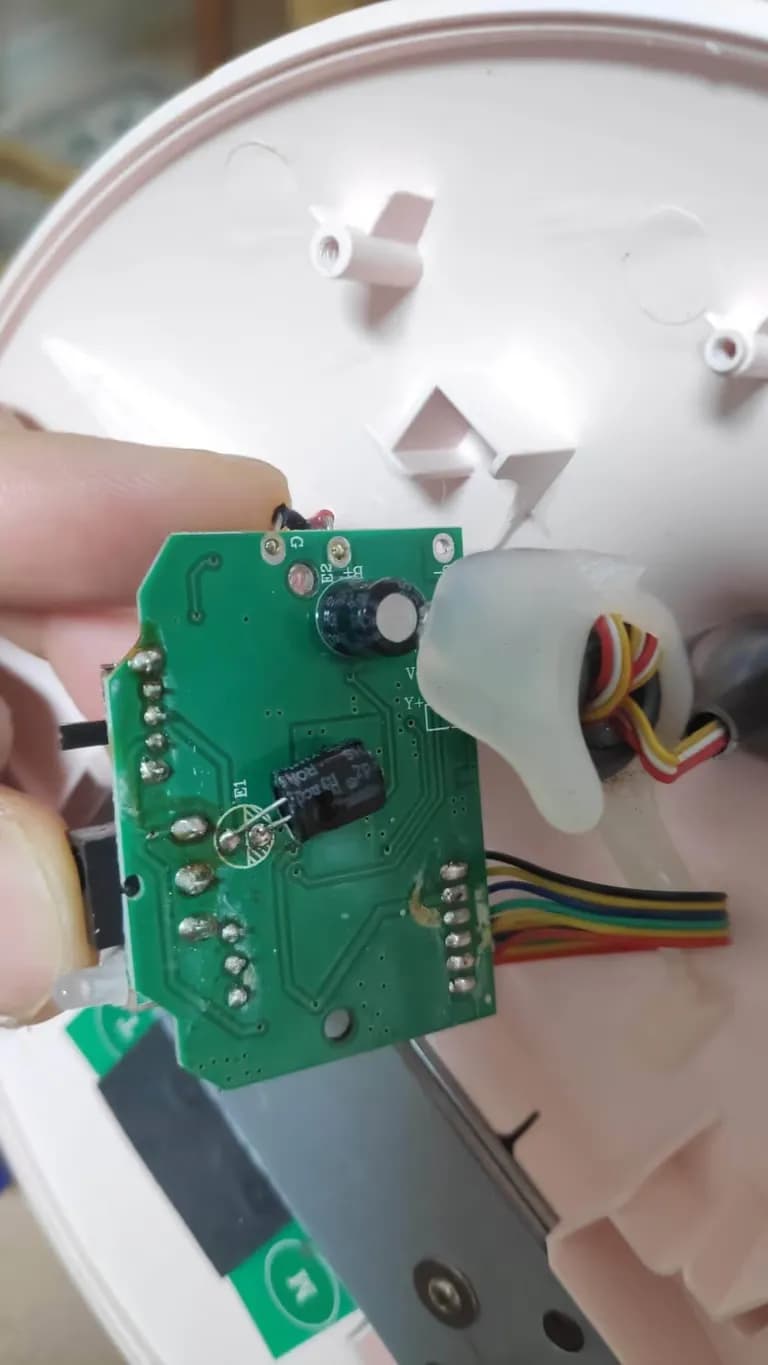
The connector's name is PJ-014C.
It has three pins: the outer polarity of the DC connector is connected to the two lower left pins, and the inner polarity is connected to the far right pin.
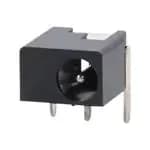
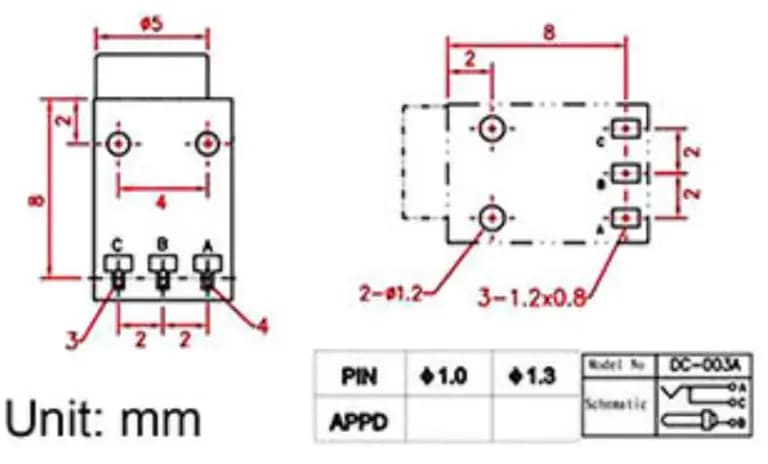
You just need to connect the USB-C type female terminal in the same way!
Actually, I didn’t have a solder sucker or proper tools at home, so ㅜㅜㅜ
I just roughly removed the DC connector and attached the USB-C female terminal using the existing DC cable wires.
If you look at the terminal, consider the side marked as V to be (+) and the side marked as G to be (-).
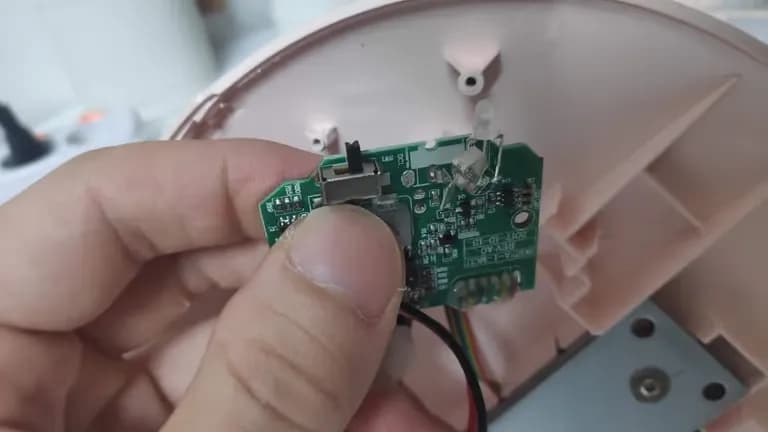
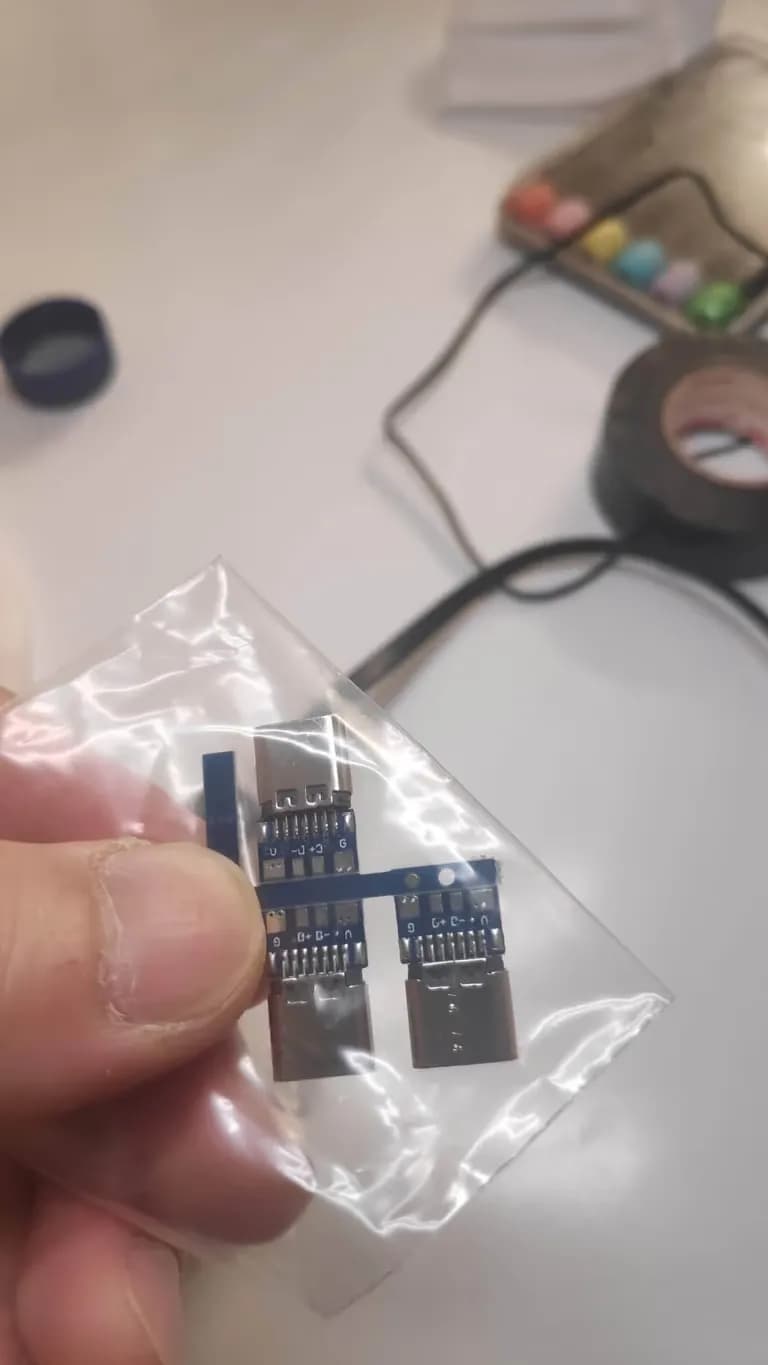
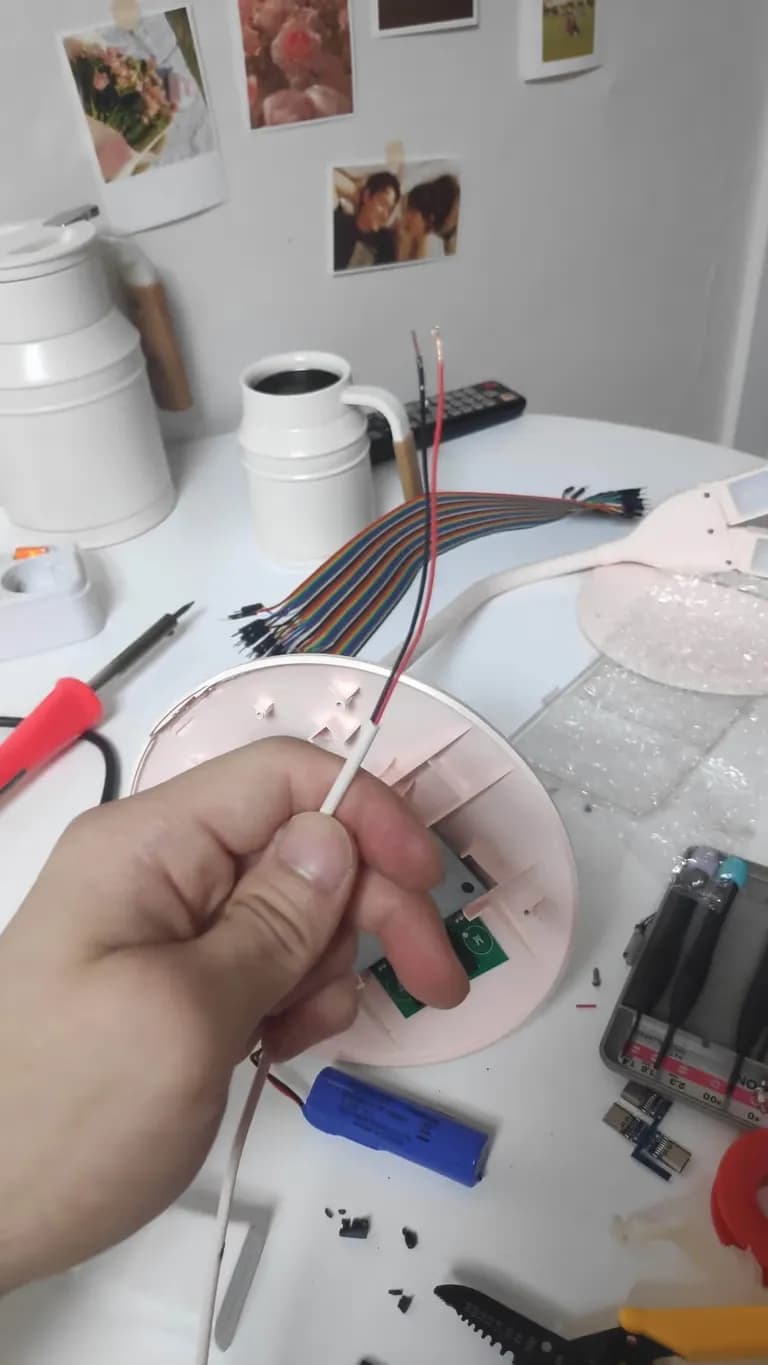
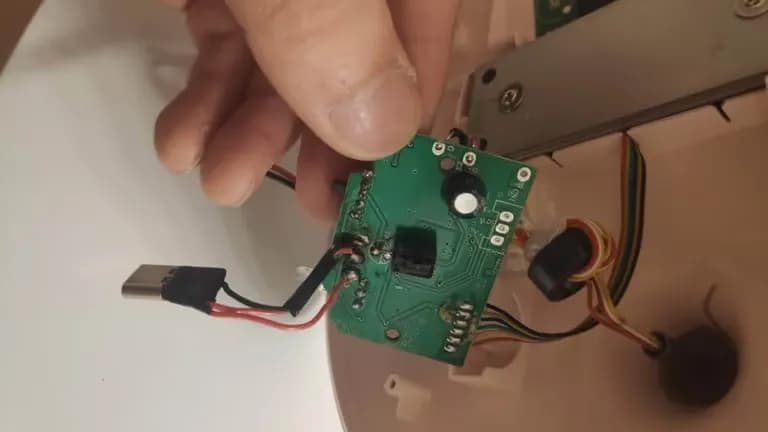
The original hole of the terminal was too small, so I drilled and filed it for a neater finish.
Then, I applied epoxy around it to secure it.
From now on, dismantling you means only when you become recycling waste.
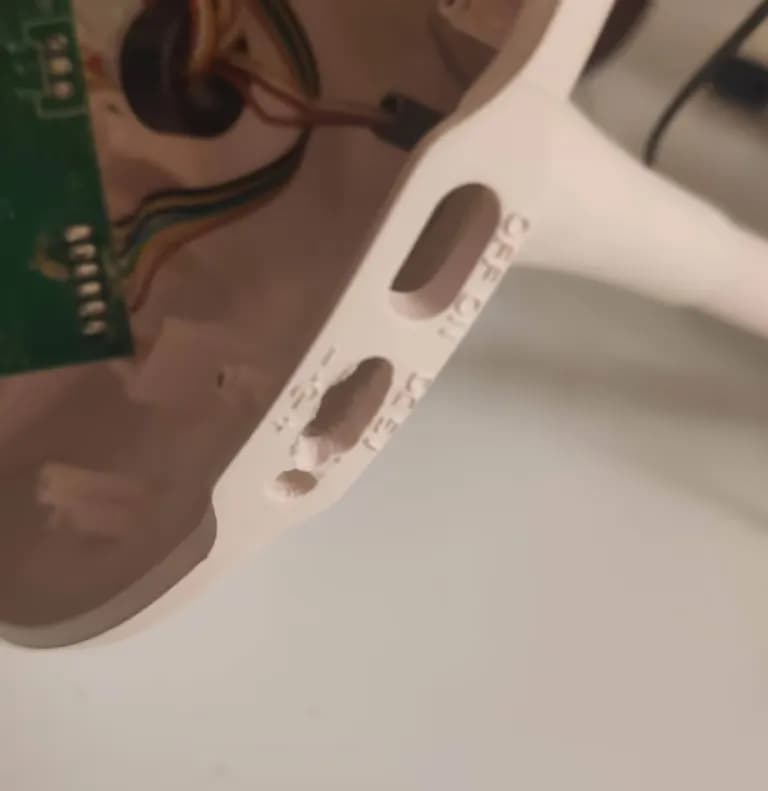
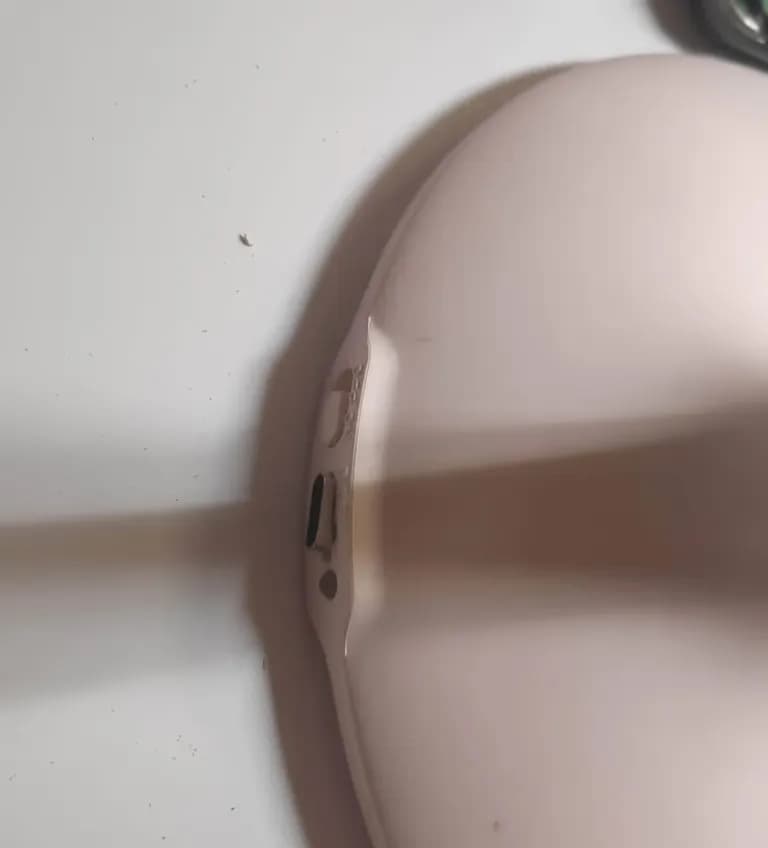
Charging works well.
While trying to melt solder with a soldering iron from Daiso, the charge indicator LED went outㅜㅜㅜㅜ
Even though I lost the LED, I gained a USB-C charging terminal, so it seems like a win.
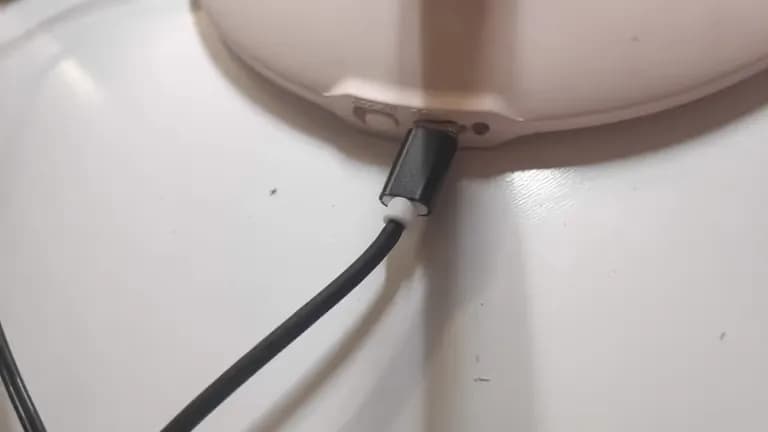
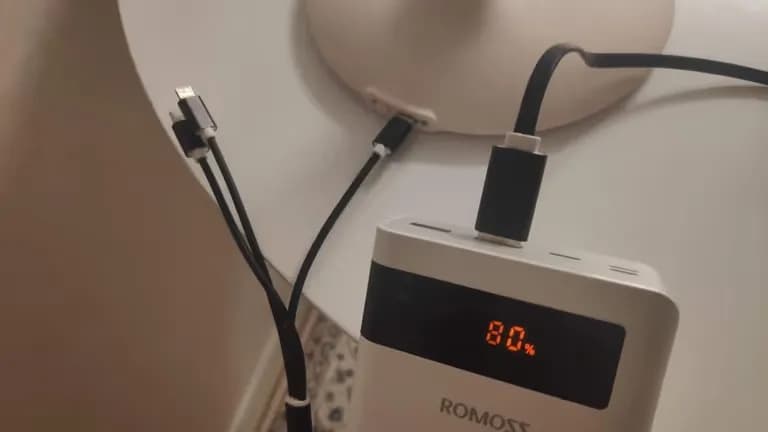
It’s working well now.
Changing the charging terminal is great.
From now on, I need to check the charging terminal when buying electronics.
I must buy with a USB-C type.






댓글을 불러오는 중...