After putting the first and second child to sleep, I was about to study LLM comfortably with a cup of warm water.
I left the cup briefly next to the MacBook and picked up the scattered toys on the floor. Just as I was about to sit back at the desk...
my hand knocked against the side of the cup, and all of the water spilled onto the MacBook.

I hurriedly turned the MacBook upside down and wiped off the water with a nearby towel.
I thought the inside might also have been flooded, so I disassembled the MacBook and dried it with a medium-blow hairdryer.
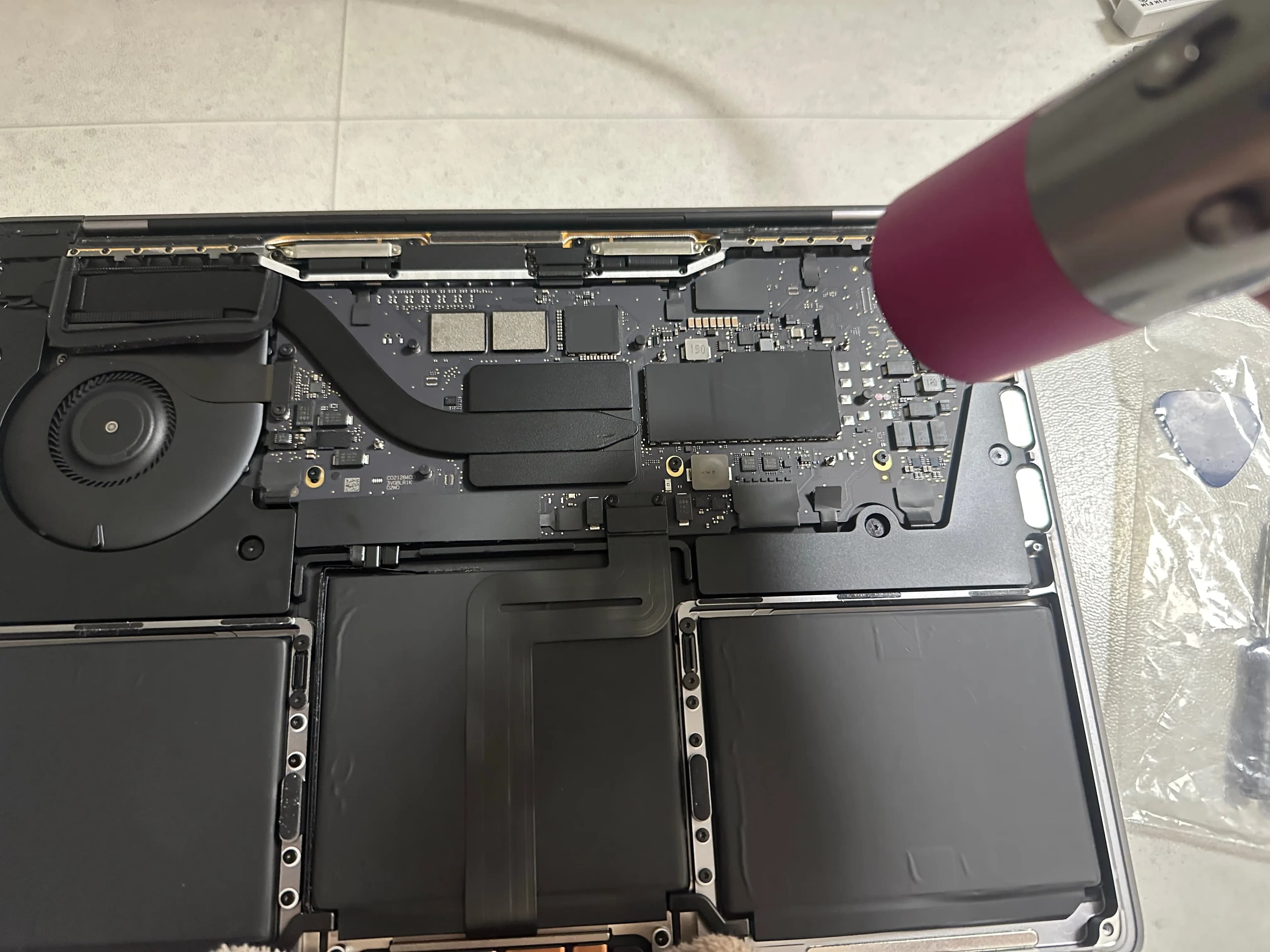
1. How to Handle MacBook Water Damage
If water gets into your MacBook, handle it as follows:
If you can open the lower case of the MacBook, do so and dry it for at least 4 days.
If water spilled onto the keyboard, dry it with the keyboard facing down.
Do not turn on the power before it is completely dry.
I dried the MacBook for about 5 to 6 days under the following conditions.
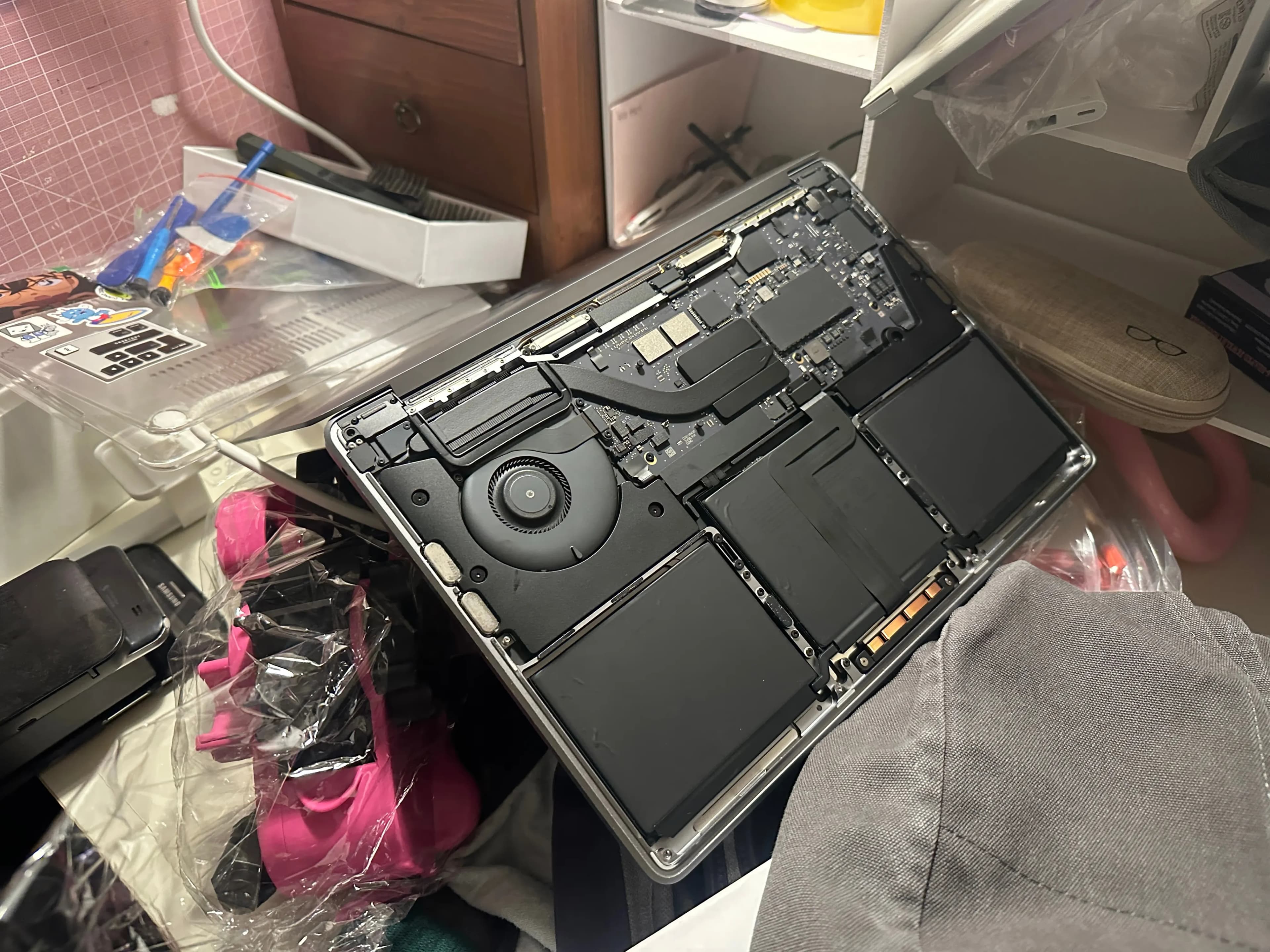
Honestly, I was eager to check if the MacBook was okay.
However, just because the water that is visible is dry doesn't mean everything is dry.
It takes at least 4 days for water to evaporate after penetrating connectors and the circuit board through osmosis.
Hence, it's best to dry it for at least 48 hours, or ideally more than a week.
While waiting for the MacBook to dry, I spent time playing with Linux.
2. Checking the MacBook After Drying
After the grand 6 days, I decided to check the MacBook.
After assembling the lower case and pressing the power button, it didn’t turn on, and I thought it was broken. But once I plugged in the charger and turned on the power, it booted up.
There was no burning smell or abnormal symptoms, but I still couldn't be assured.
So I decided to visit a repair shop.
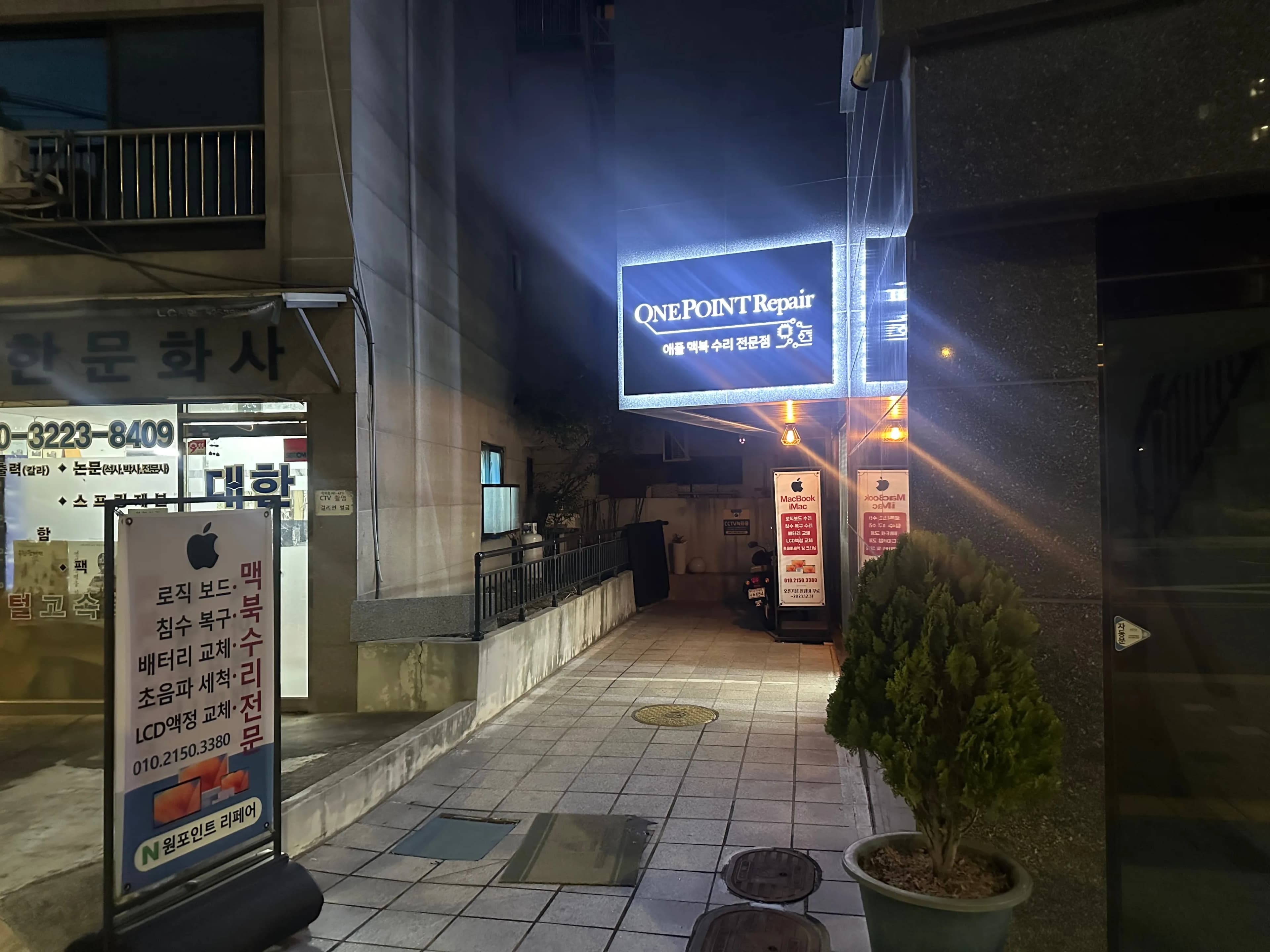
3. Recommended MacBook Repair Shop - One Point Repair
While looking into MacBook repairs, I found a place called One Point Repair.
It's about a 5-10 minute walk from Sinimun Station on Line 1.
The owner operates a YouTube channel as well.
Since the reviews were very good, I decided to visit.

I walked about 700 meters from Exit 1 of Sinimun Station.
It wasn’t far from the subway.
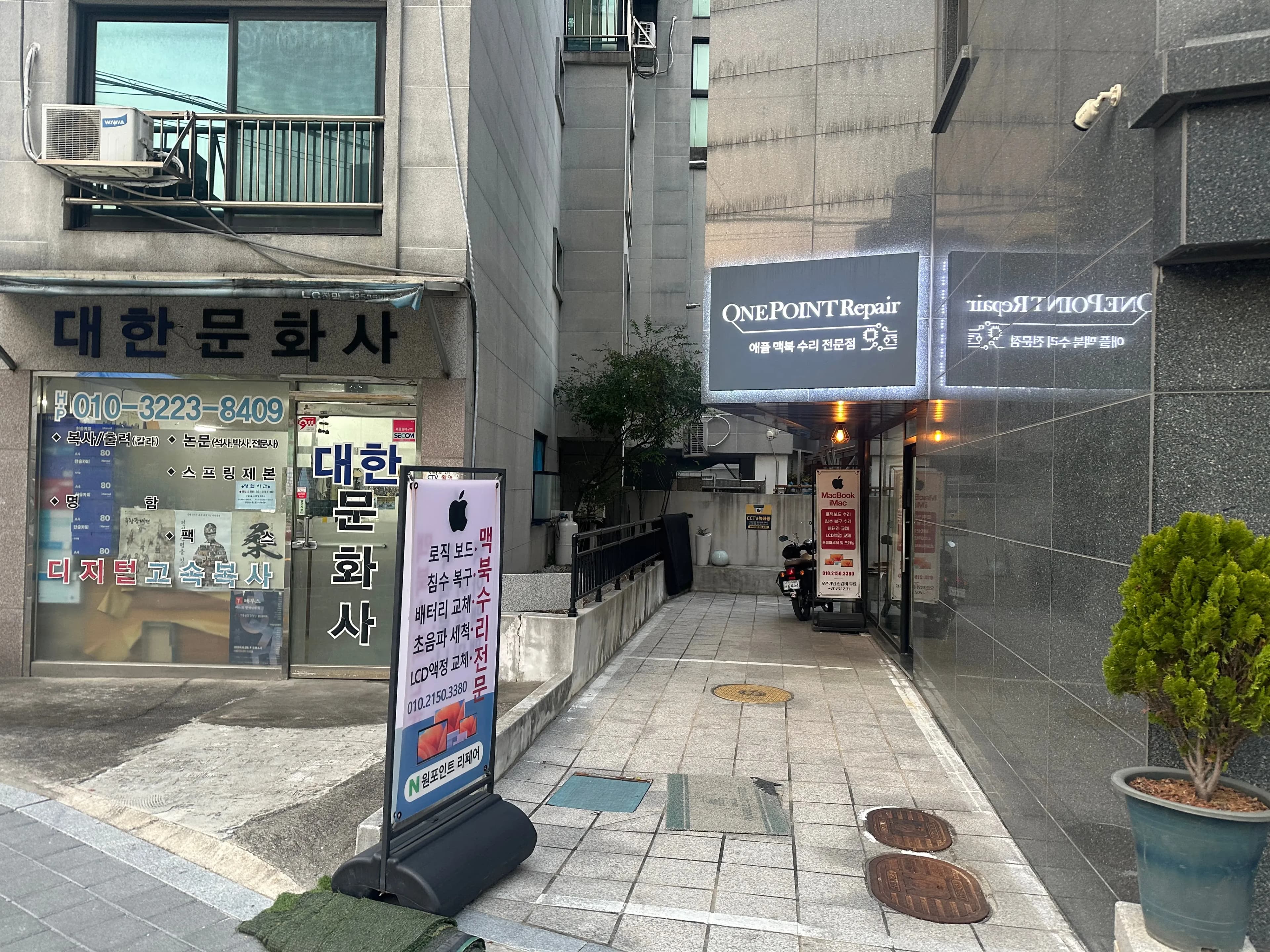
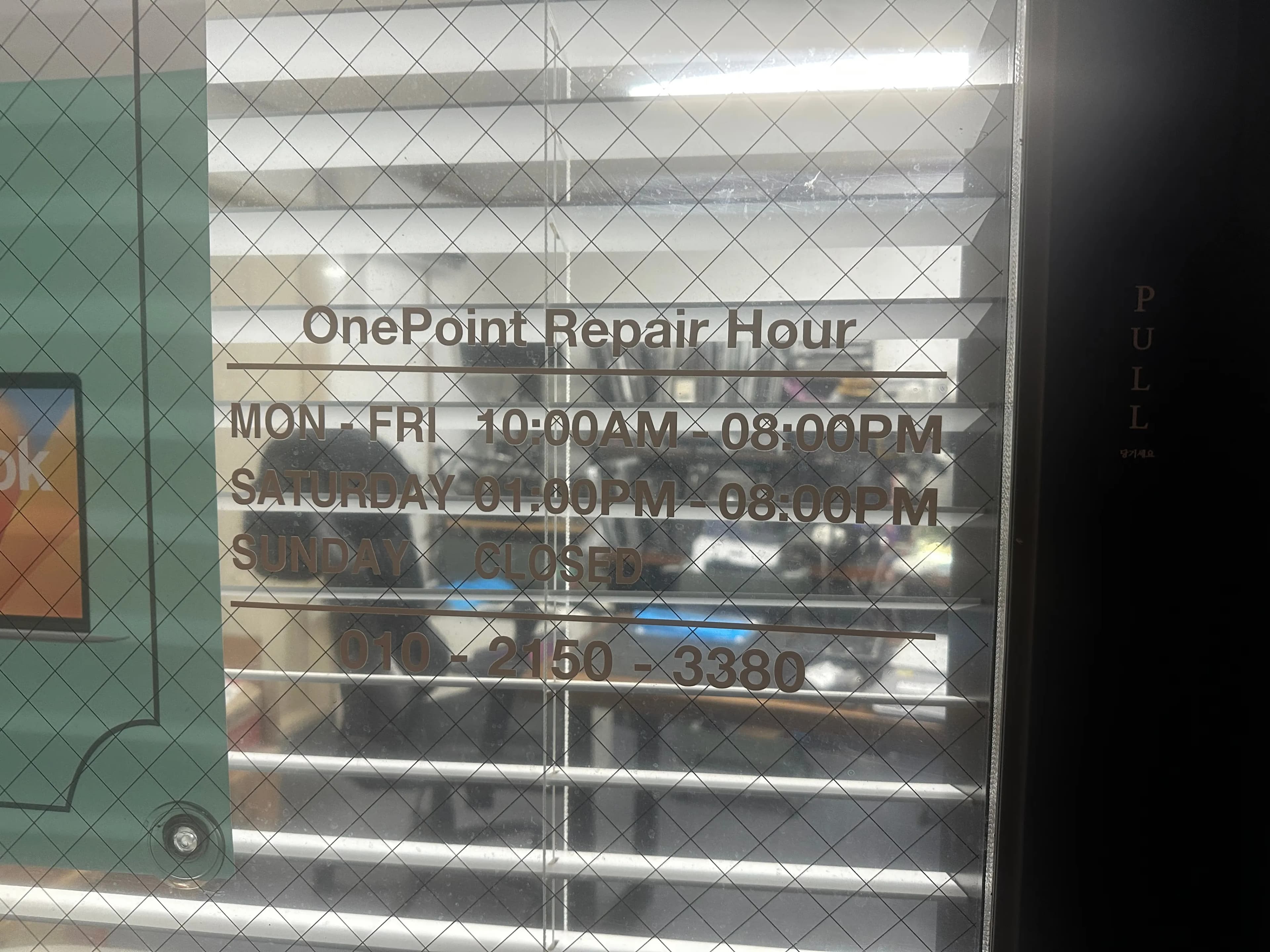
As soon as I roughly explained the MacBook's situation to the owner, he checked it immediately.
While he was checking, I took pictures of the store's interior.
There were a lot of MacBooks, and he said most were for parts.
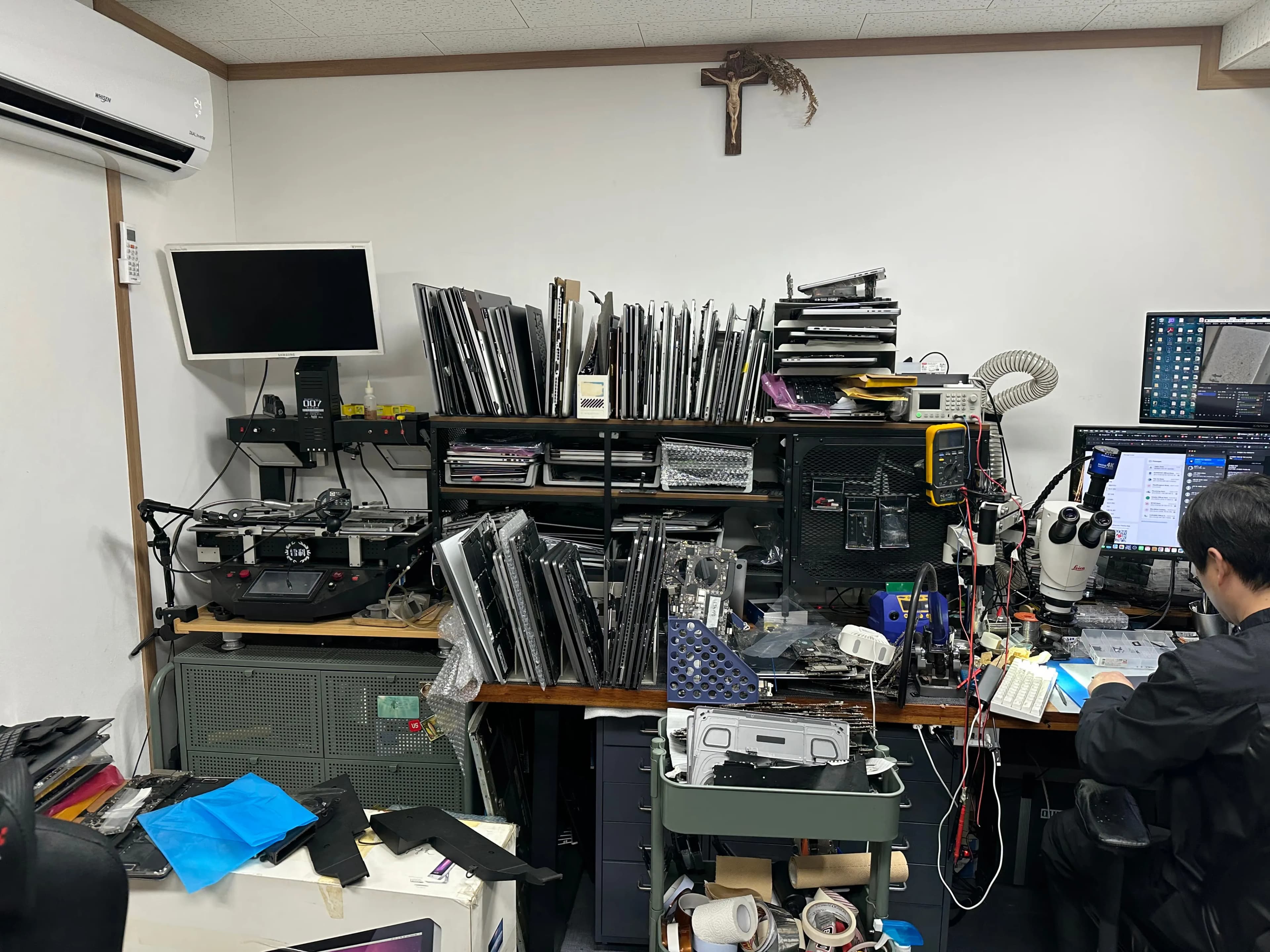
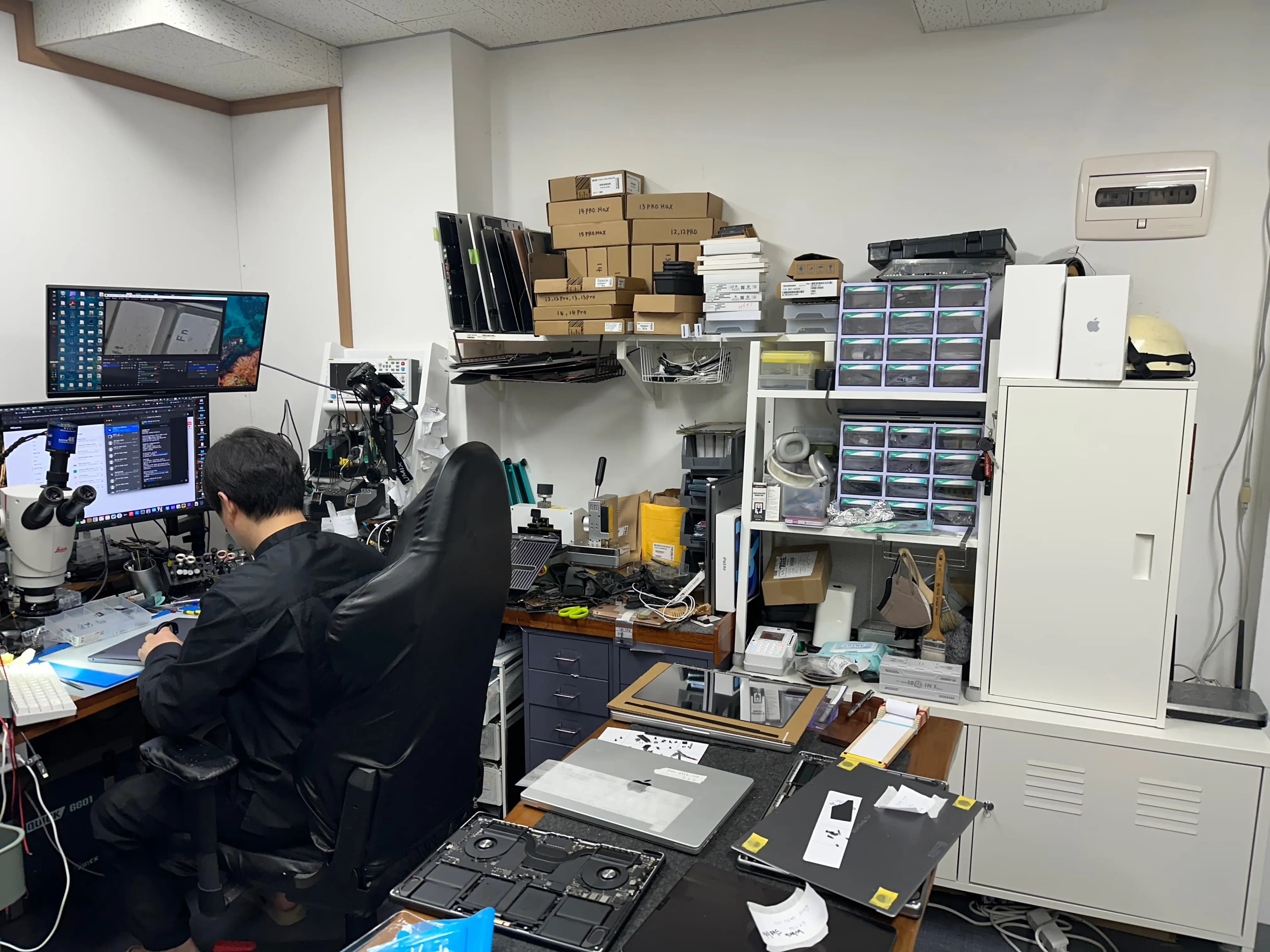
Fortunately, the M1 MacBook has something like a vinyl layer on the keyboard side, so there weren't many parts where water could penetrate the mainboard.
And since it was just water, not coffee or soda, there were no traces, and the board was clean.
Fortunately, the MacBook was deemed normal!
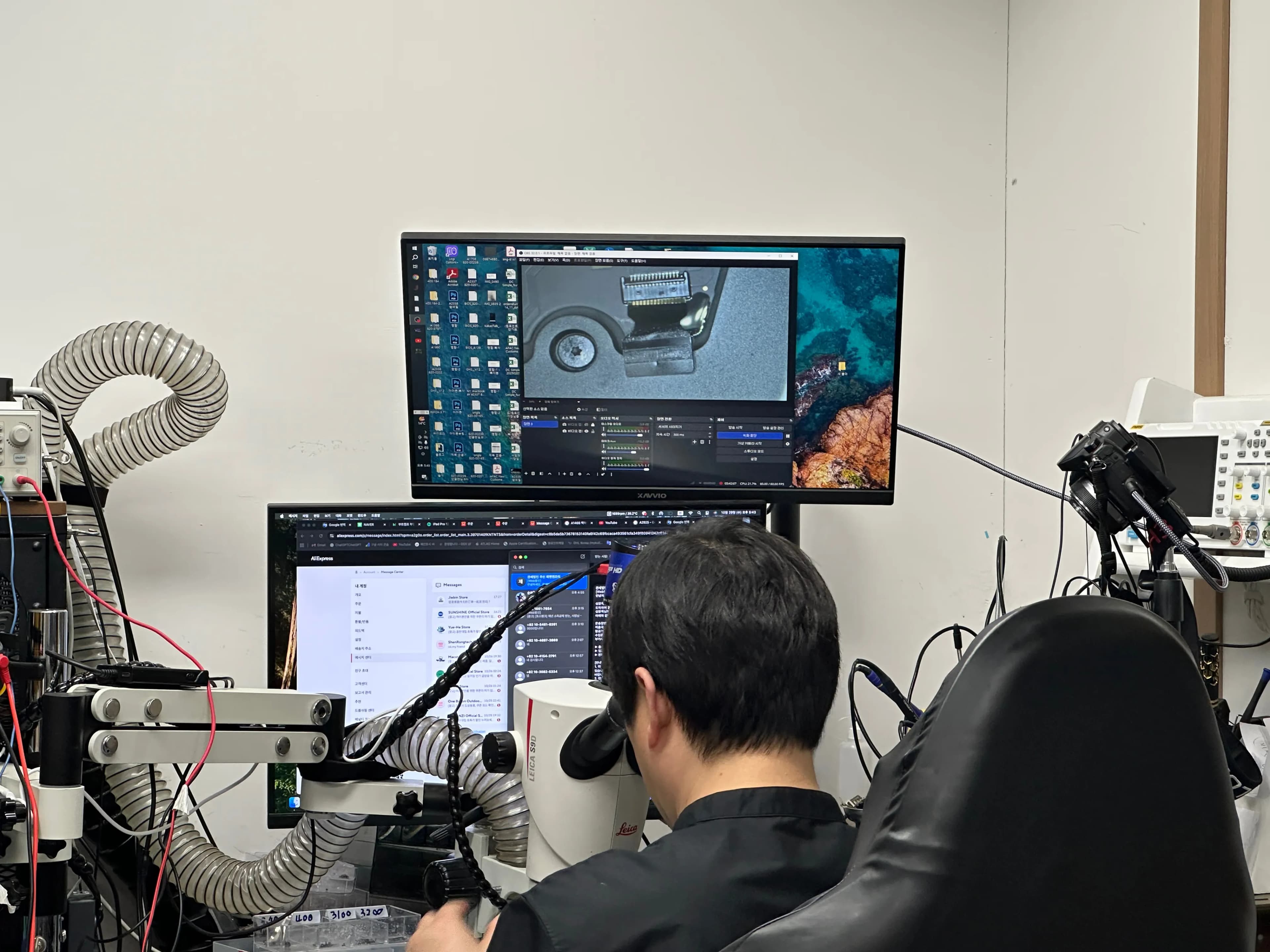
He spent about 20-30 minutes checking it and sent me off without charging any labor fees.
Such an angelic person...?
I resolved that if my MacBook breaks down again, I will definitely come here.
4. Review
I have always loved eating while coding, but I vowed never to place items near the MacBook keyboard again.
And it's quite rare to find a place that repairs MacBook mainboards, but finding a good store was somewhat reassuring.
I'll have to be really careful from now on.





댓글을 불러오는 중...