I saw that wireless network cards were slightly cheaper during AliExpress's Single’s Day sale.
At the time, I was feeling that the T8 Pro Plus's wireless network card was trash.
I decided to try replacing it.
The network card cost $10.91.
Which is about 15,000 won.
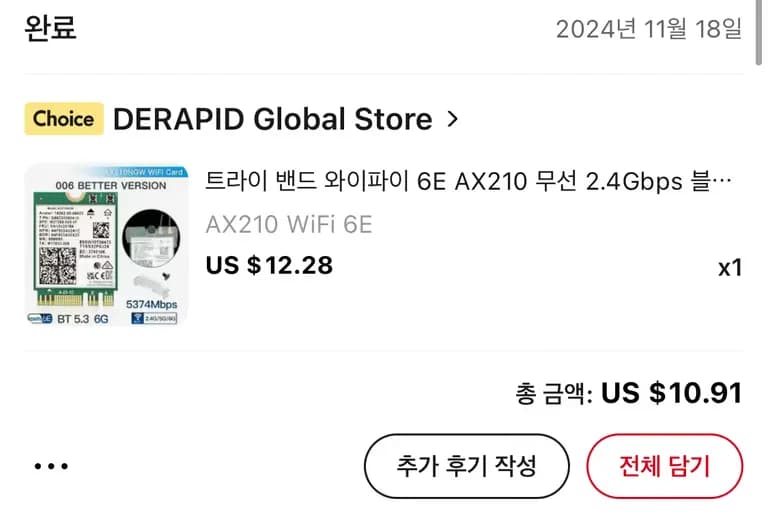
It seemed to take a little over a week for the network card to arrive.
It arrived safely.
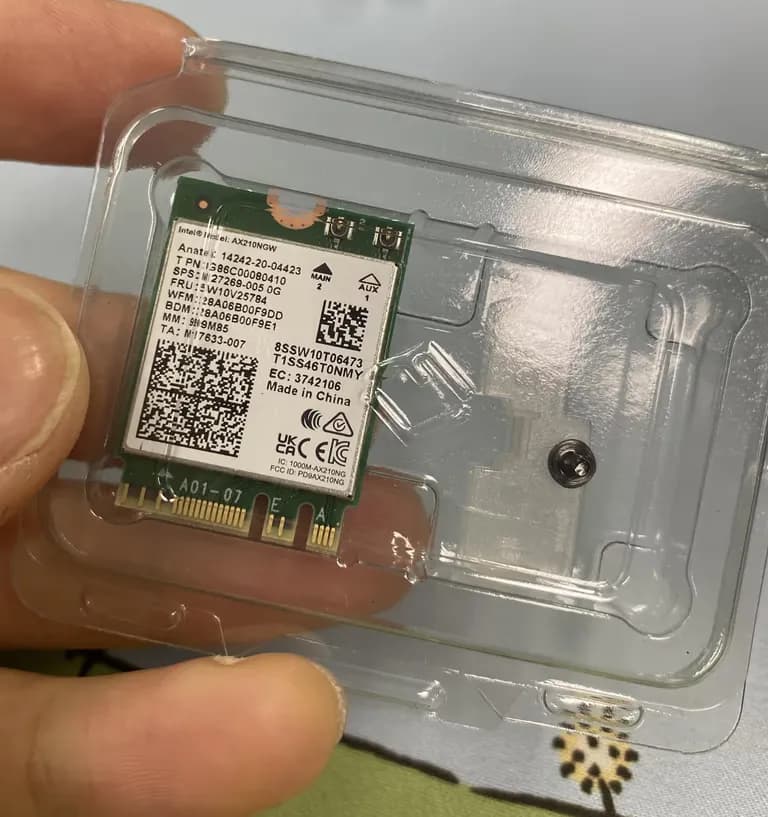
Now it's time to open the mini PC's lid and install it.
First, remove the four screws at the bottom.
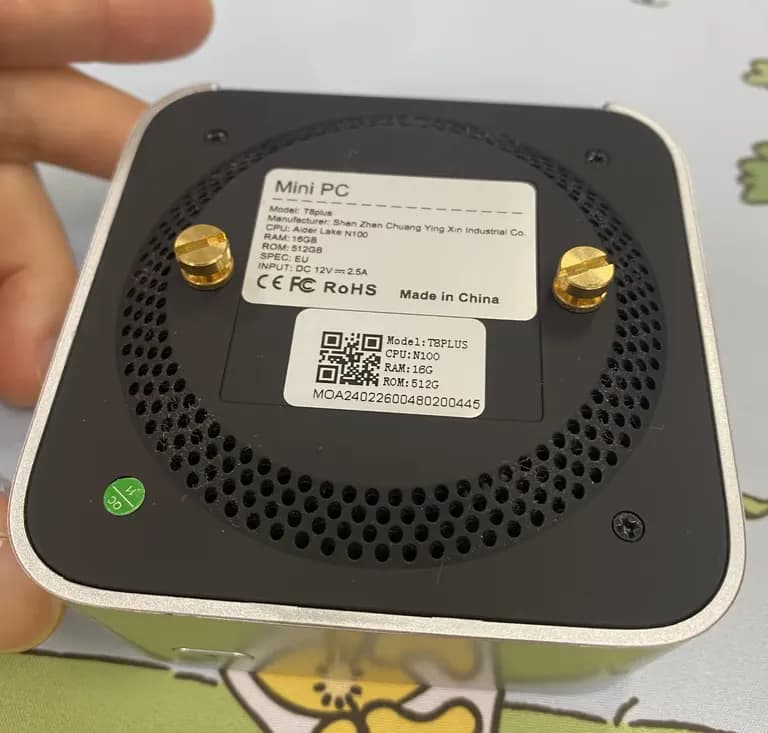
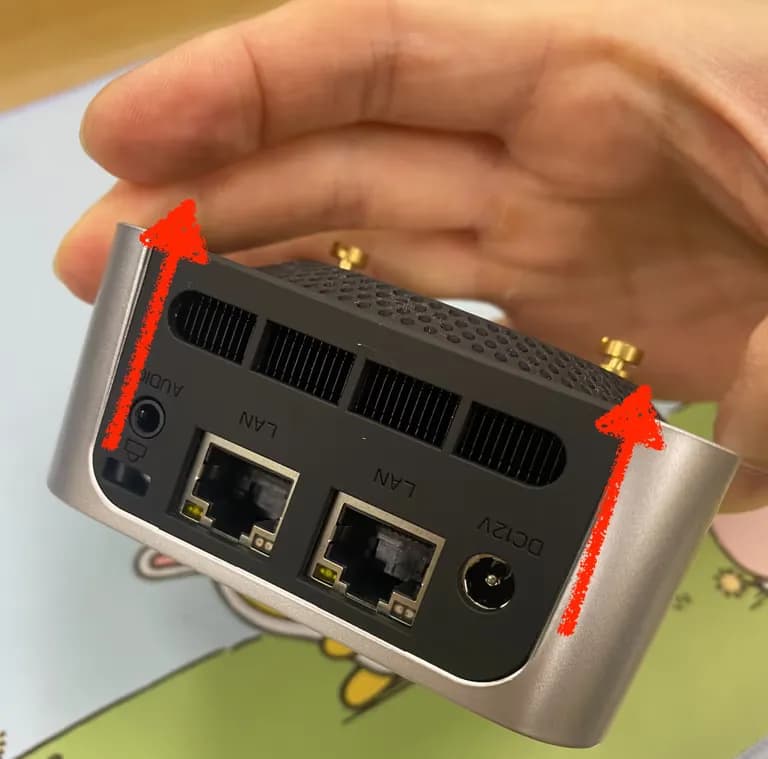
The back wasn't coming off easily, so I wondered if there was something I shouldn't touch.
If you alternately pull each side as shown in the picture below, it will come off.
After a few months of use, the inside was very dusty.
I gently brushed it off.
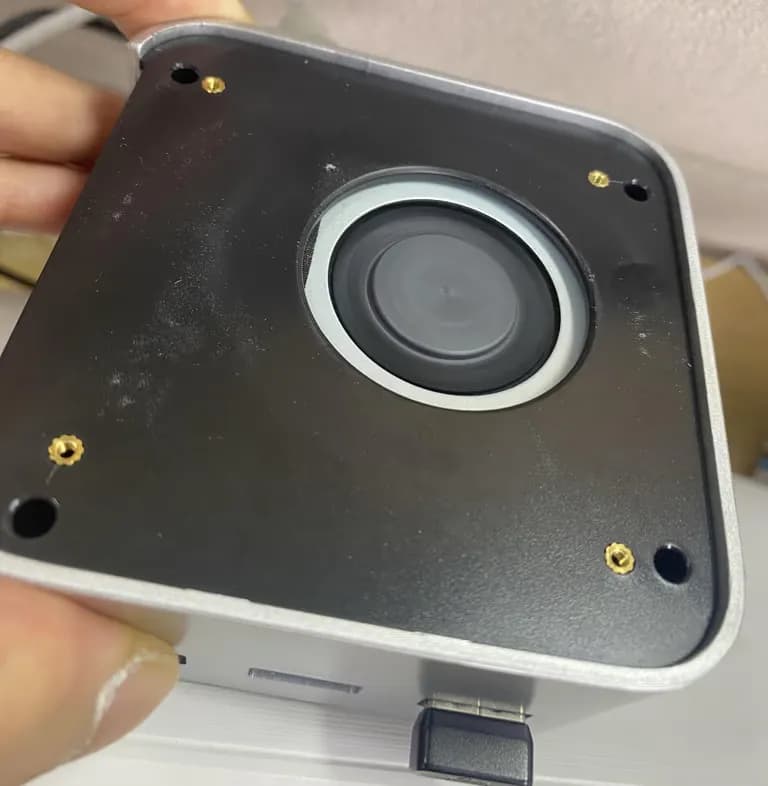
In the photo below, you can see there are four deep holes.
Remove the screws inside them.
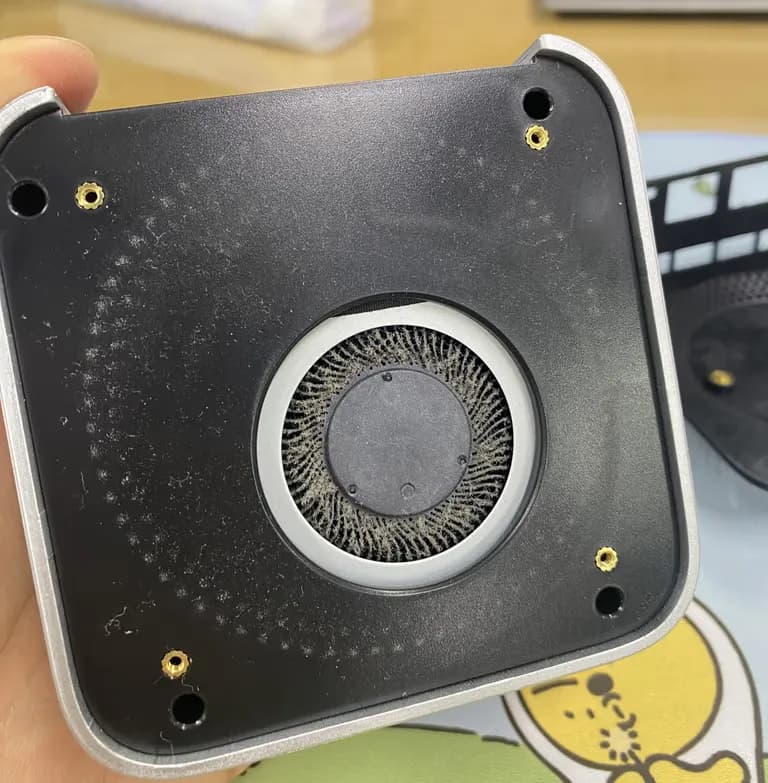
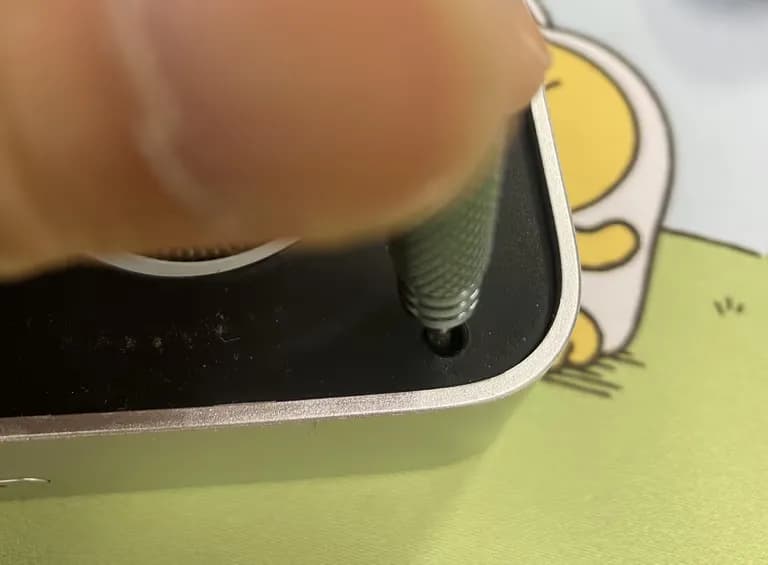
The top lid was attached with a mercury battery and antenna.
Carefully remove them.
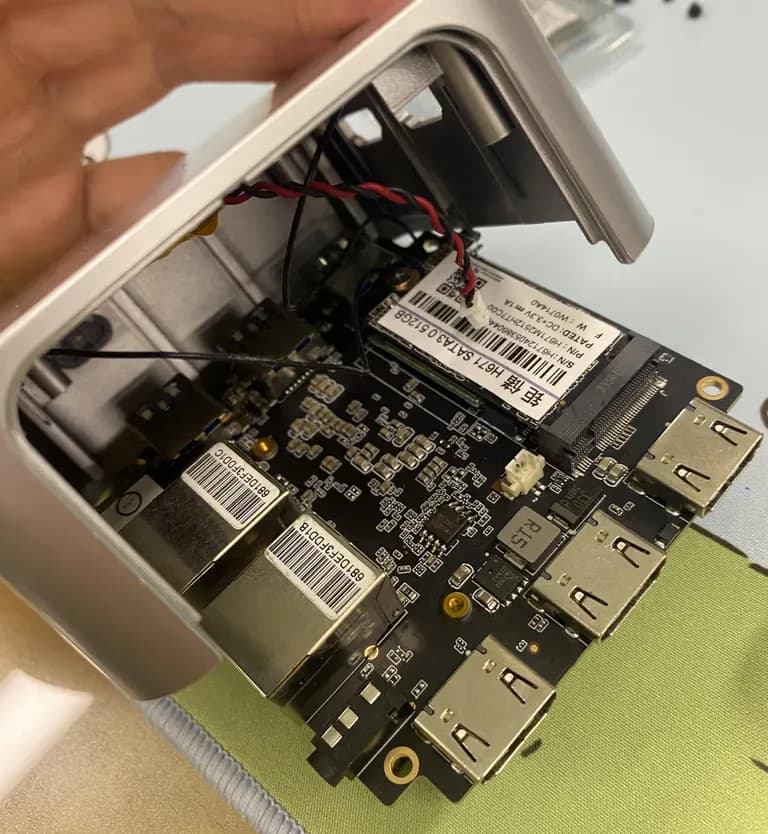
If you remove the SSD screw, the wireless network card is below it.
However...
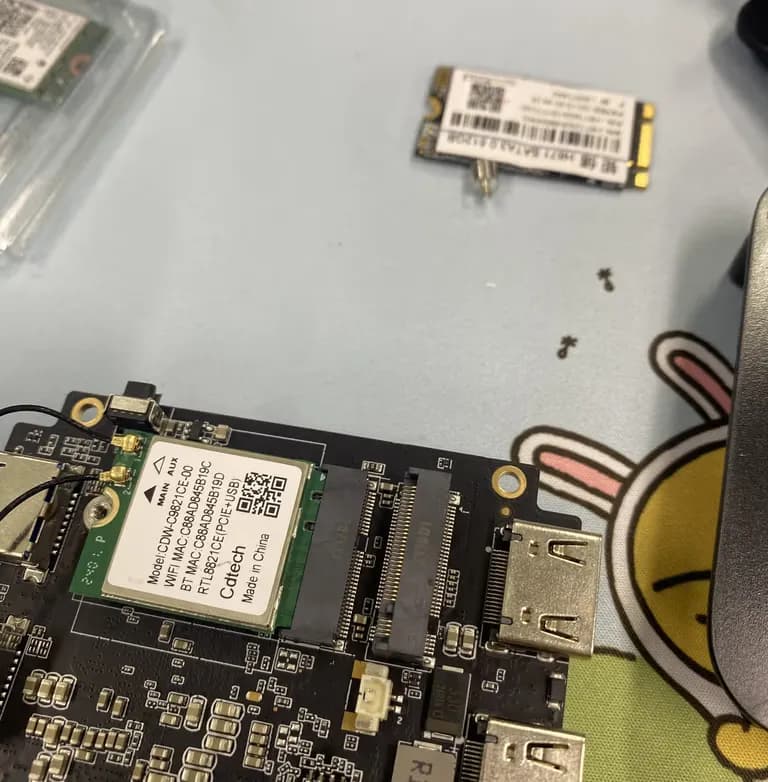
Those mad ones glued the antenna with a hot glue gun??
There's no separate devil.
Hot glue comes off easily if you touch the adhesive area, so I gently nudged it with the cutter knife's tip.
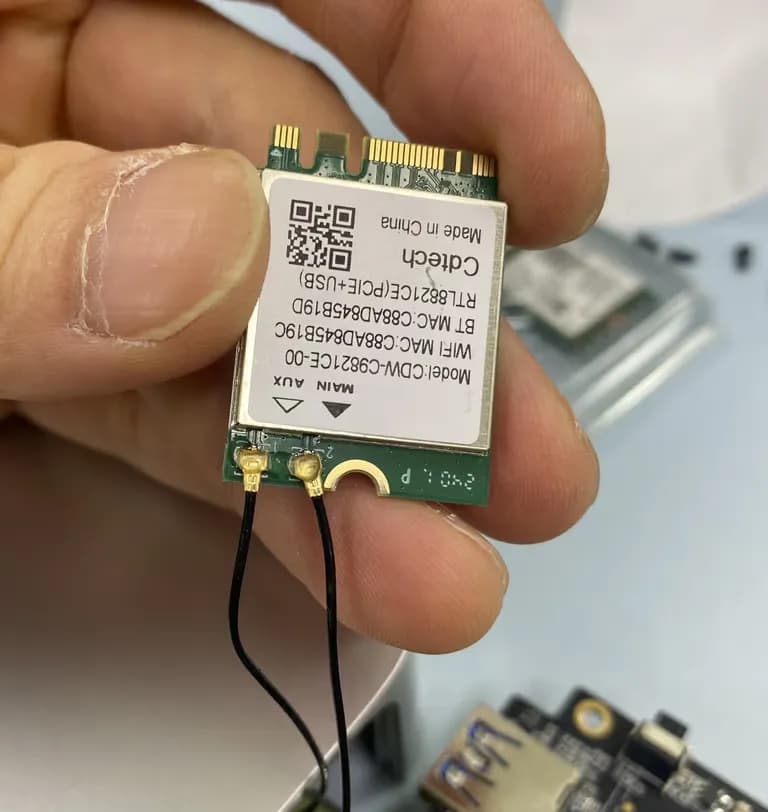
When the glue starts to come off the network card, it becomes slightly opaque.
Repeating this...
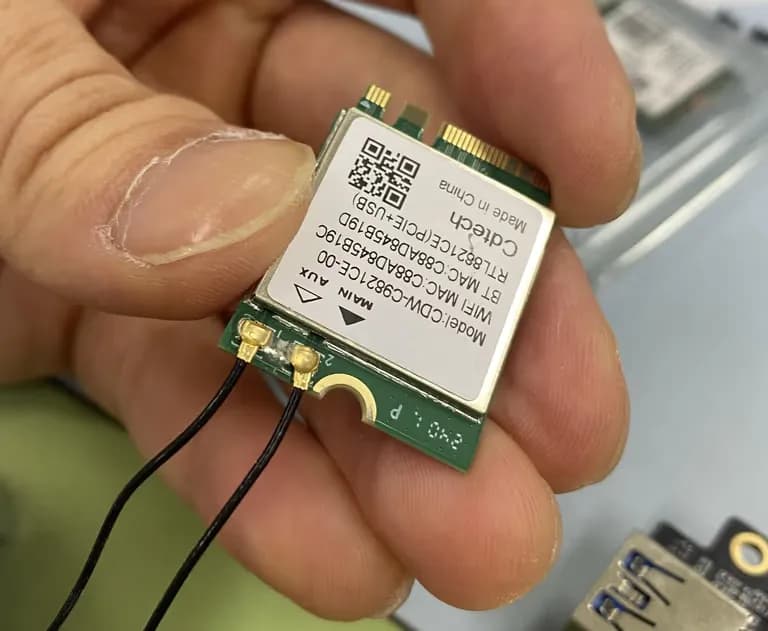
The glue and antenna came off together.
I cleaned up the rest of the glue and the antenna's glue.
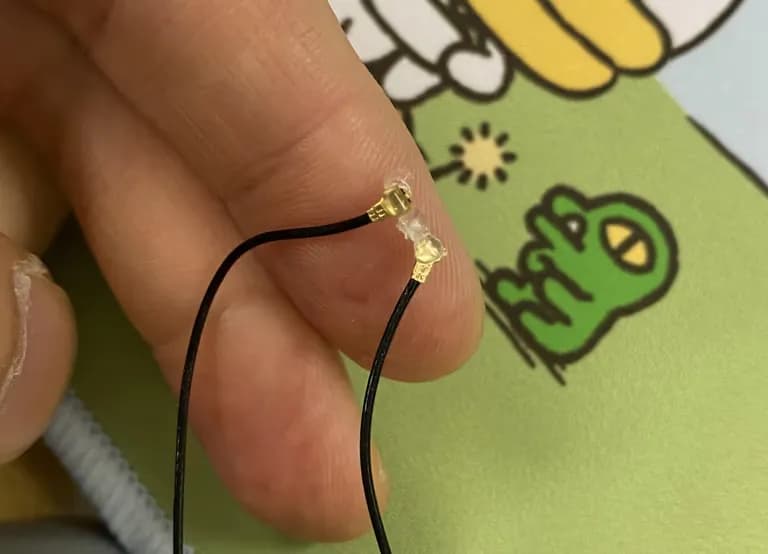
Then sealed it with the protective plastic antenna from China.
Assembly is the reverse of disassembly.
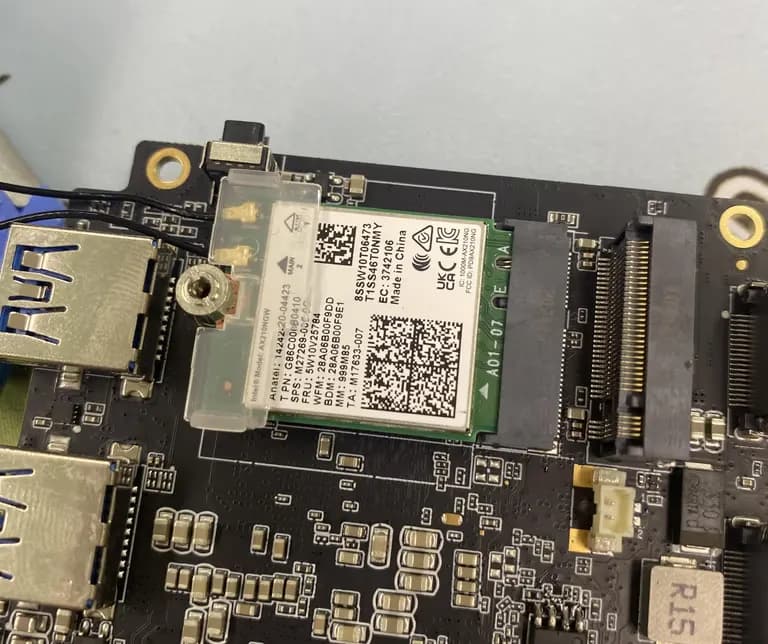
I was curious about the SSD specifications and saw it was SATA 3.0.
I thought about upgrading to PCIe but found out there’s no noticeable difference on the N100.
Let's just use it as is.
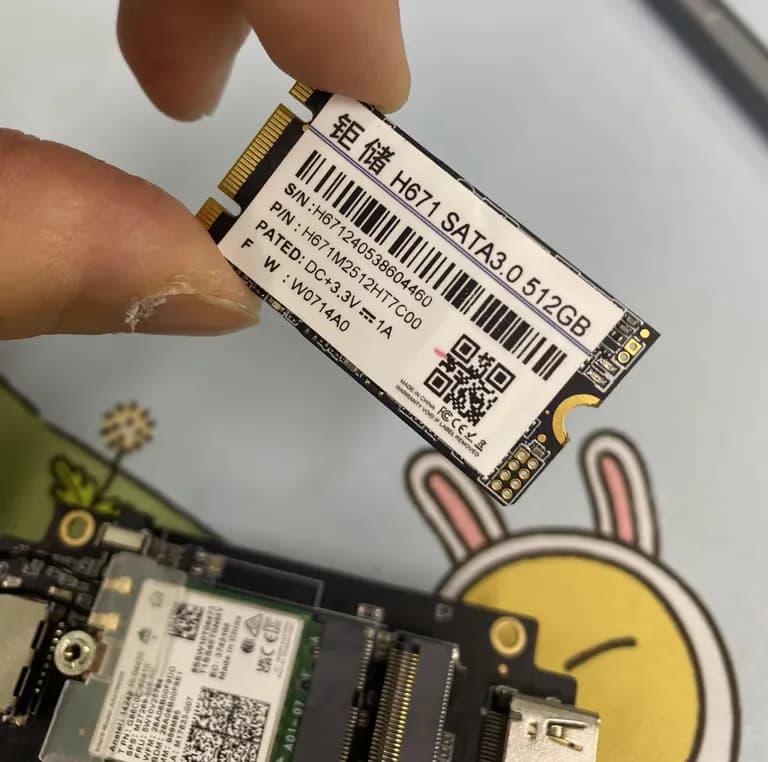
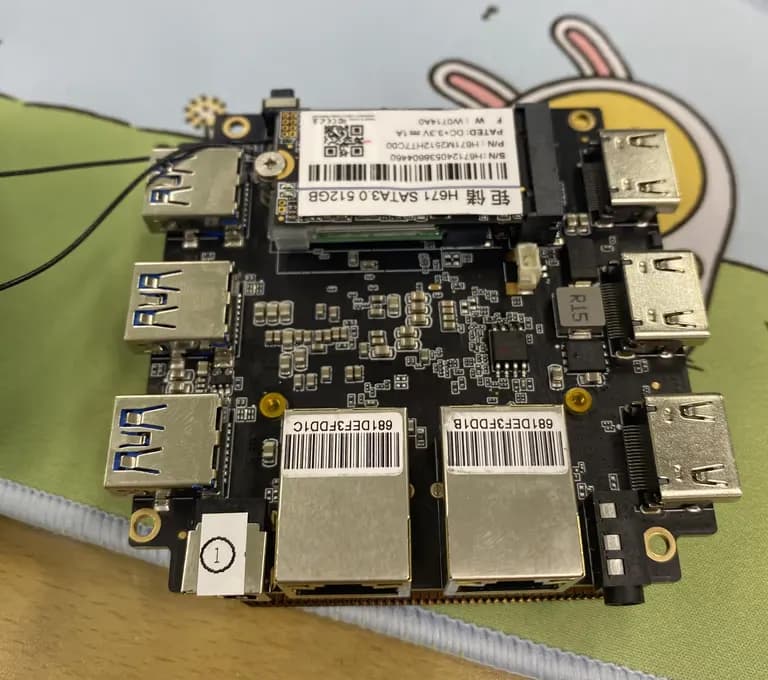
To prevent any unforeseen problems, I connected the power and booted it before assembly.
The fan spins well.
I've heard the cooling system often fails, but mine is still in good shape, luckily.
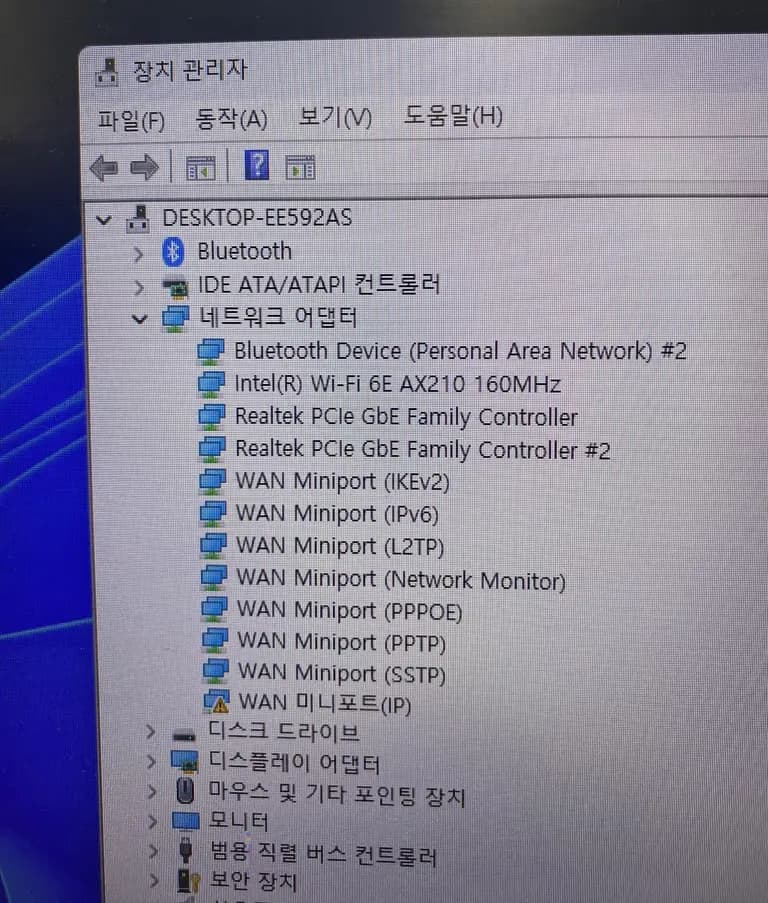
After booting, I checked in Device Manager and AX210 was shown properly.
There's a lot of talk about SSDs failing, which is worrying, but I hope it lasts a long time.





댓글을 불러오는 중...