우분투를 설치한 후, 아무리 로지텍 k480 키보드를 연결하려고 해도 잡지를 못했다.
그래서 열심히 구글링을 해보니 블루투스 모듈의 문제인 것 같았다.
이때는 아래와 같은 절차에 따라 연결을 시도하면 된다.
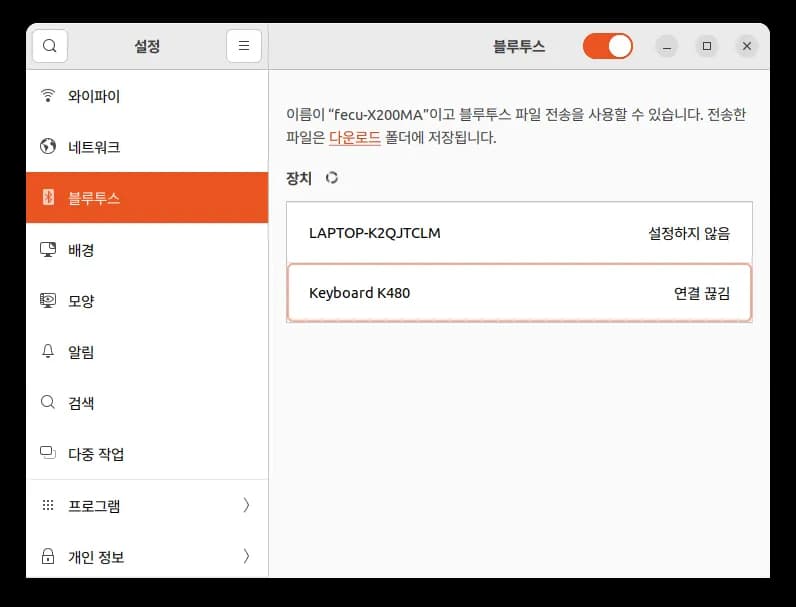
먼저 키보드의 연결 방식을 MacOS로 설정한다.
그리고 Ctrl + Alt + t를 눌러 터미널을 실행한 뒤 아래와 같이 입력한다.
sudo apt-get update
sudo apt-get install bluez
이렇게 하니 그제서야 키보드가 제대로 잡힌다.
우분투를 쓰니 키보드 연결 하나도 때로는 어렵다.






댓글을 불러오는 중...