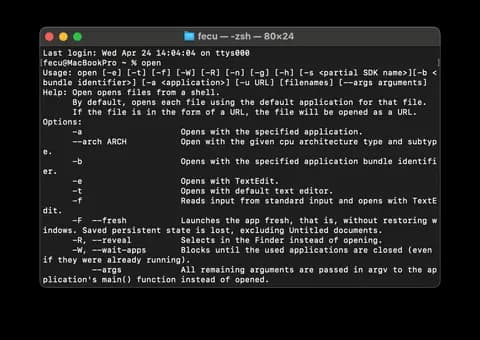
While using a MacBook or Mac Mini, I accidentally misconfigured the environment variables, and commands like nano, vi, vim, open stopped working.
I thought I had to reinstall everything, but a quick search showed that creating a new .zshrc and adding basic settings would fix it.
First, it's a good idea to backup existing environment variables in case you need them later.
The command mv changes the location or name of a file.
mv ~/.zshrc ~/.zshrc_backup
mv ~/.zprofile ~/.zprofile_backup
Then, enter the following command:
touch ~/.zshrc
echo "export PATH=$PATH" > ~/.zshrc
source ~/.zshrc
touch is a command used to create or update a file.
echo "content" > {filename} adds the content to the specified file. source runs a file in the terminal and is used with ~/.zshrc to modify and apply environment variables.
By entering these commands in the terminal, the terminal will be reset.
However, please note that all previously set environment variables will also be reset.






댓글을 불러오는 중...